Hello, dear friends!
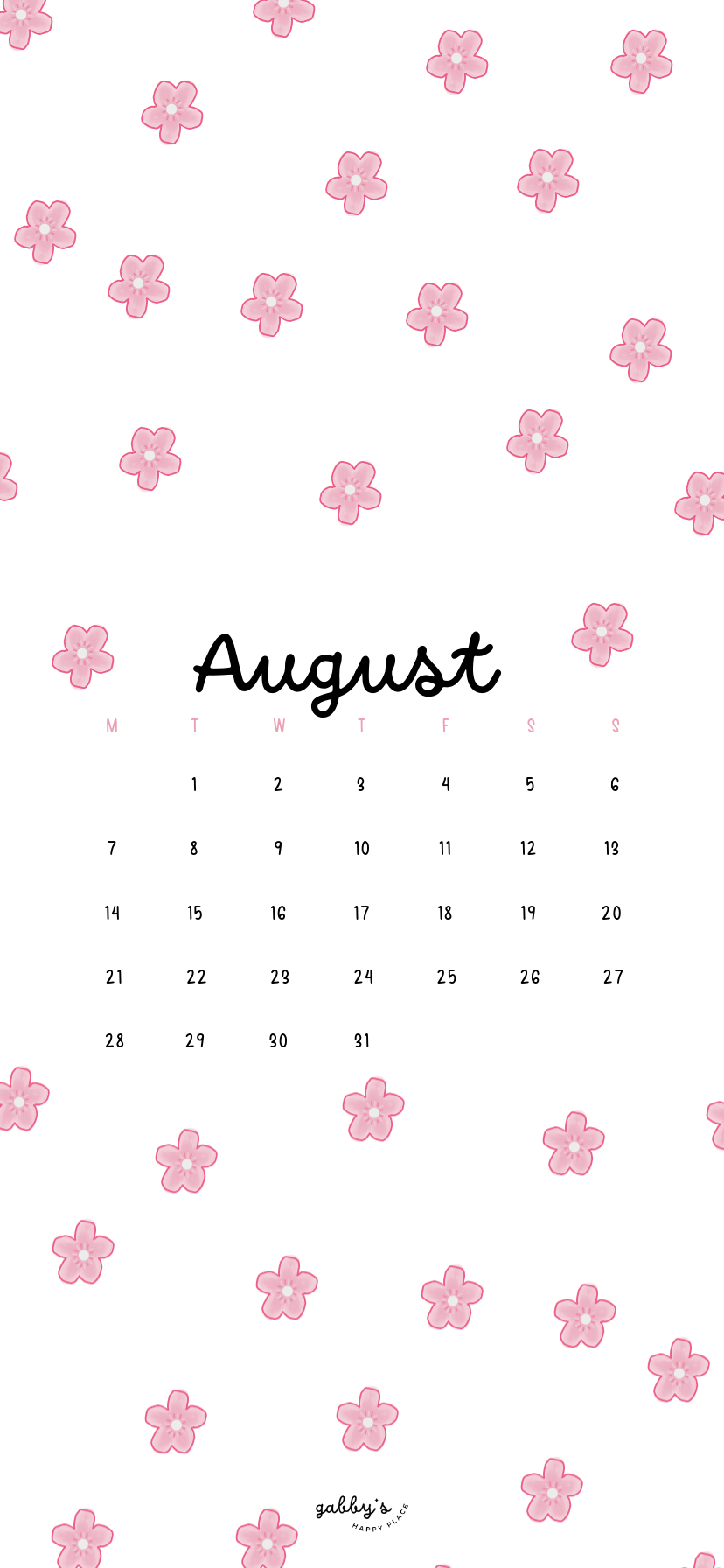
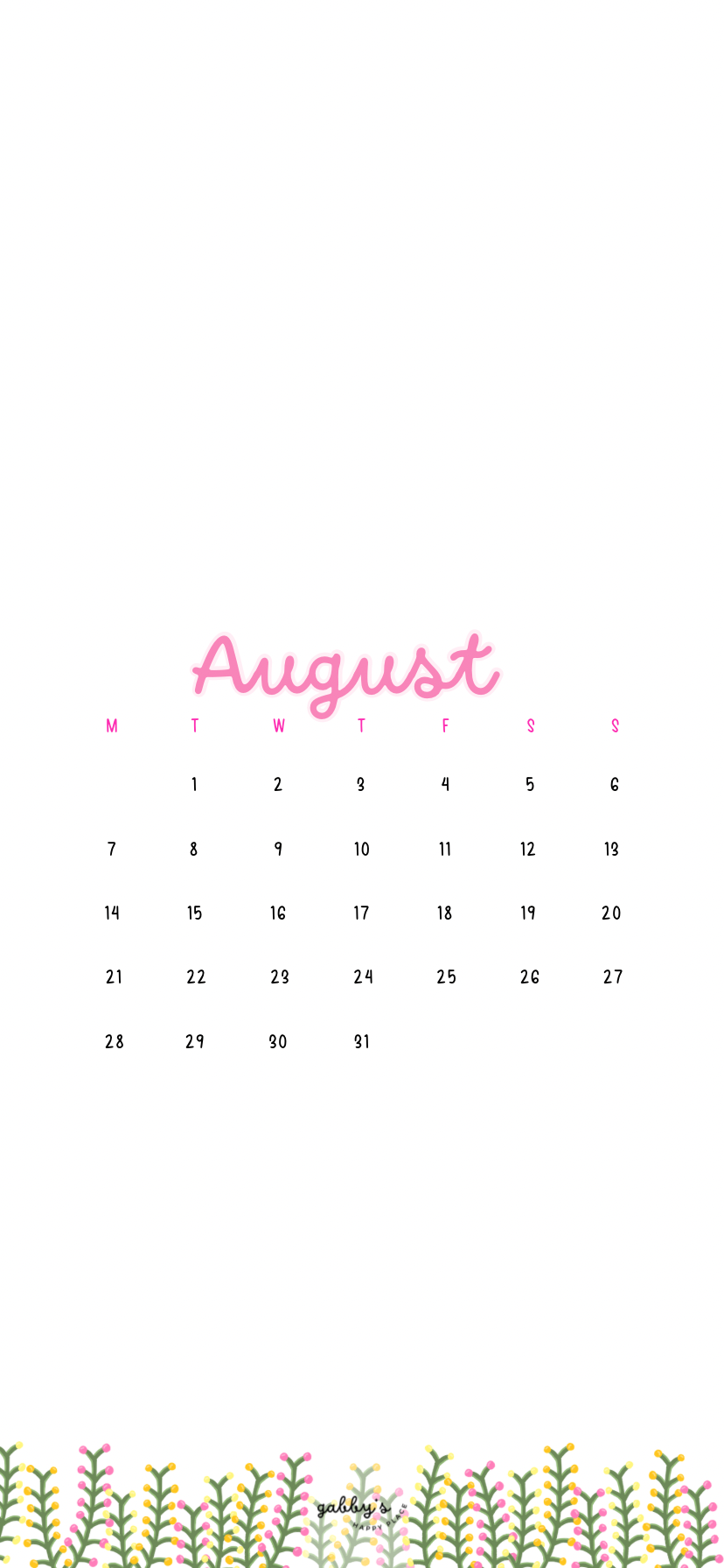
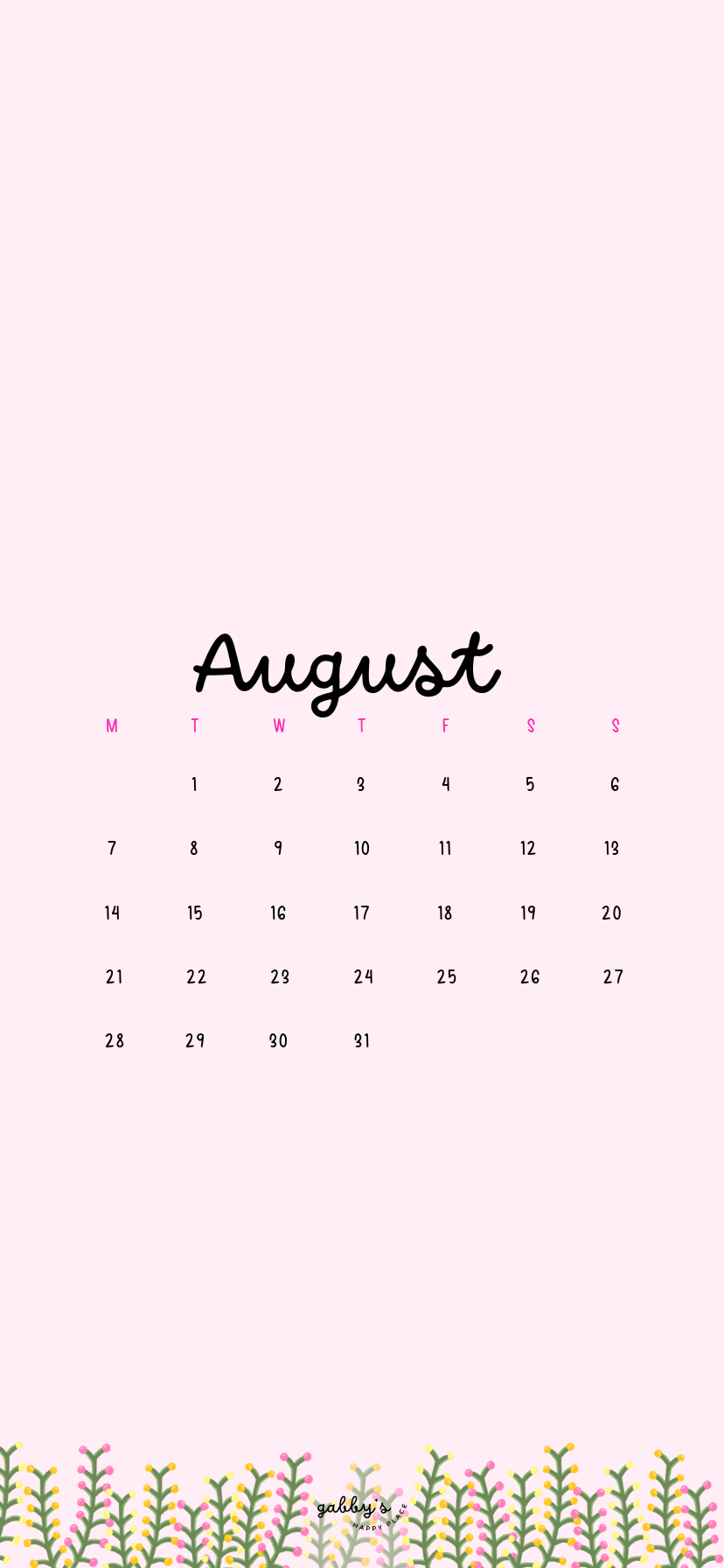
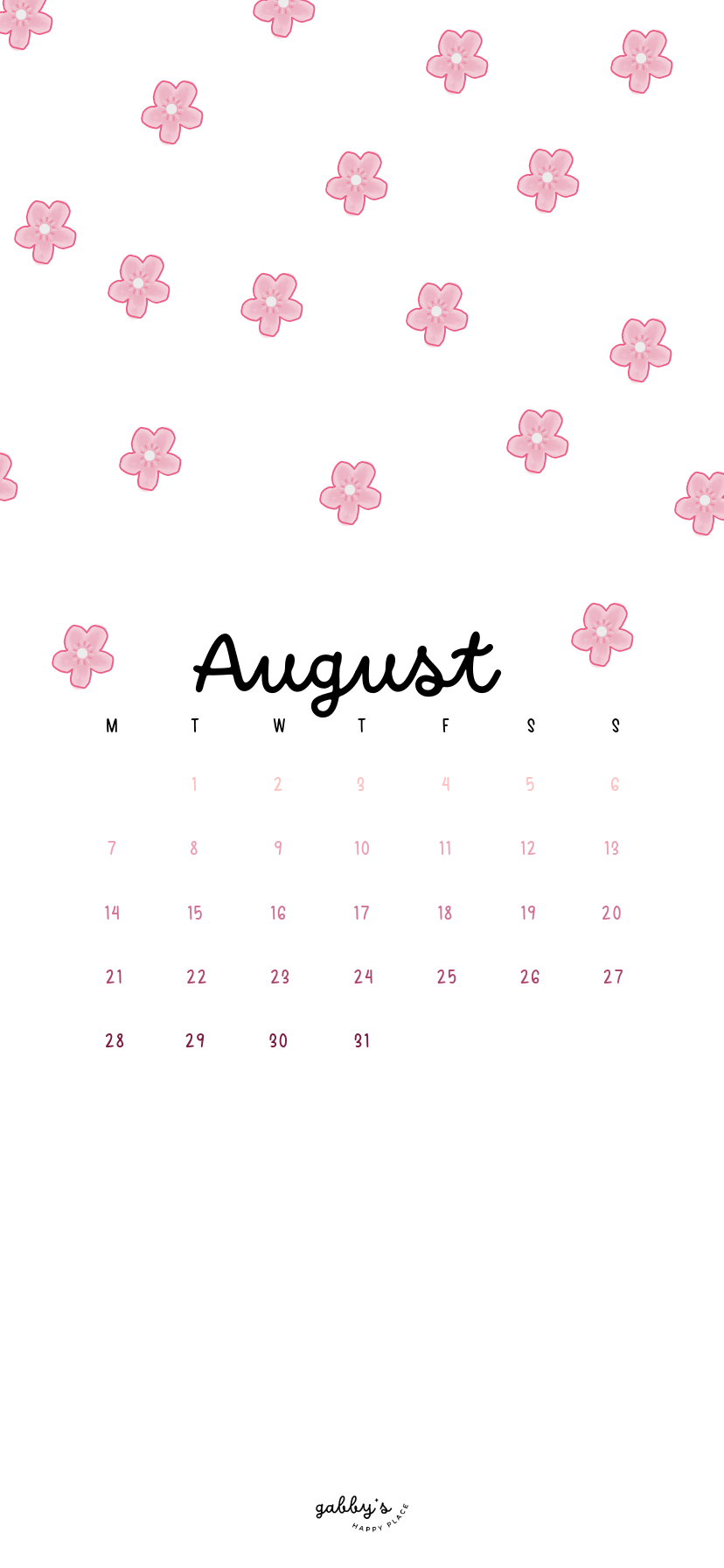
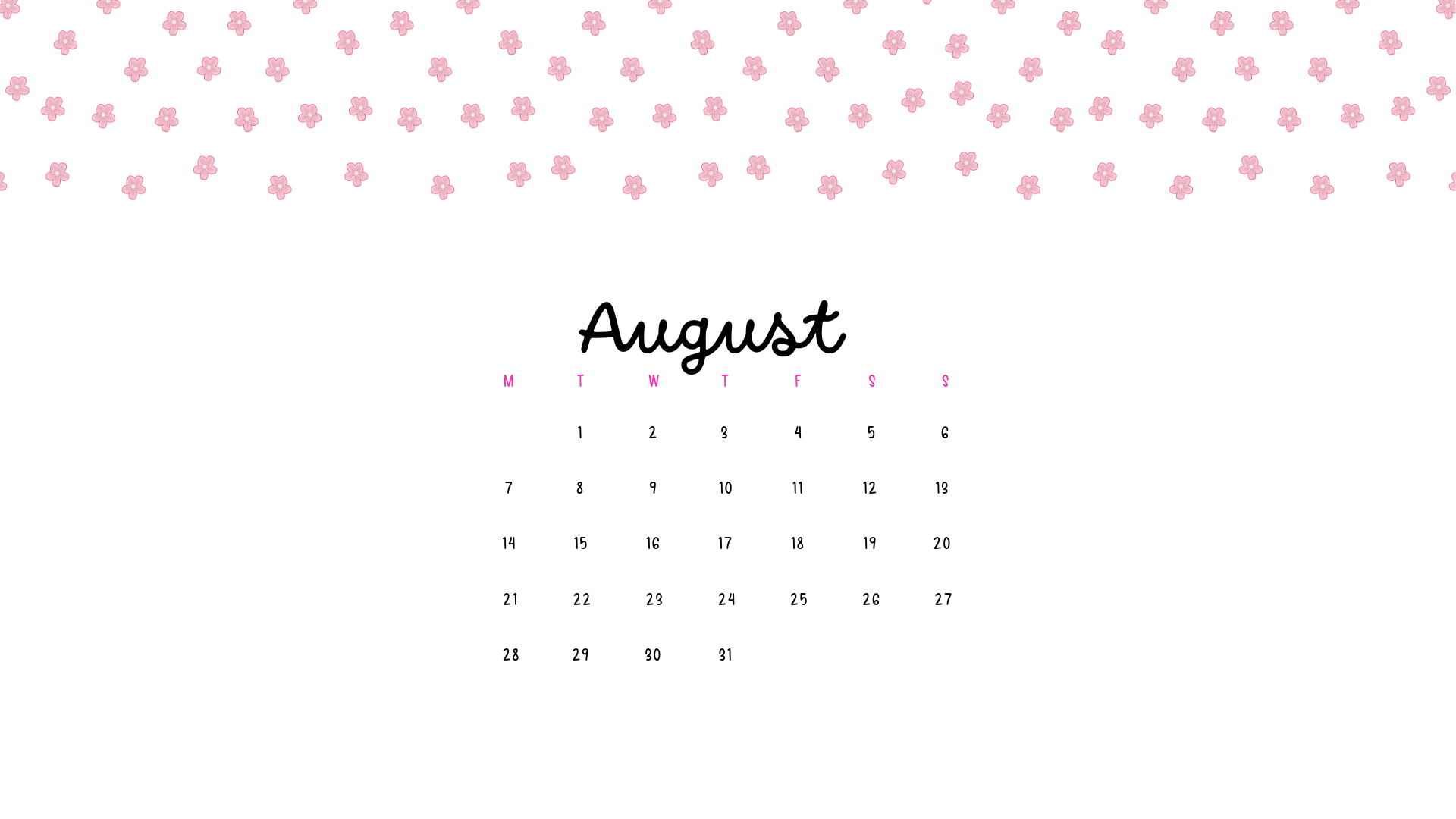
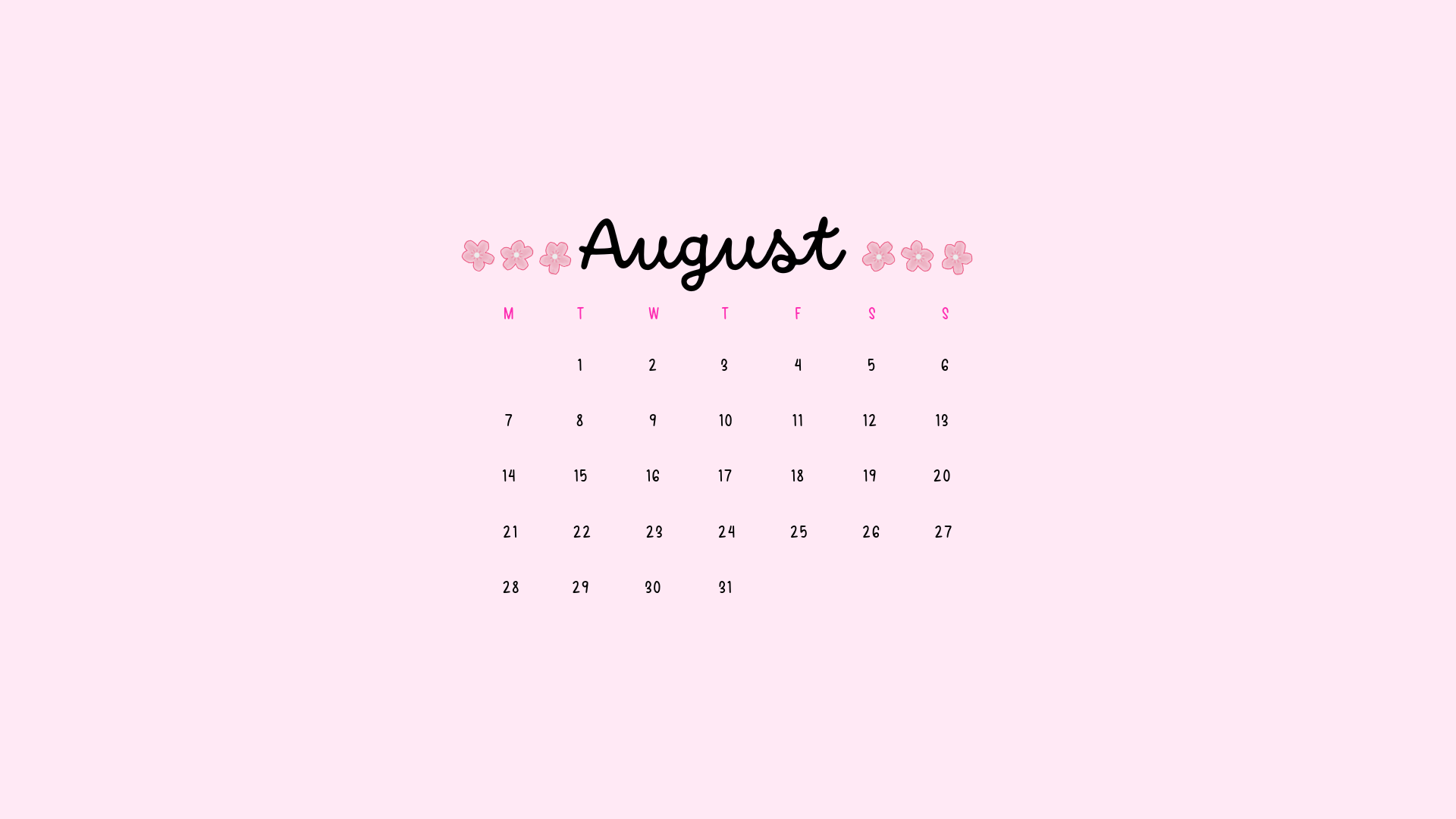
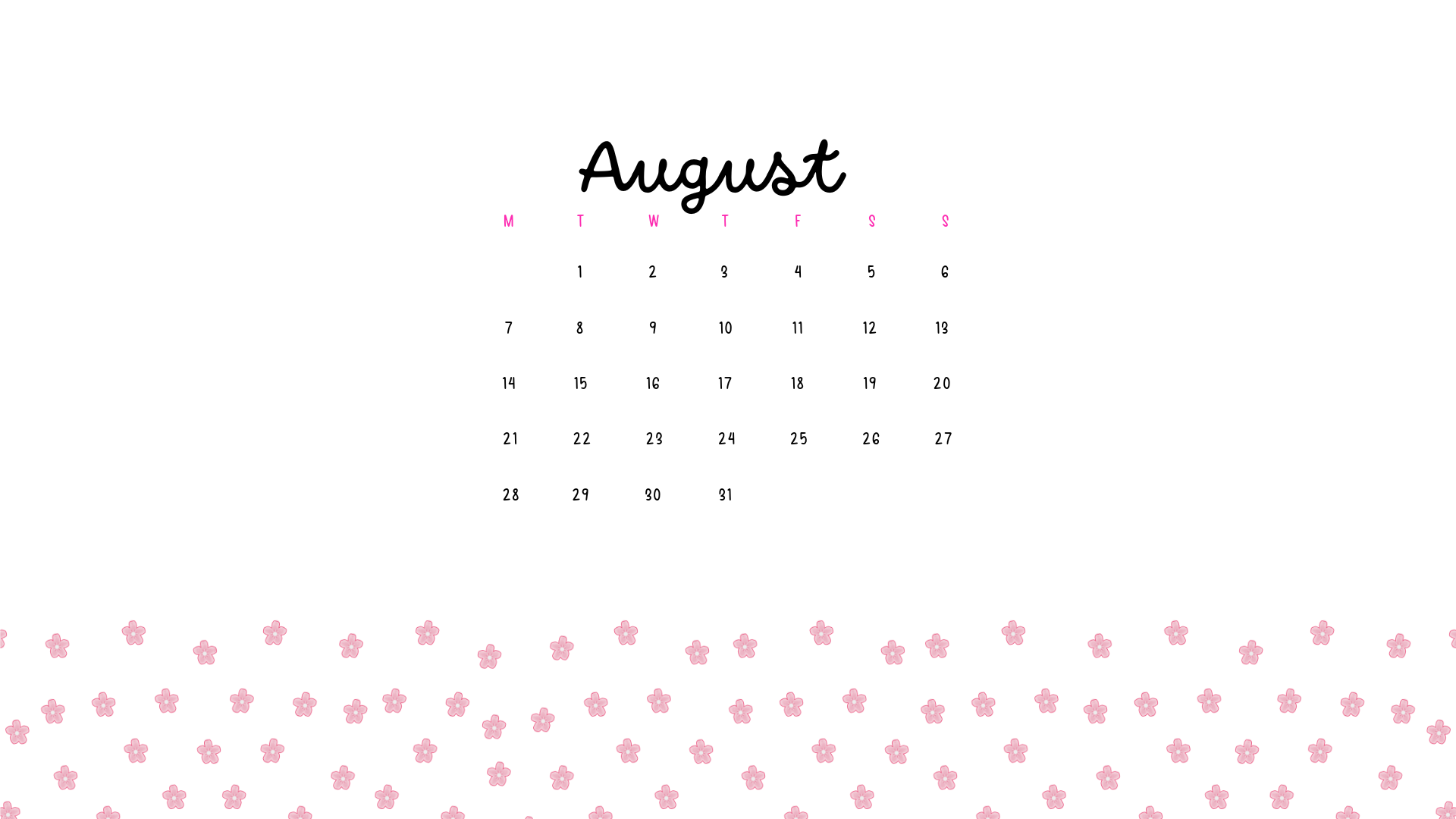
As we enter August, why not greet the month with a fresh wallpaper? Introducing our newest collection of August 2023 Calendar Wallpapers, meticulously designed to infuse your digital space with both style and functionality. Picture this: delicate pink petals dancing across your screen, reminding you of the beauty that surrounds us even in the busiest of times.
With each glance at your device, you’ll not only stay organized with our handy calendar, but you’ll also be treated to a visual delight that uplifts your spirits and brightens your day. So, let’s welcome August with open arms and adorn our screens with these delightful pink floral wallpapers, turning our digital spaces into vibrant gardens of productivity and joy!
Don’t forget to subscribe to email notifications so you never miss out when I drop new freebies. Plus, as a subscriber, you get exclusive access to the Subscribers’ Vault where all the best goodies are stored! And make sure to check out my shop for more content! You can find other wallpapers on my Wallpaper Page or click here. #WallpaperWednesday
Happy August!,
Gabby.
If you came across this post but it is from a past month, make sure to check out here to see all my Calendar Wallpapers and find the most recent one! All my calendar wallpapers include undated versions so make sure to check those out down below!

Table of Contents
Benefits of having a calendar wallpaper
Having a calendar as your wallpaper is super handy! It keeps you organized by providing a constant visual reminder of important dates and events. Plus, it helps you manage your time more effectively by allowing you to quickly glance at upcoming appointments without needing to open a separate app. This saves you time and keeps you on track with your schedule. Additionally, a calendar wallpaper adds a decorative touch to your device’s screen, making it both functional and visually appealing.

Phone Wallpapers
How to download and set up these phone wallpapers:
- Long-press on the images below.
- Select save image or download.
- Open your photo app and click on the wallpaper.
- Set as your phone wallpaper or lockscreen.
- Enjoy your wallpaper!
If you need more help with the installation of these wallpapers make sure to check my guide “How to download and set up your new wallpaper on any device” here. Need extra help? If you have any questions or need assistance, feel free to check my FAQs page or reach out to me at gabbyshappyplace@gmail.com I’m here to help!
August 2023 Calendar Wallpapers – Phone


Computer Wallpapers
How to download these computer wallpapers
Windows users:
- Find the wallpaper you want and save the image.
- Right-click on your desktop and select “Personalize.”
- Click on “Background” and then “Browse” to locate the saved wallpaper.
- Select the wallpaper and adjust settings if needed.
- Click “Choose picture” or “Save changes” to apply.
- Enjoy your wallpaper!
Mac users:
- Find the wallpaper you want and save the image.
- Open System Preferences from the Apple menu.
- Click on “Desktop & Screen Saver.”
- In the Desktop tab, click the “+” button to add the saved wallpaper.
- Select the wallpaper from your saved location.
- Adjust settings like picture fit and screen selection if needed.
- Enjoy your wallpaper!
If you need more help with the installation of these wallpapers make sure to check my guide “How to download and set up your new wallpaper on any device” here. Need extra help? If you have any questions or need assistance, feel free to check my FAQs page or reach out to me at gabbyshappyplace@gmail.com I’m here to help!
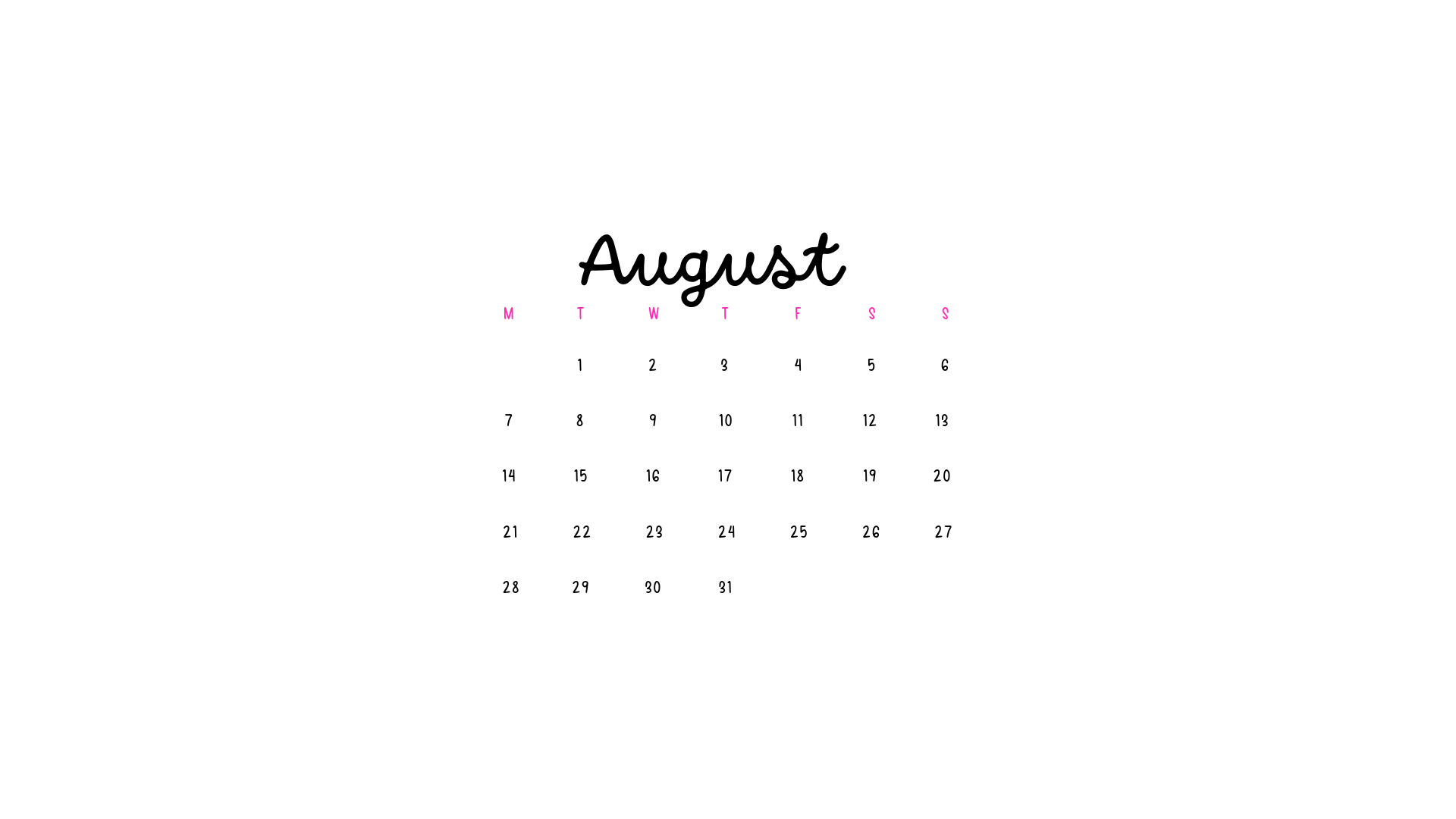
August 2023 Calendar Wallpapers – Computer


I hope you love these wallpapers! Let me know in the comments below which is your favorite and what other content you want to see next!