Hey dear subscriber!
Thanks for opting into my email notifications! I want to thank you by posting exclusive access that I make only for you (You can always find more subscribers’ exclusive content in the Vault or you can click here!).
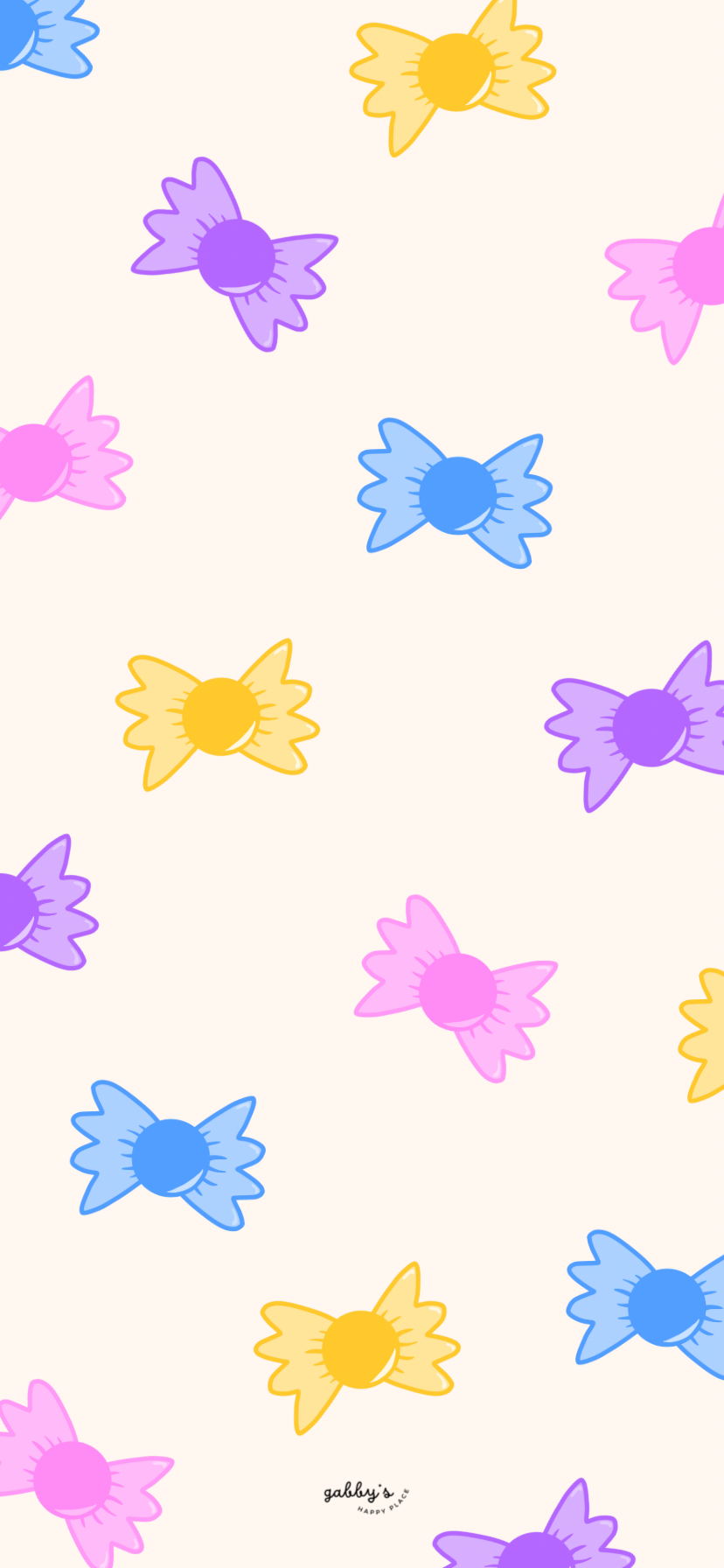
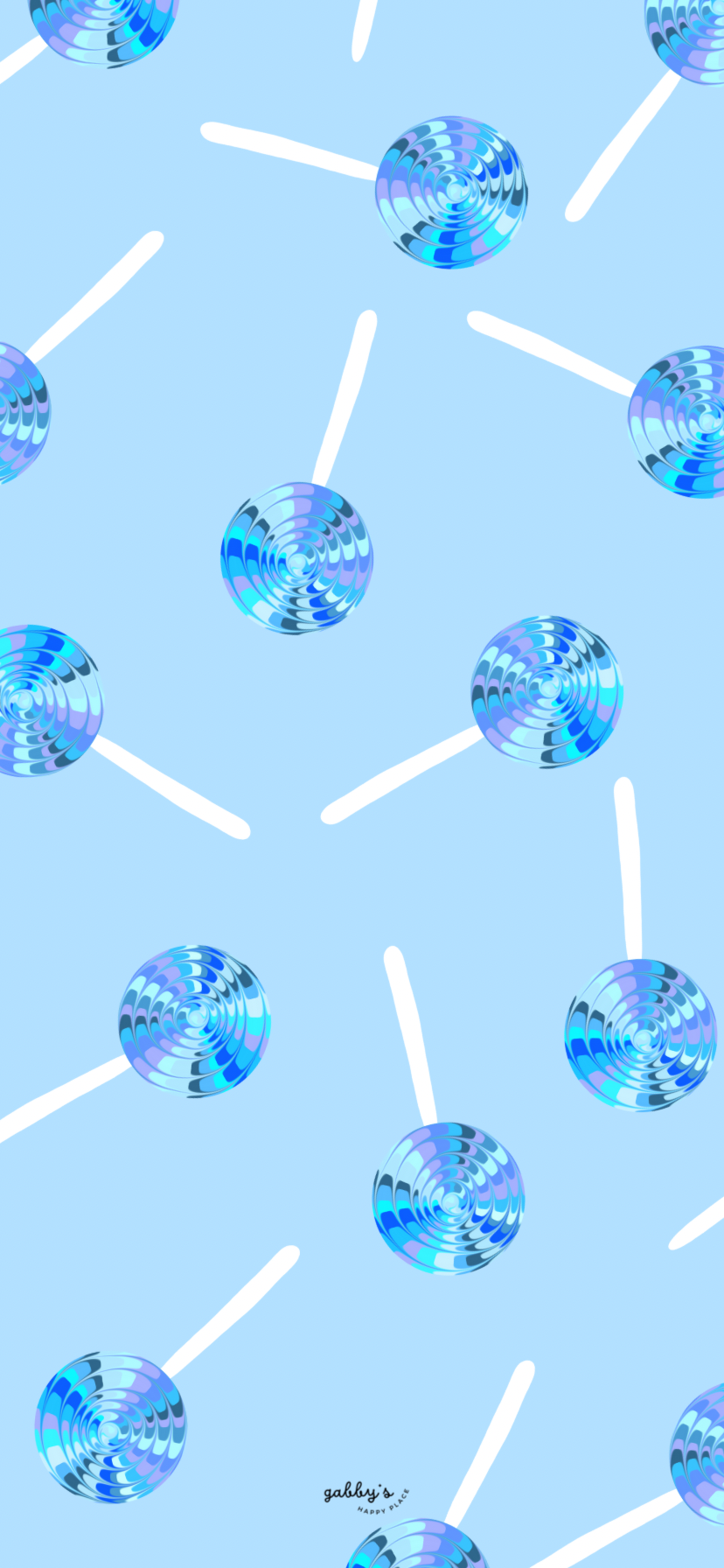
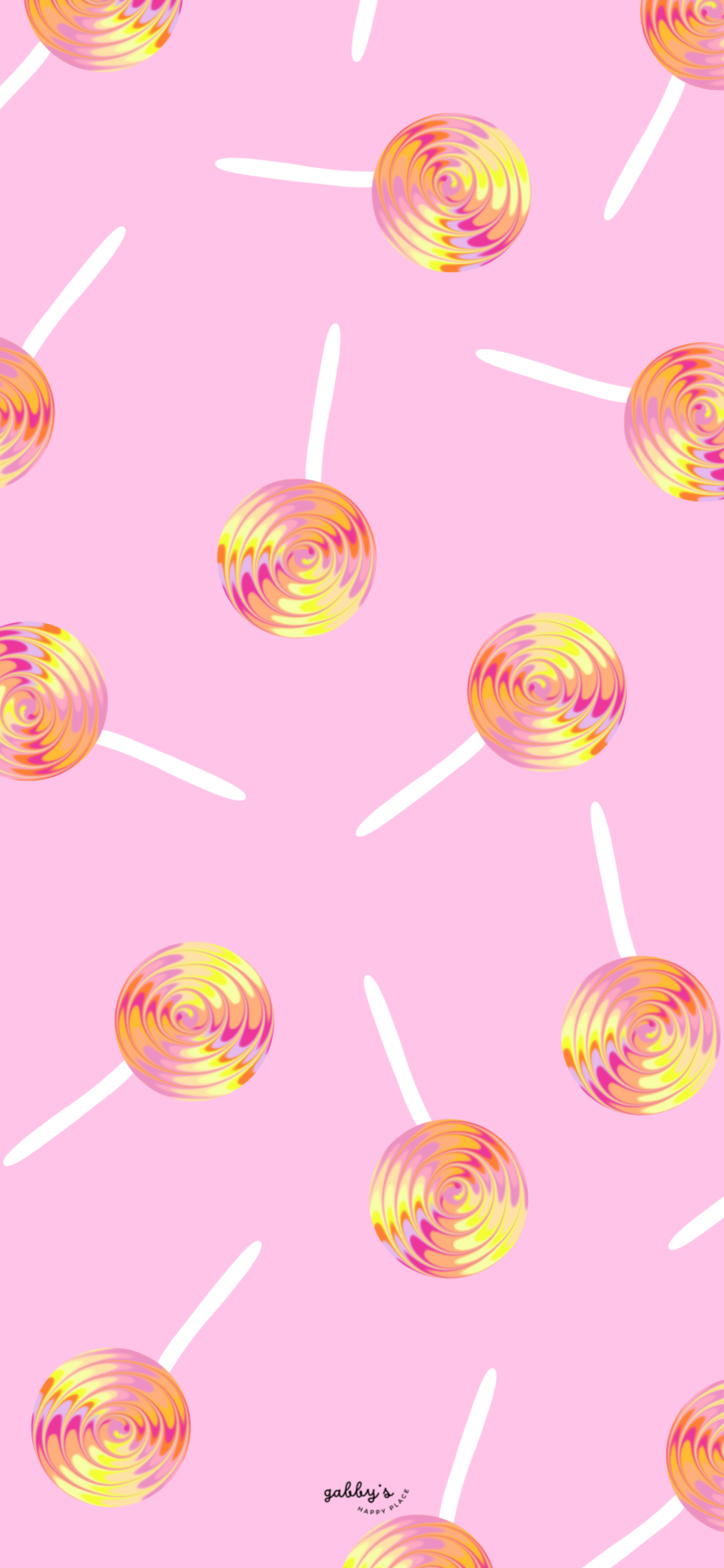
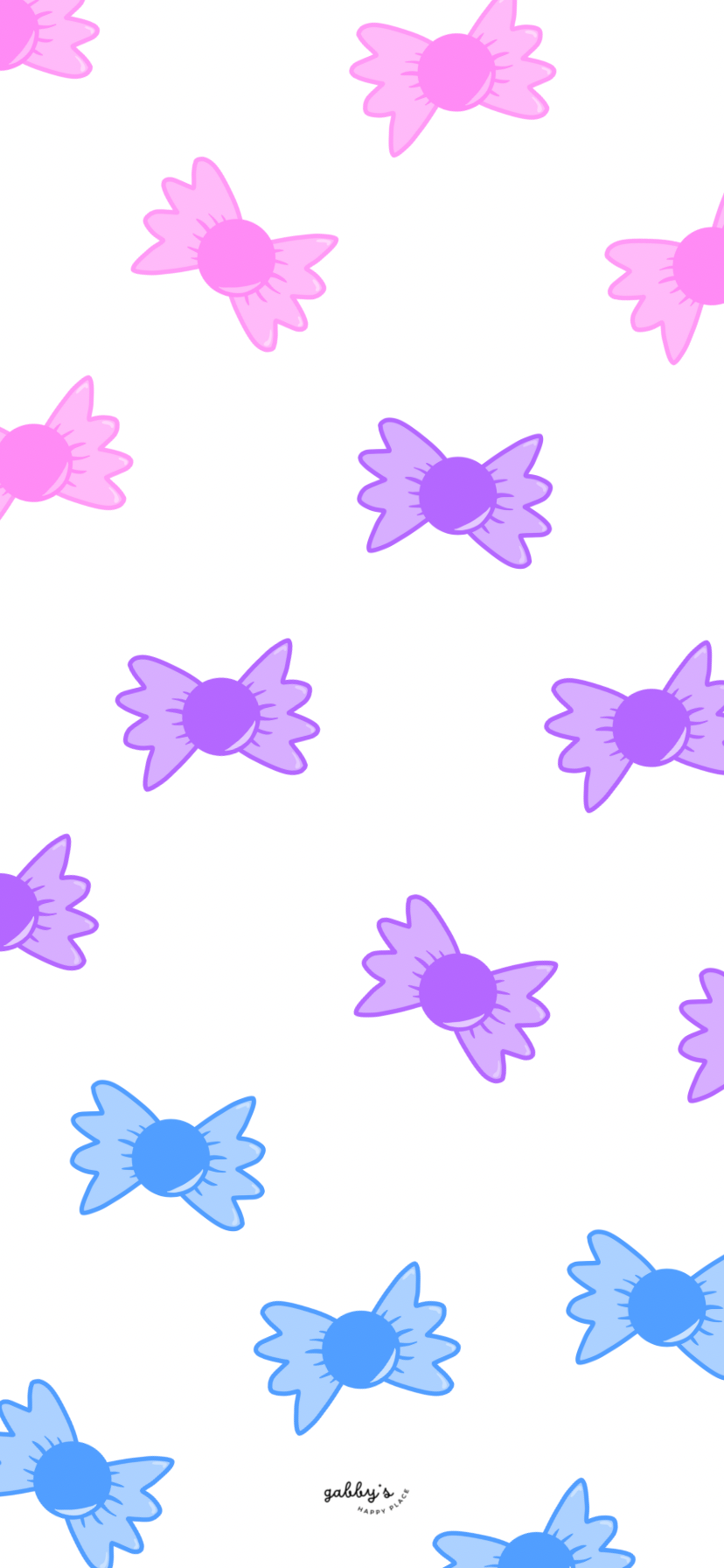
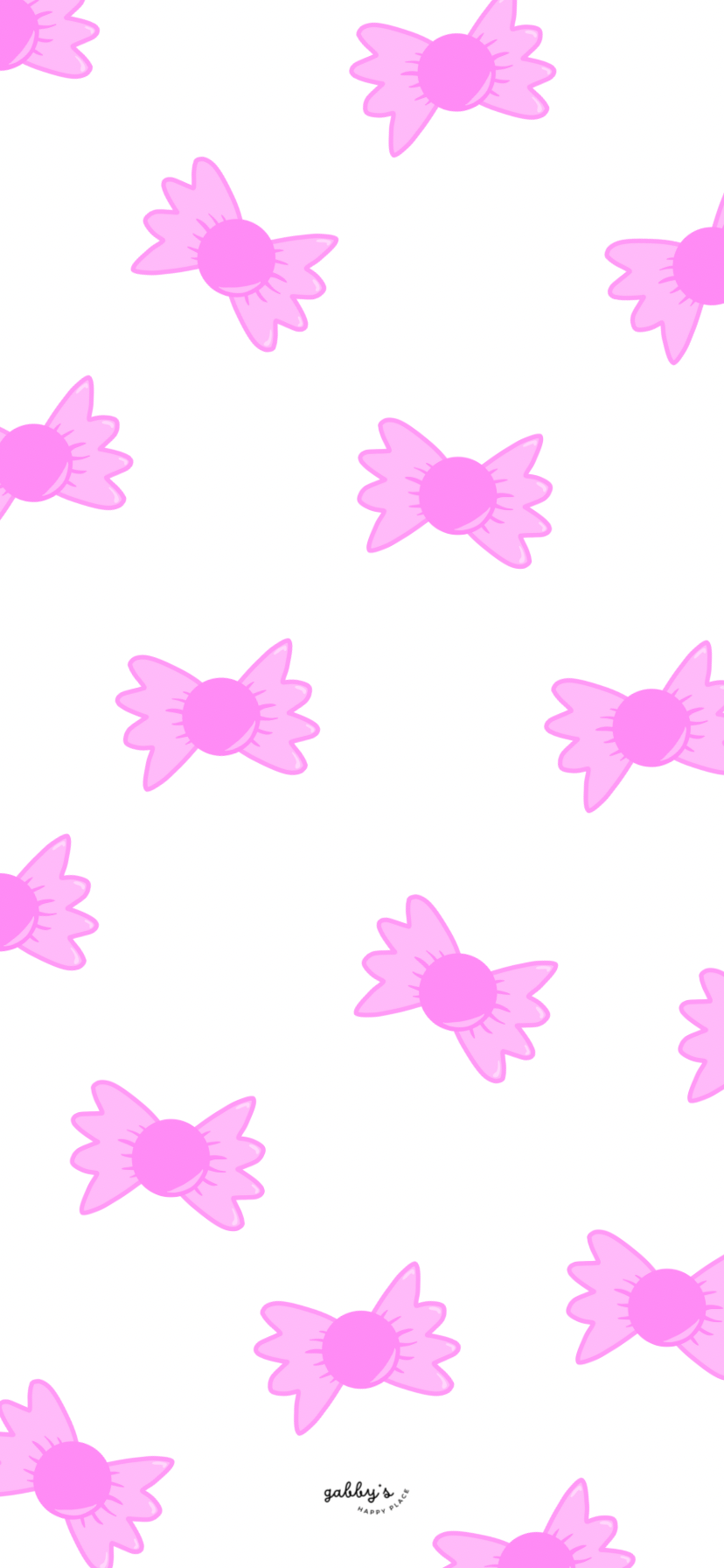
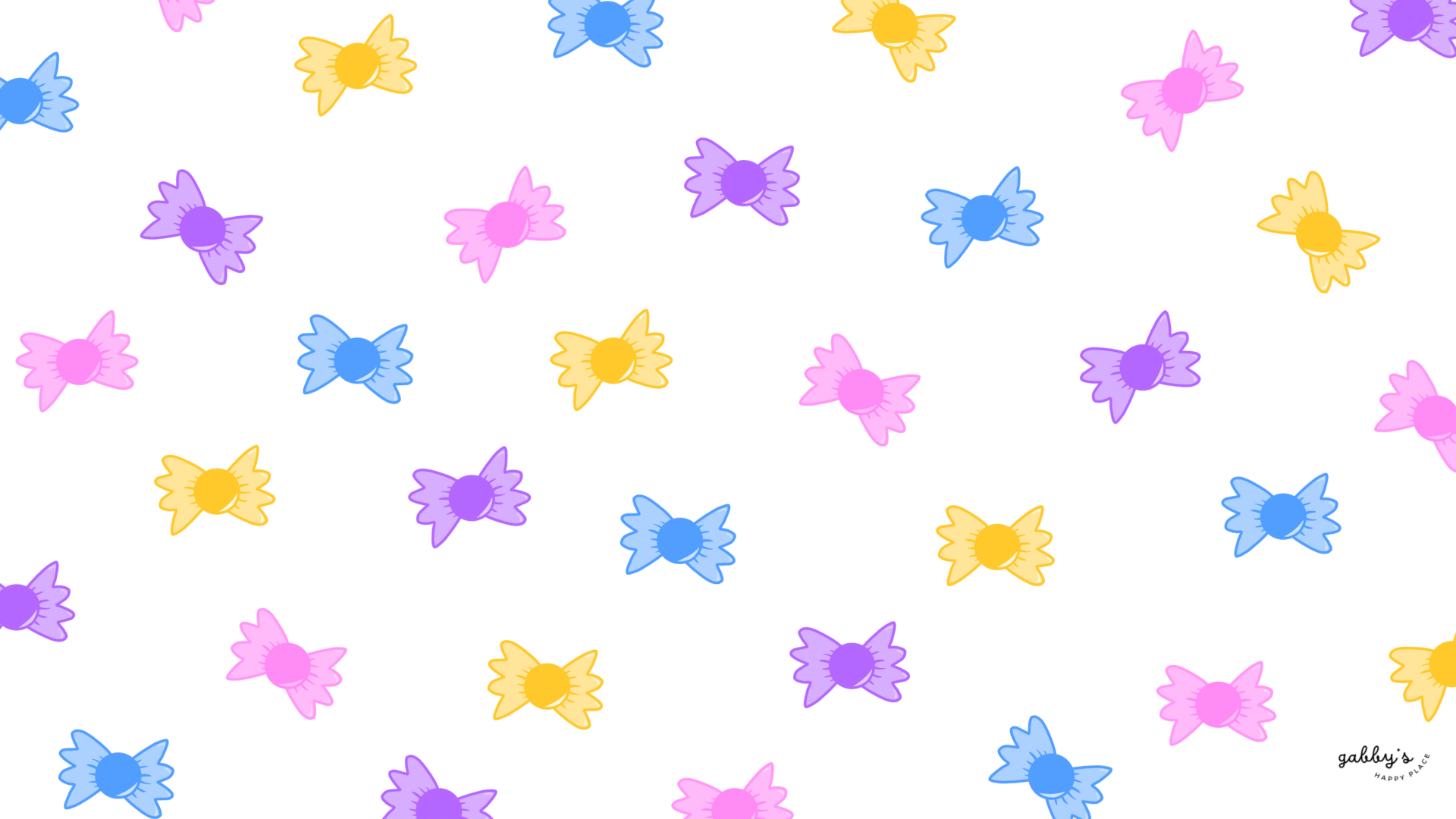
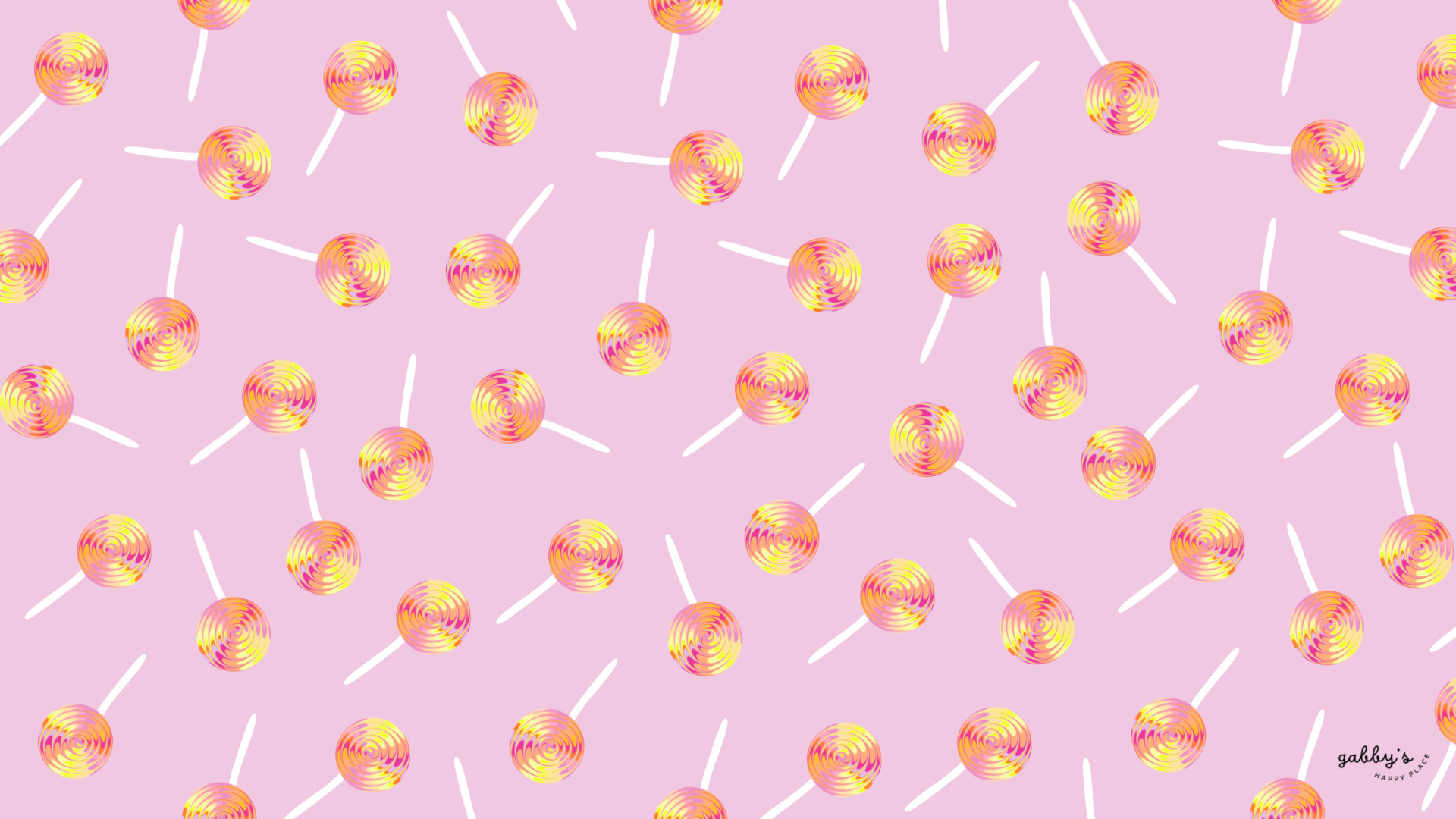
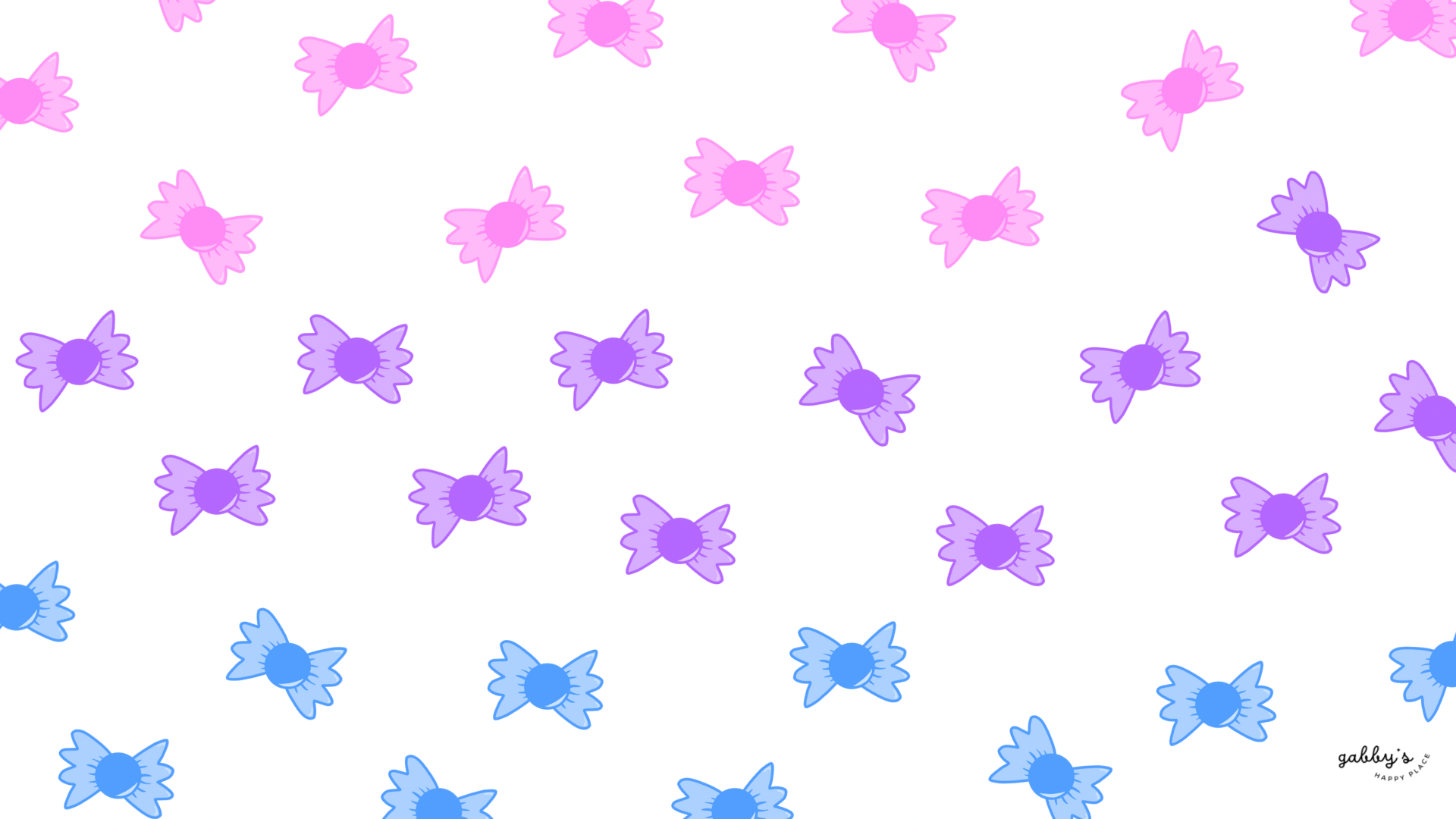
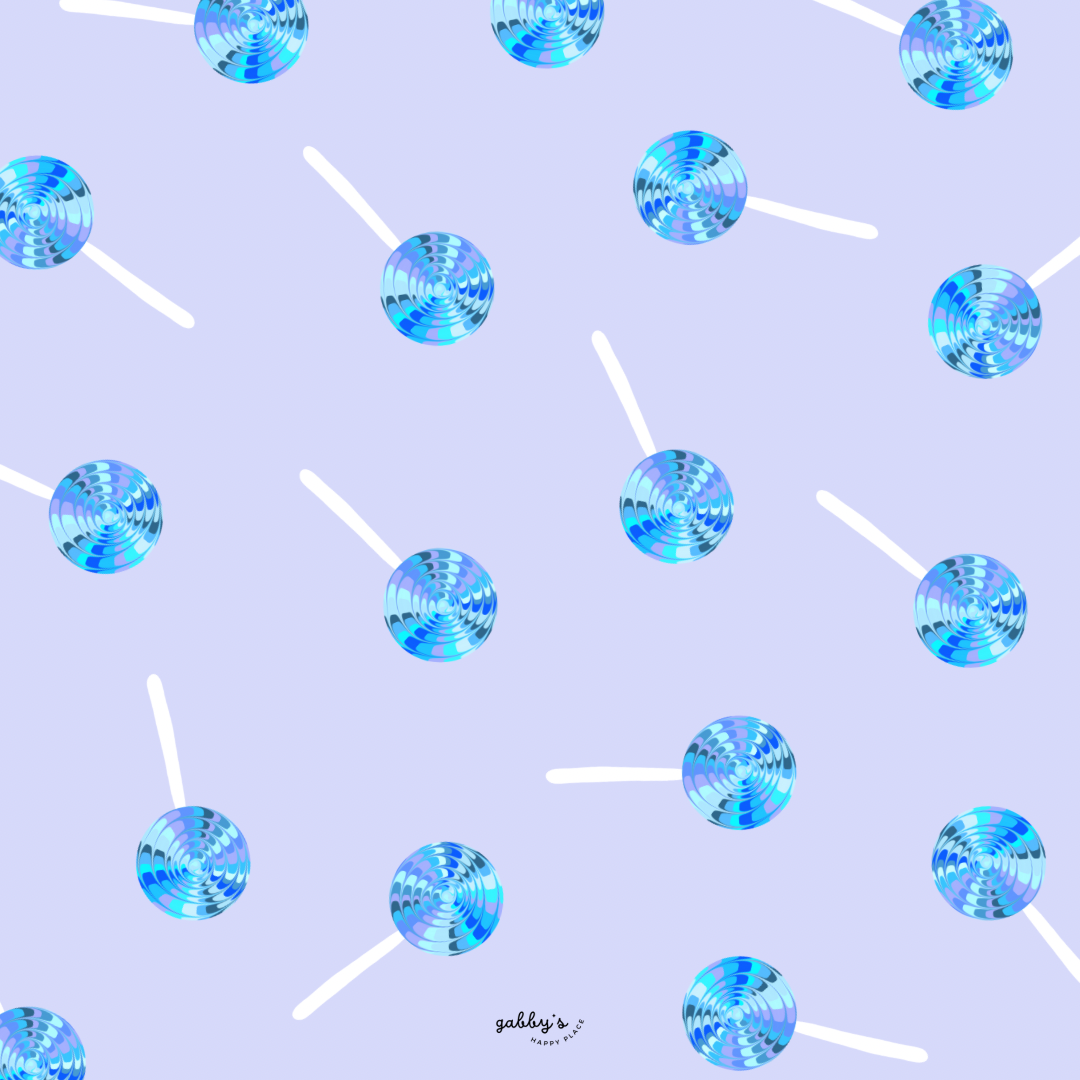
Indulge your sweet tooth and add a touch of whimsy to your digital devices with our irresistible Candy Whimsical Wallpapers collection! Dive into a world of sugary delights as we bring you a delectable assortment of wallpapers designed to satisfy your craving for sweetness.
From vibrant candy colors to playful designs, these wallpapers will surely add fun to your phone, computer, and smartwatch screens. Get ready to treat yourself to a visual feast with our Candy Wallpapers – because who says wallpapers can’t be as sweet as candy? And make sure to check out my shop for more content! You can find other wallpapers on my Wallpaper Page or click here. #WallpaperWednesday
XOXO,
Gabby.

Table of Contents
Why having matching wallpapers on all your devices is awesome?
Having matching wallpapers across all your devices is not only visually pleasing, but it also adds a fun and cohesive vibe to your digital world! Coordinating wallpapers bring a touch of personalization and style to each device while keeping everything looking neat and organized.
Plus, it’s super satisfying to have your phone, computer, and smartwatch all rocking the same cool wallpaper – talk about #squadgoals! Whether you’re a professional or just love to keep things looking fresh, matching wallpapers are a simple way to level up your digital game and make everything look on point!

Candy Whimsical Wallpapers
Phone Wallpapers
How to download and setup these phone wallpapers:
- Long-press on the images below.
- Select save image or download.
- Open your photo app and click on the wallpaper.
- Set as your phone wallpaper or lockscreen.
- Enjoy your wallpaper!
If you need more help with the installation of these wallpapers make sure to check my guide “How to download and set up your new wallpaper on any device” here. Need extra help? If you have any questions or need assistance, feel free to check my FAQs page or reach out to me at gabbyshappyplace@gmail.com I’m here to help!


Computer Wallpapers
How to download and setup these computer wallpapers:
Windows users:
- Find the wallpaper you want and save the image.
- Right-click on your desktop and select “Personalize.”
- Click on “Background” and then “Browse” to locate the saved wallpaper.
- Select the wallpaper and adjust settings if needed.
- Click “Choose picture” or “Save changes” to apply.
- Enjoy your wallpaper!
Mac users:
- Find the wallpaper you want and save the image.
- Open System Preferences from the Apple menu.
- Click on “Desktop & Screen Saver.”
- In the Desktop tab, click the “+” button to add the saved wallpaper.
- Select the wallpaper from your saved location.
- Adjust settings like picture fit and screen selection if needed.
- Enjoy your wallpaper!
If you need more help with the installation of these wallpapers make sure to check my guide “How to download and set up your new wallpaper on any device” here. Need extra help? If you have any questions or need assistance, feel free to check my FAQs page or reach out to me at gabbyshappyplace@gmail.com I’m here to help!


With space for apps and notes:
*As a Mac user I love adding sticky notes on my desktop with things I have to remember, buy or to write down to do lists. If you don’t know how to add them on your desktop, you can learn here.


Smartwatch Wallpapers
How to download and setups these smartwatch wallpapers:
- Find the wallpaper you want and save the image.
- Open the companion app for your smartwatch on your smartphone.
- Navigate to the section for customizing your watch face or wallpaper.
- Choose the option to add a new wallpaper or watch face.
- Select the saved image from your phone’s gallery or file manager.
- Adjust settings such as position and style if available.
- Save or apply the wallpaper to your smartwatch.
- Enjoy your customized smartwatch wallpaper!
If you need more help with the installation of these wallpapers make sure to check my guide “How to download and set up your new wallpaper on any device” here. Need extra help? If you have any questions or need assistance, feel free to check my FAQs page or reach out to me at gabbyshappyplace@gmail.com I’m here to help!


I hope you love these wallpapers! Let me know in the comments below which is your favorite and what other content you want to see next!