
Hey there, summer lovers!
Thanks for opting into my email notifications! I want to thank you by posting exclusive access that I make only for you (You can always find more subscribers’ exclusive content in the Vault or you can click here!).
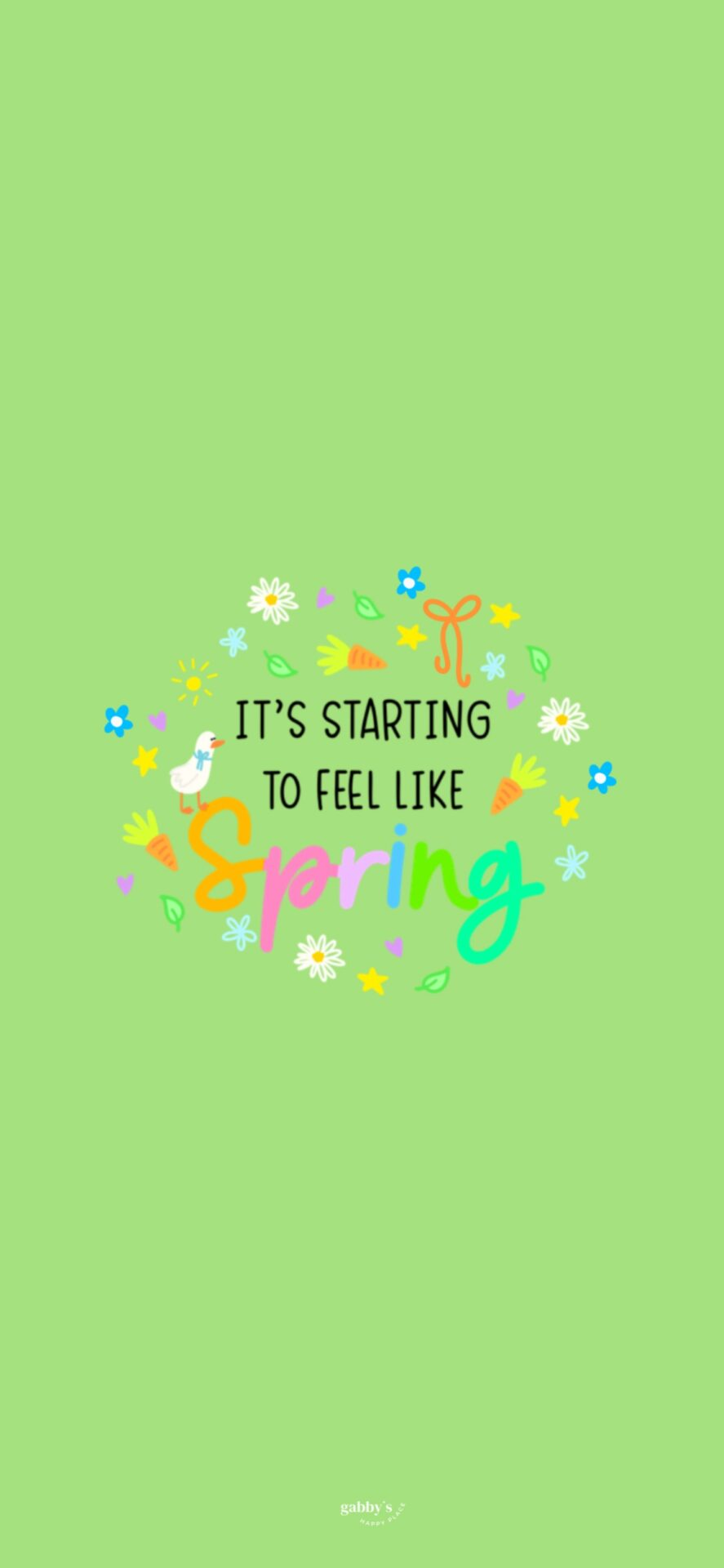
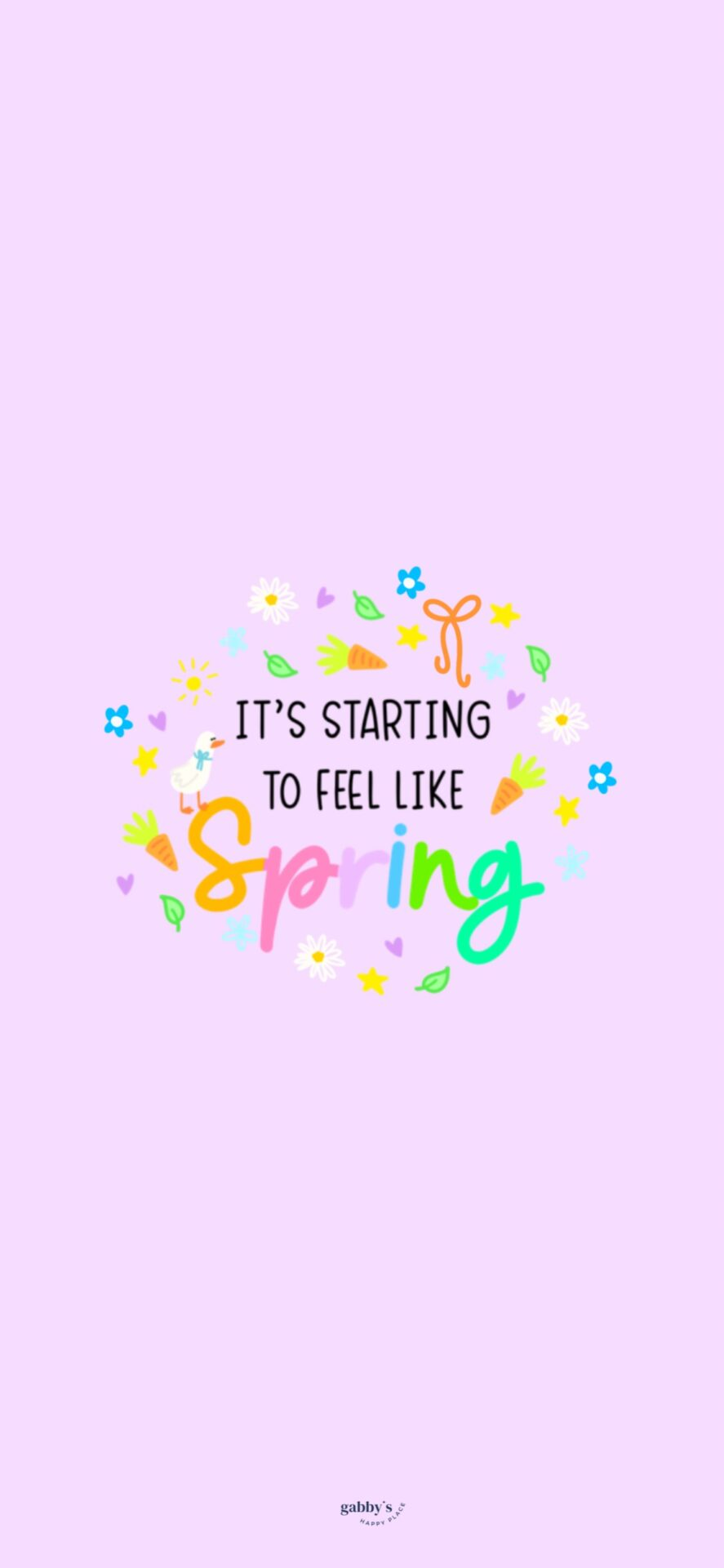
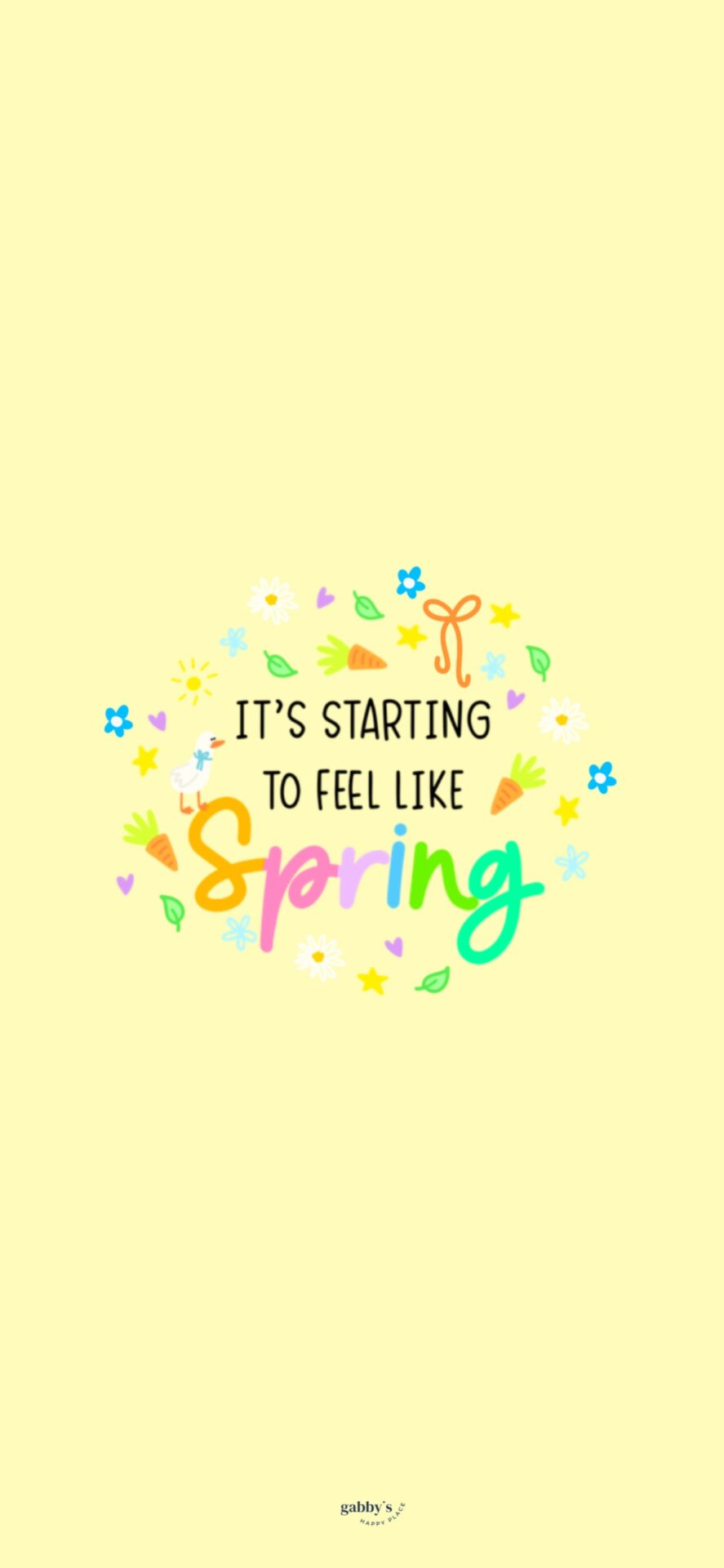
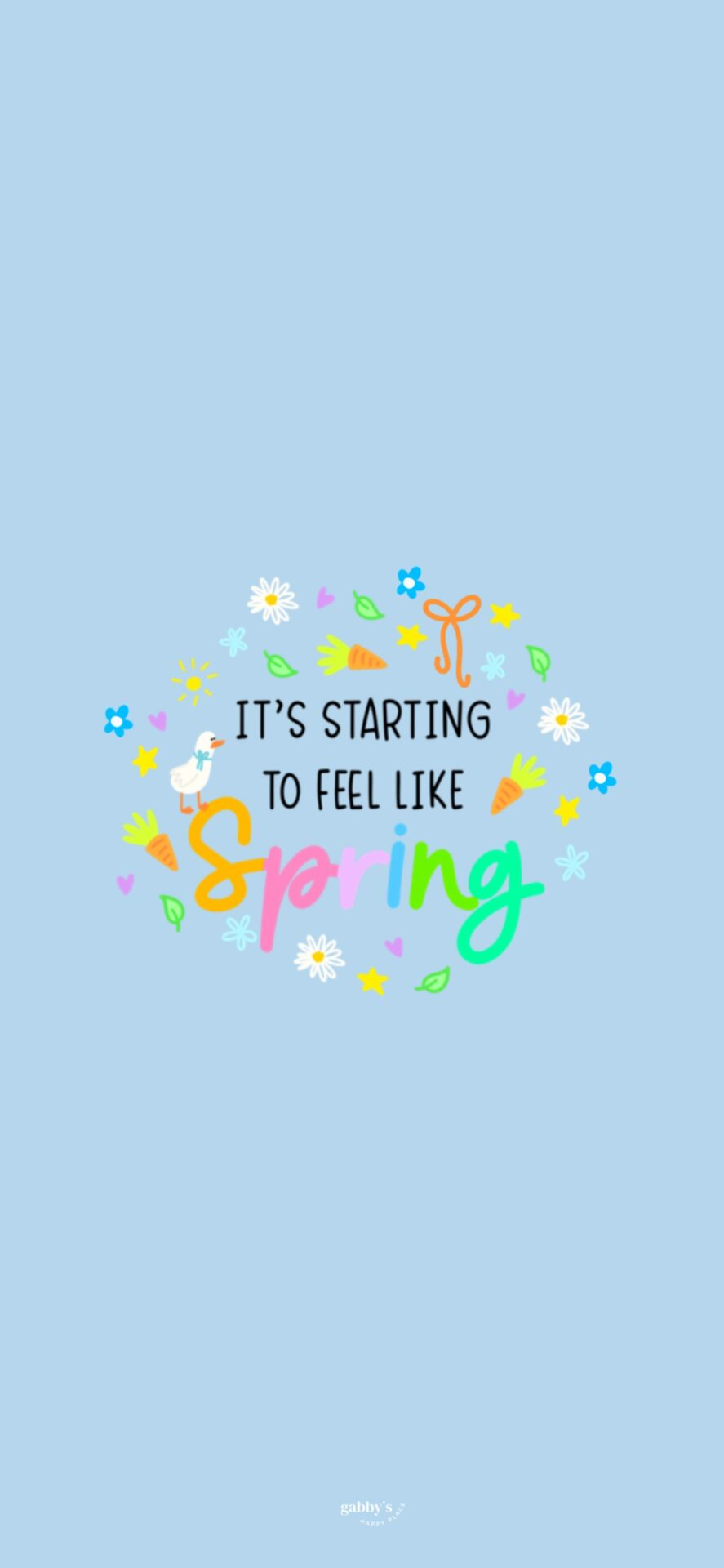
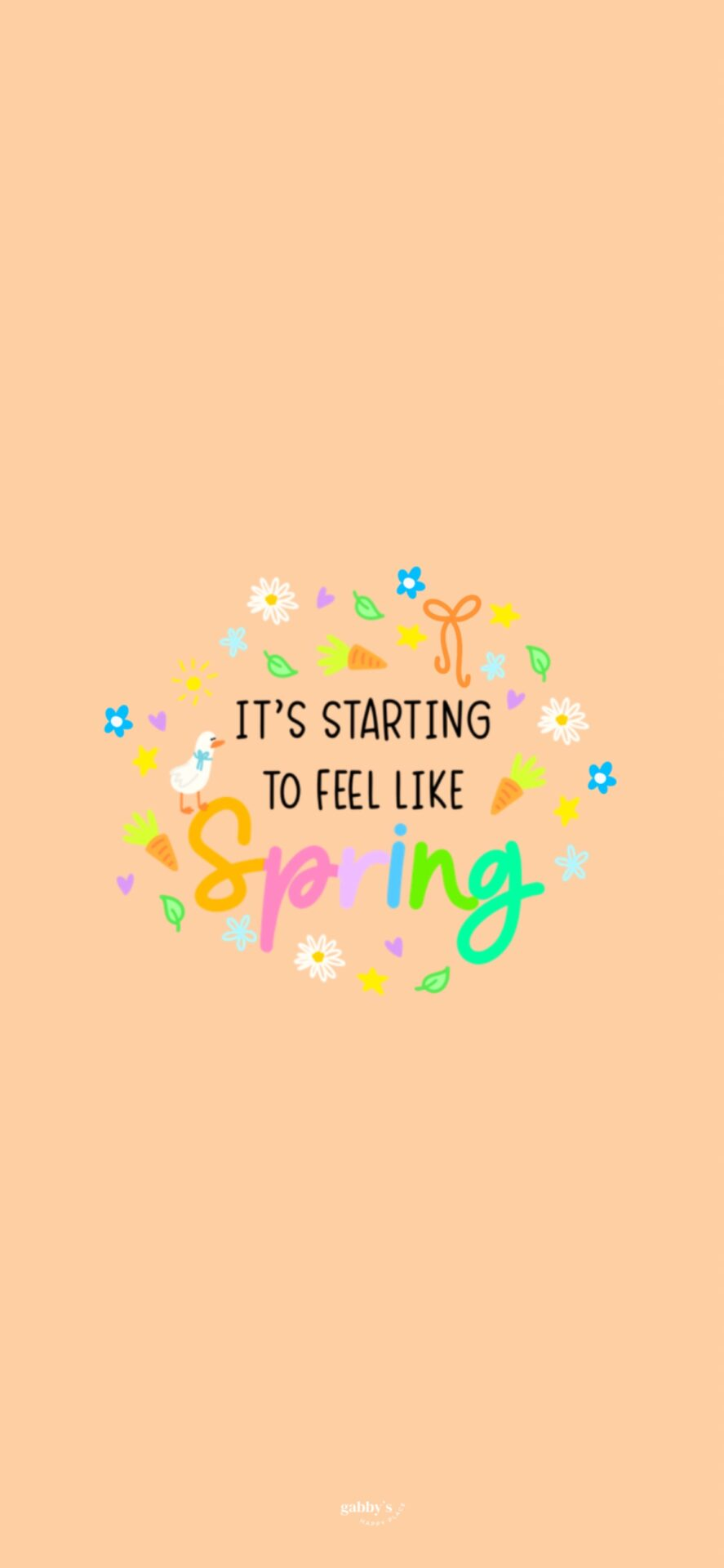
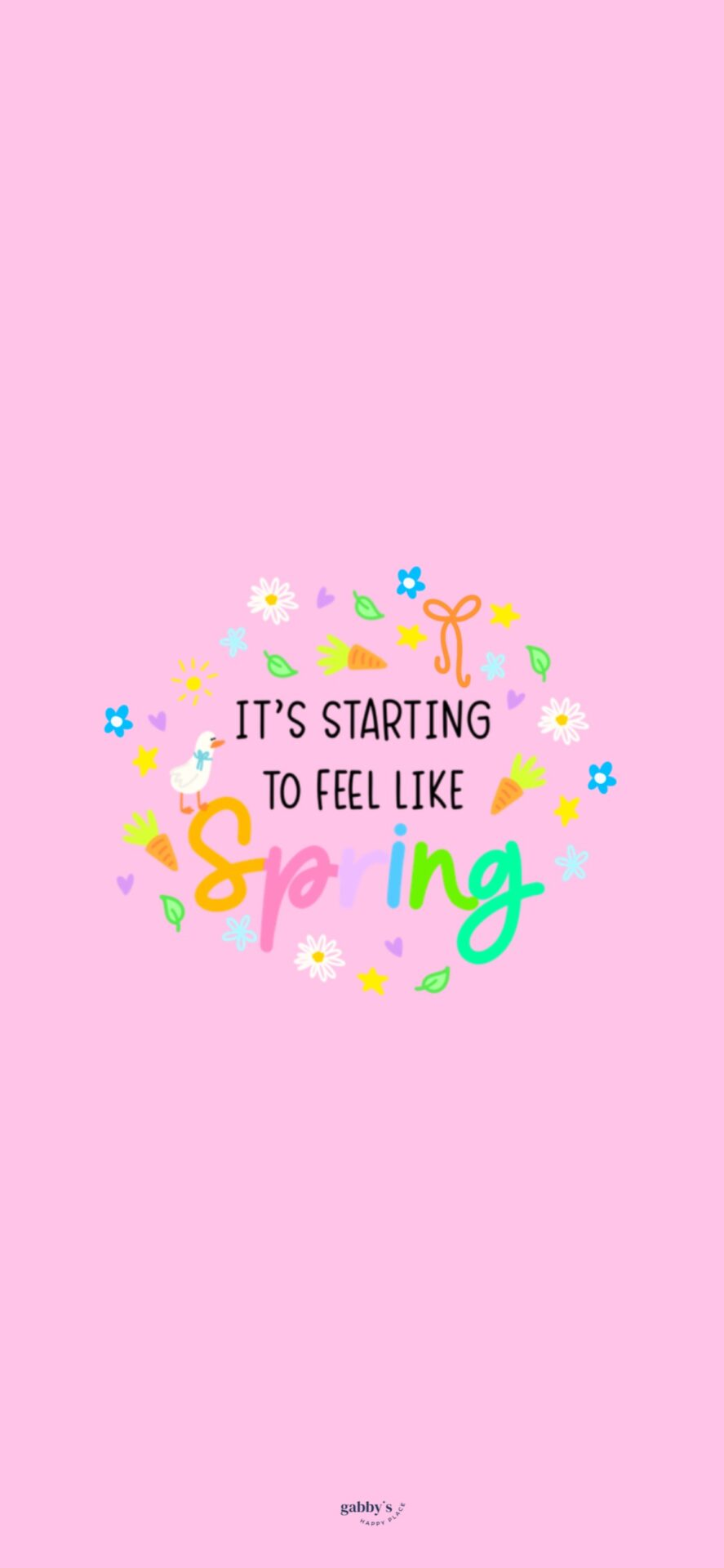
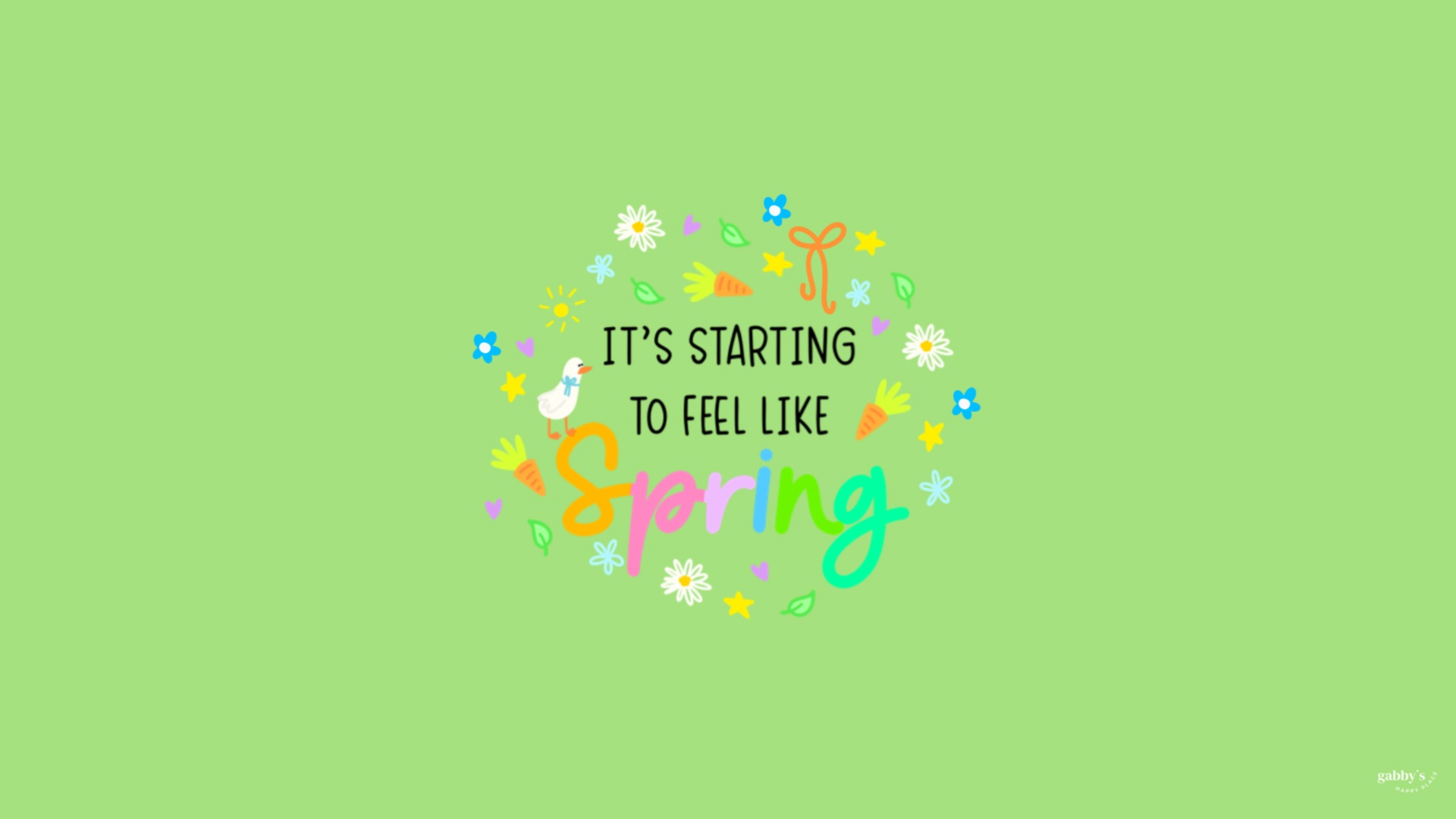
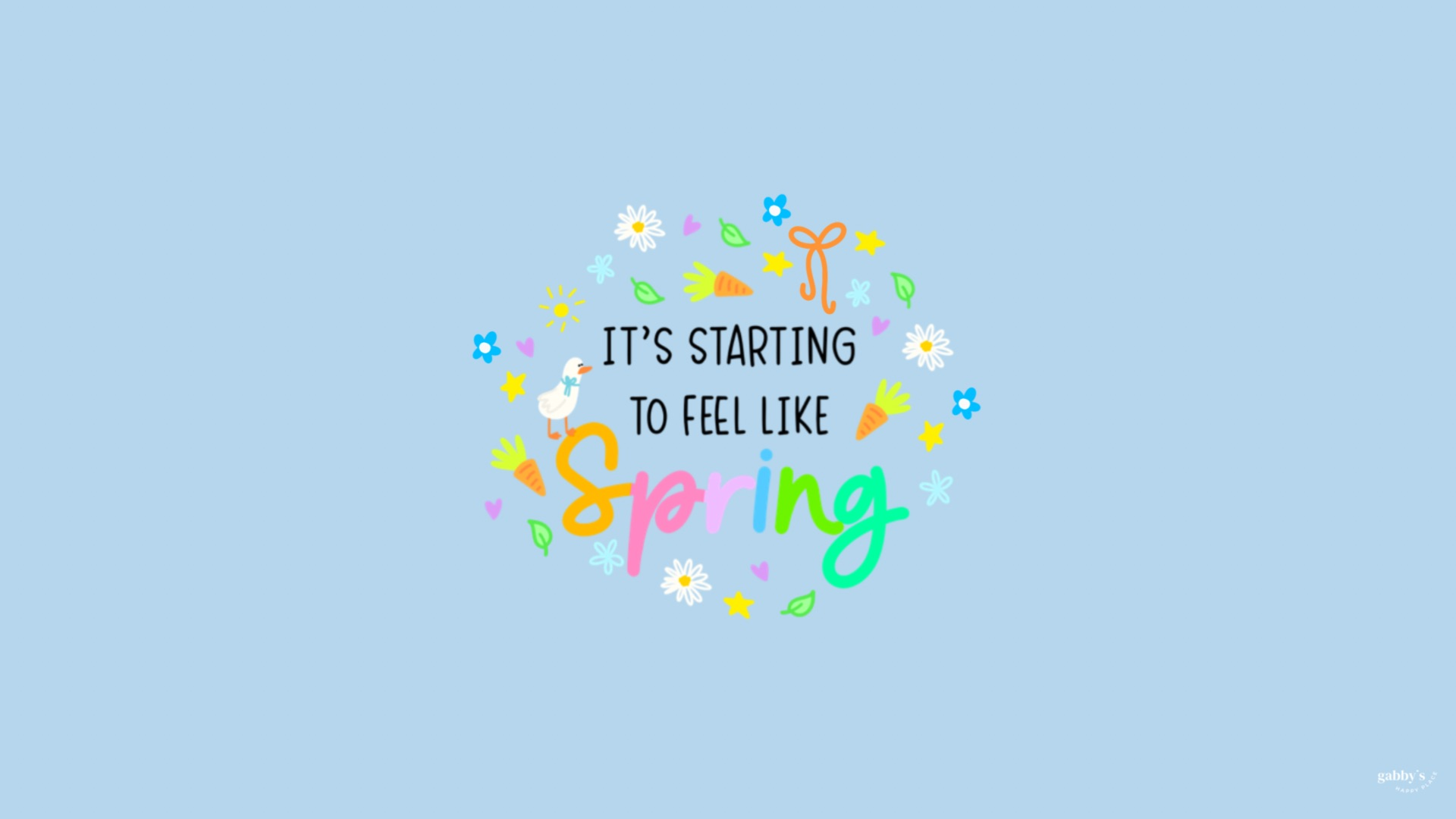
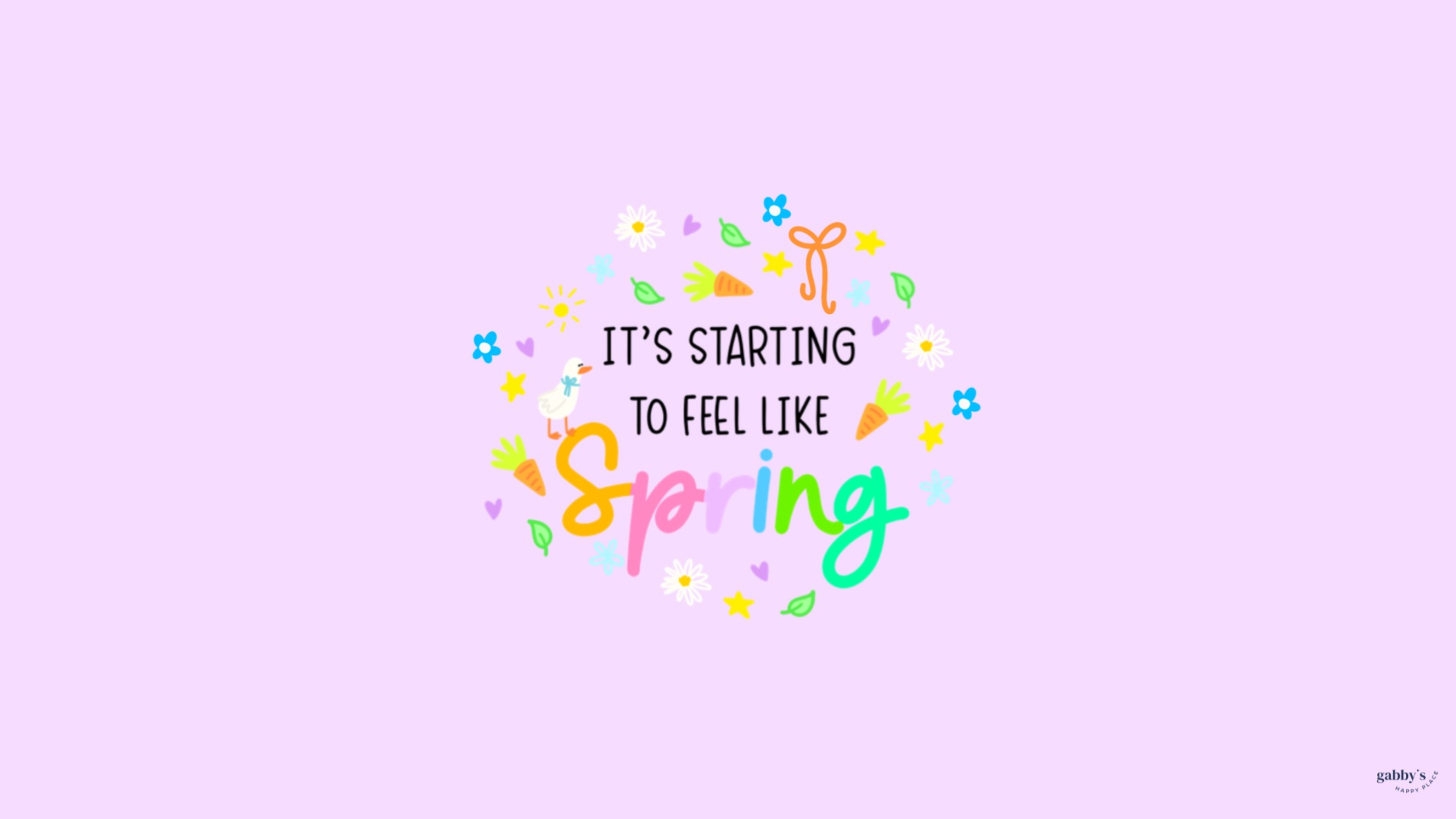
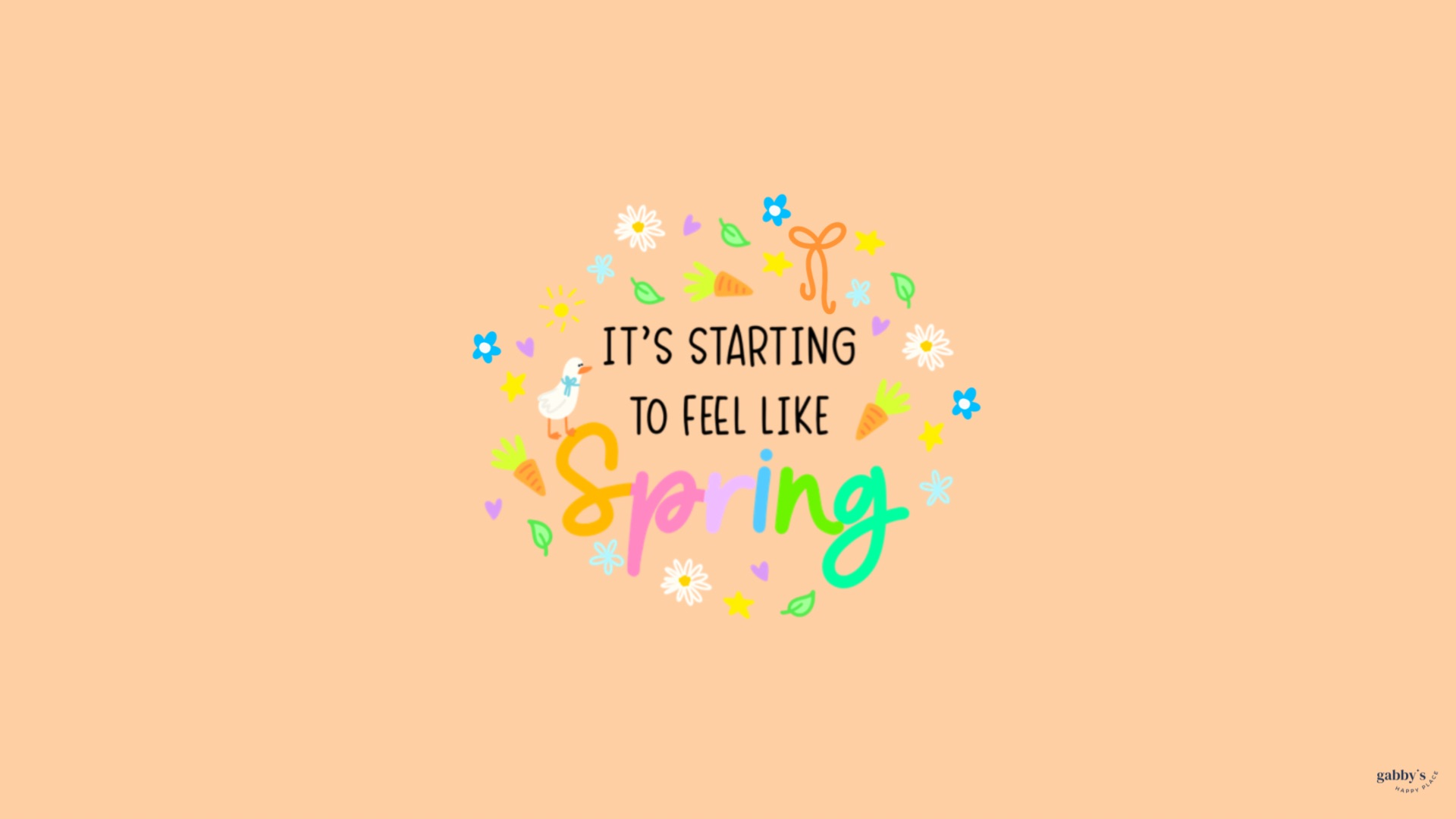
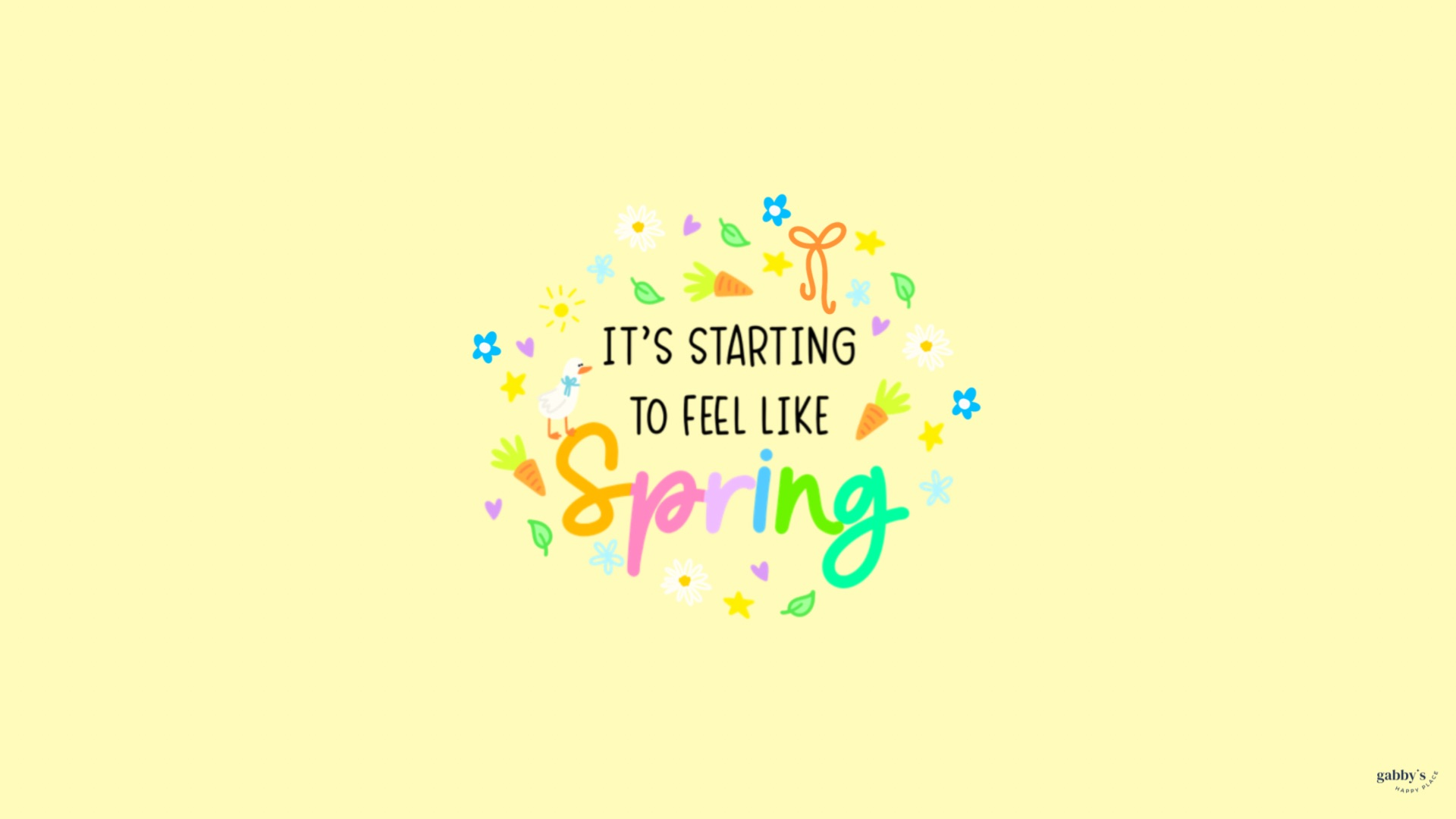
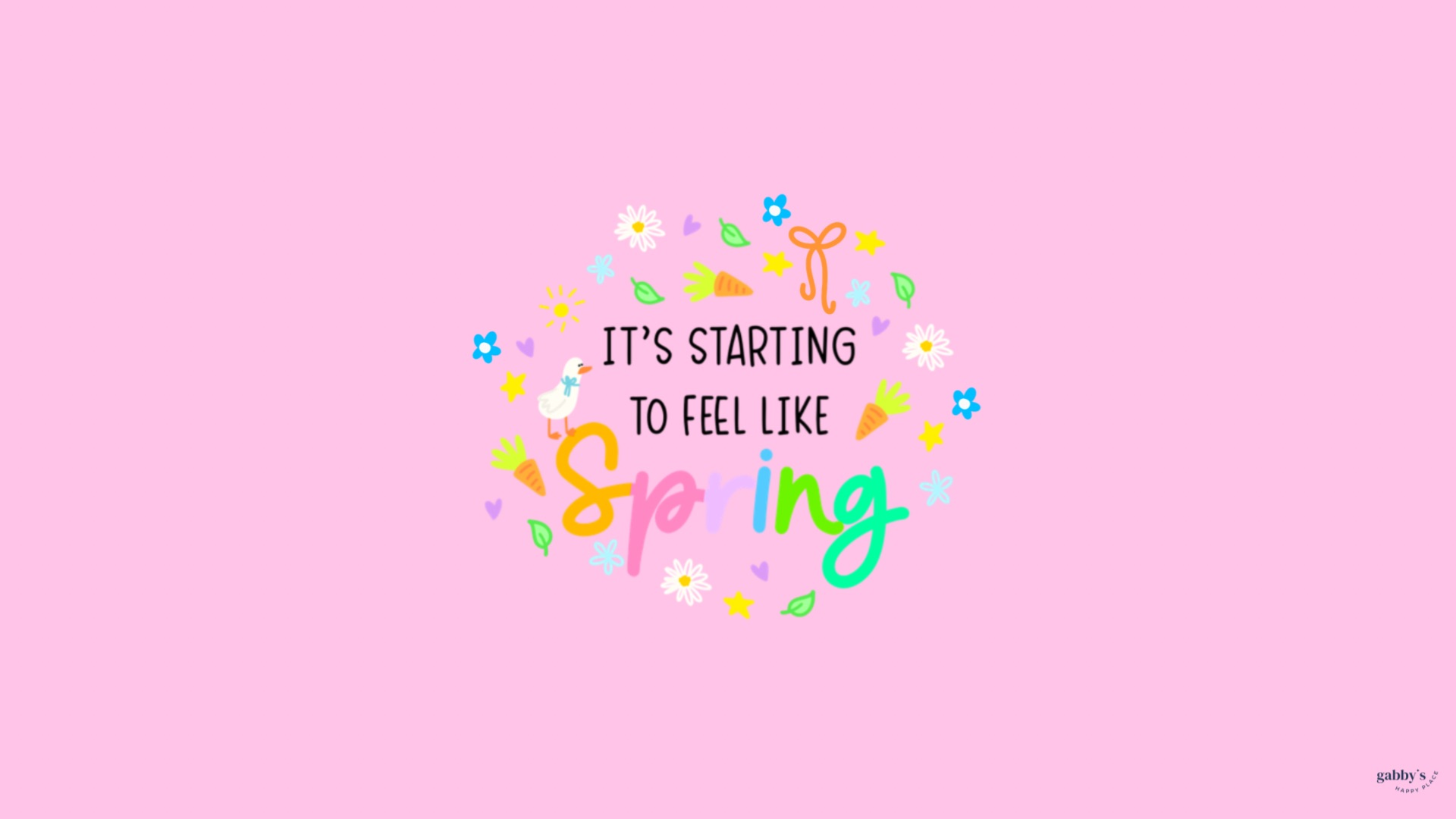
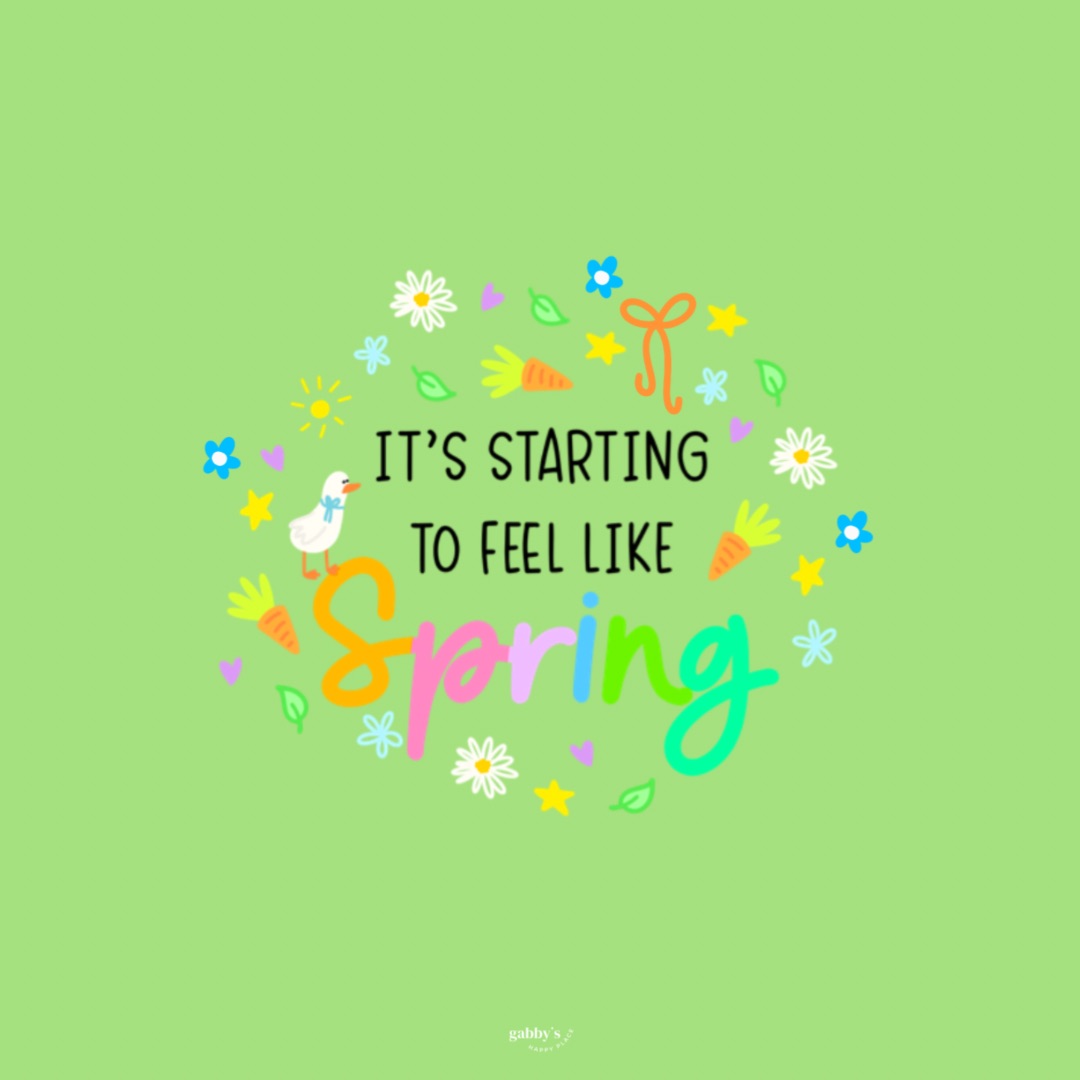
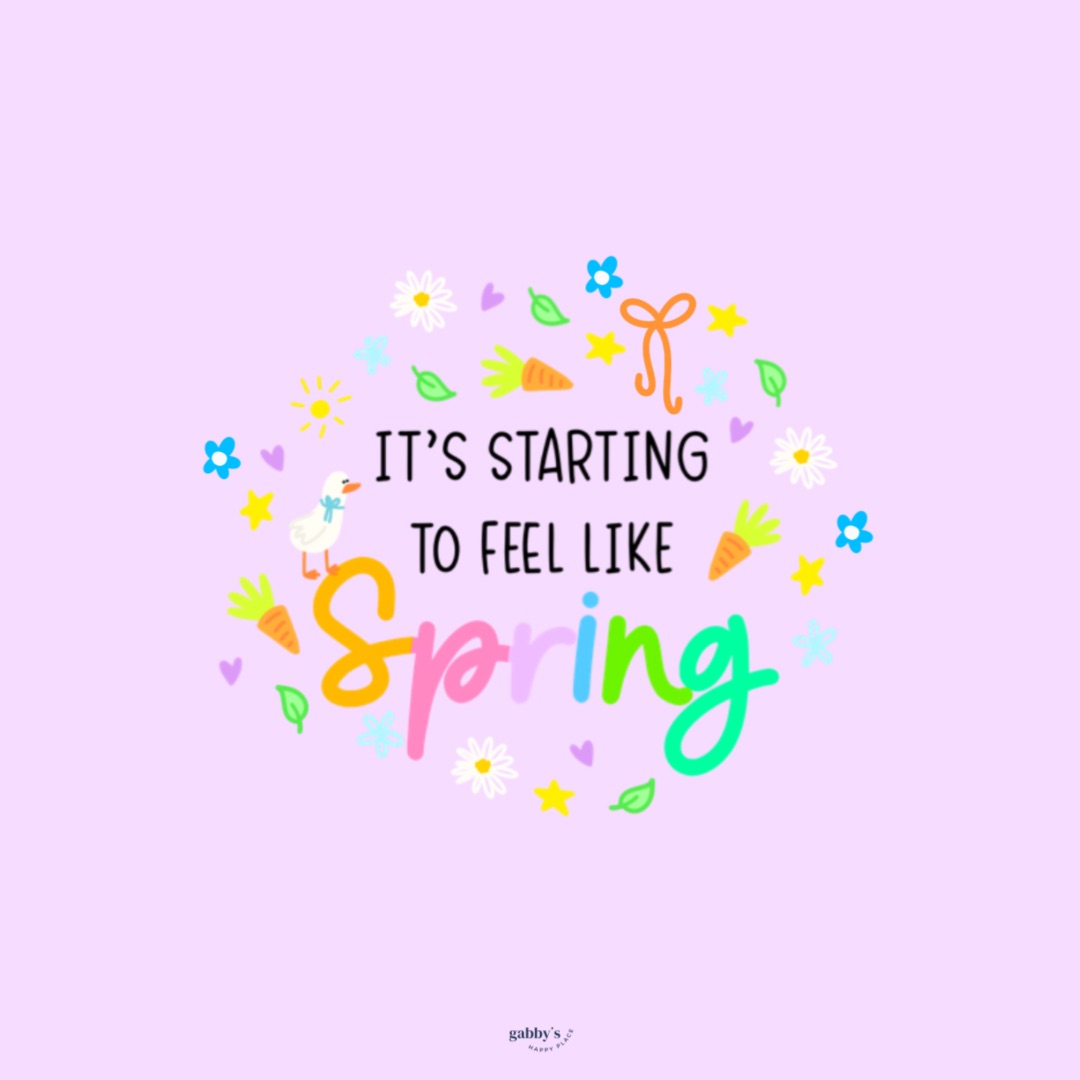
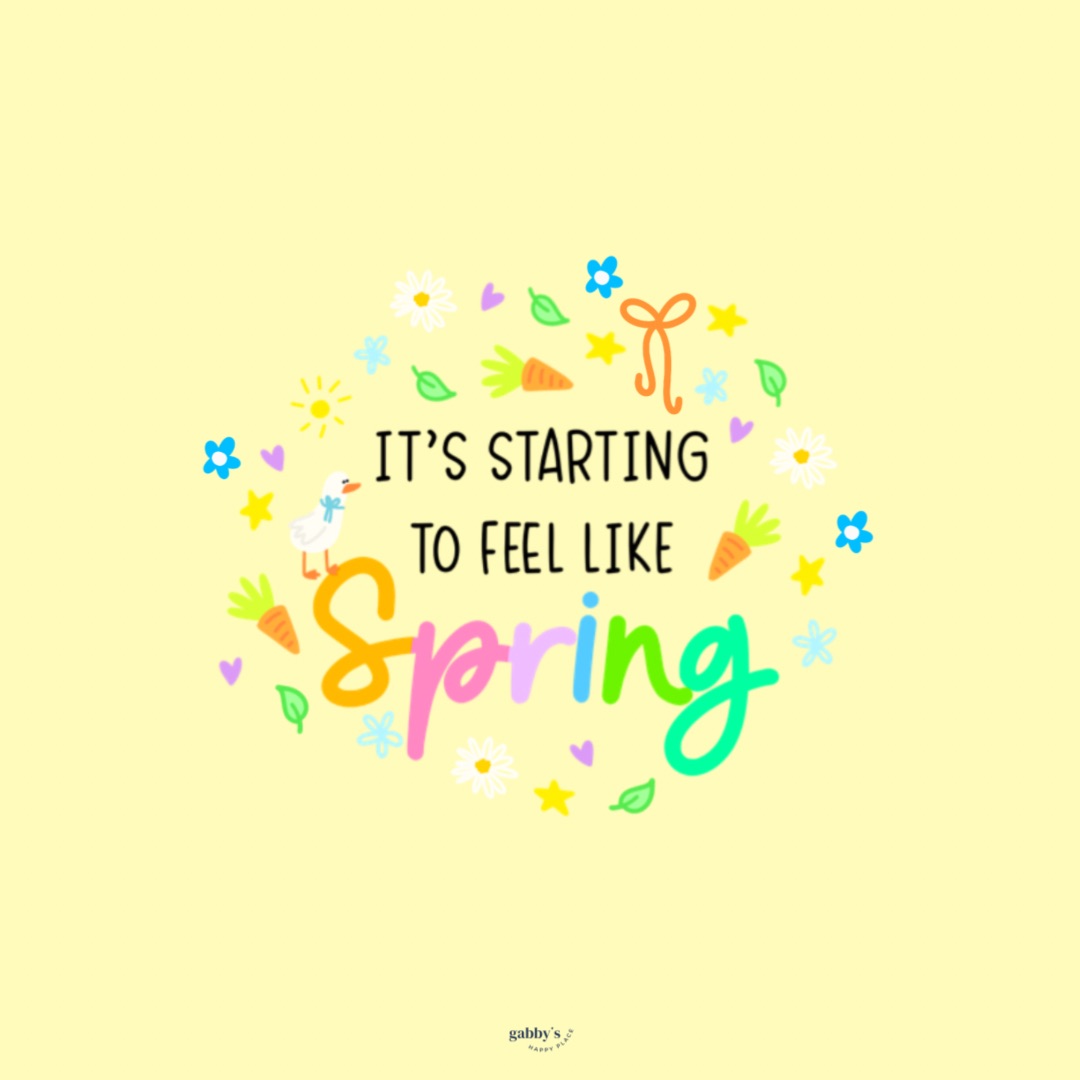
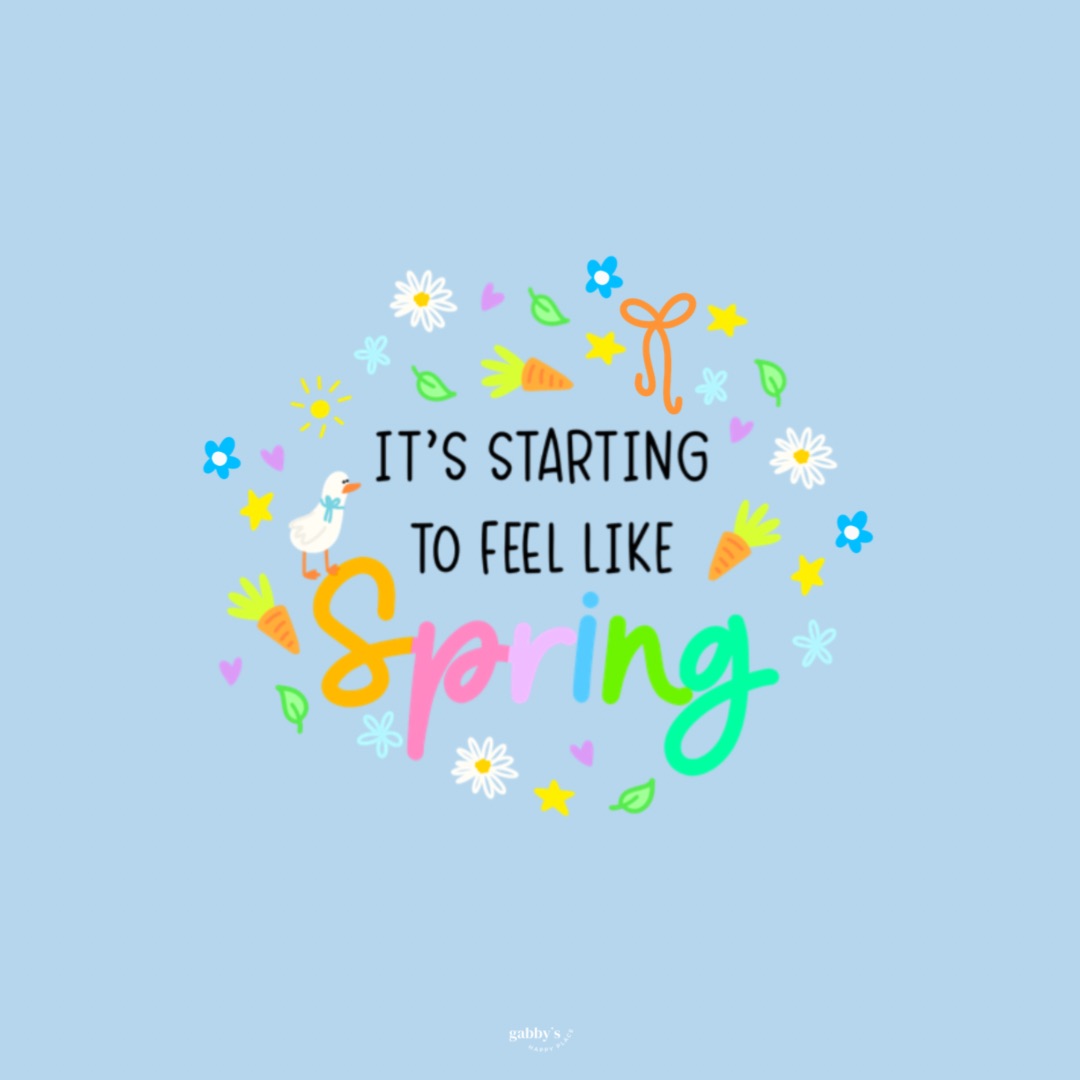
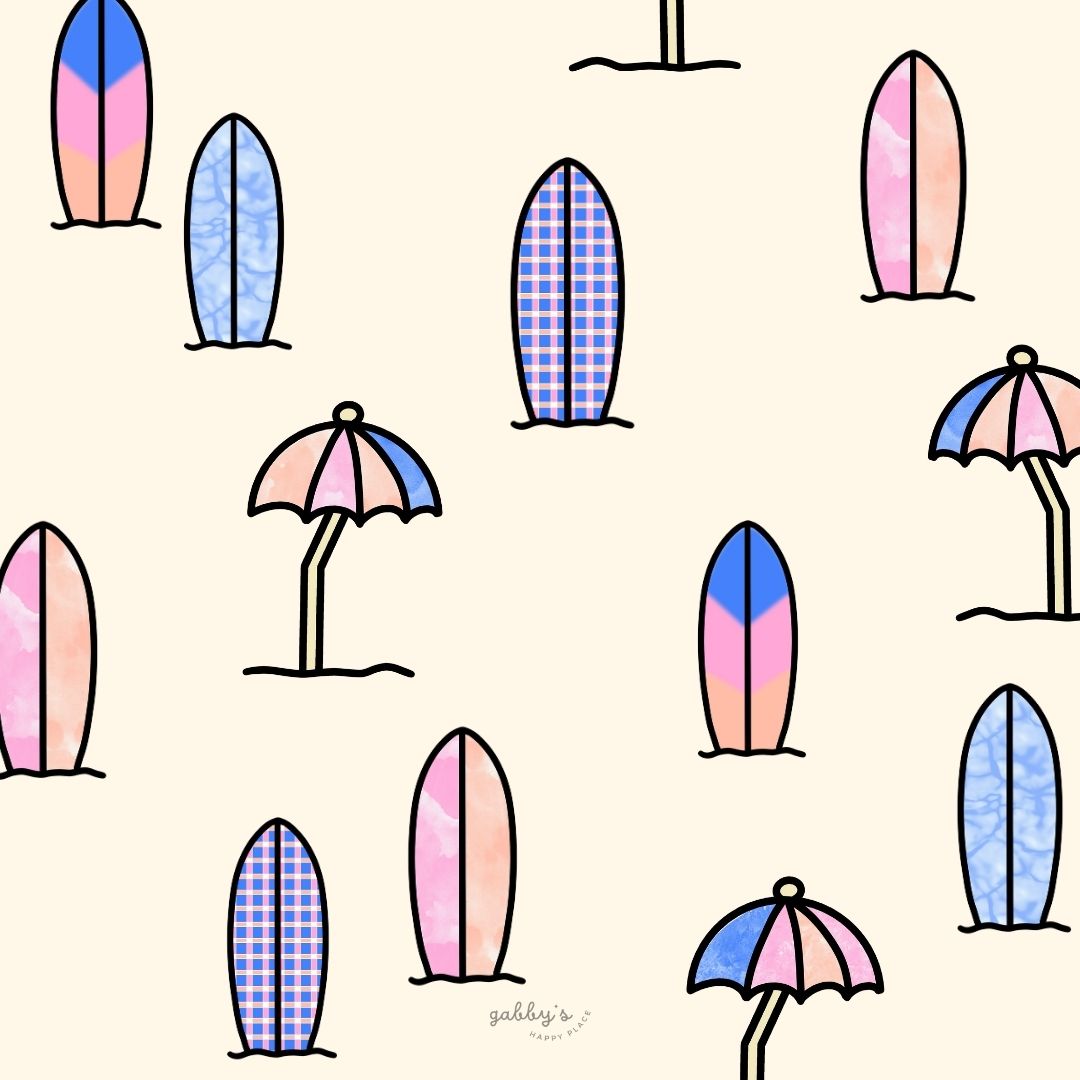
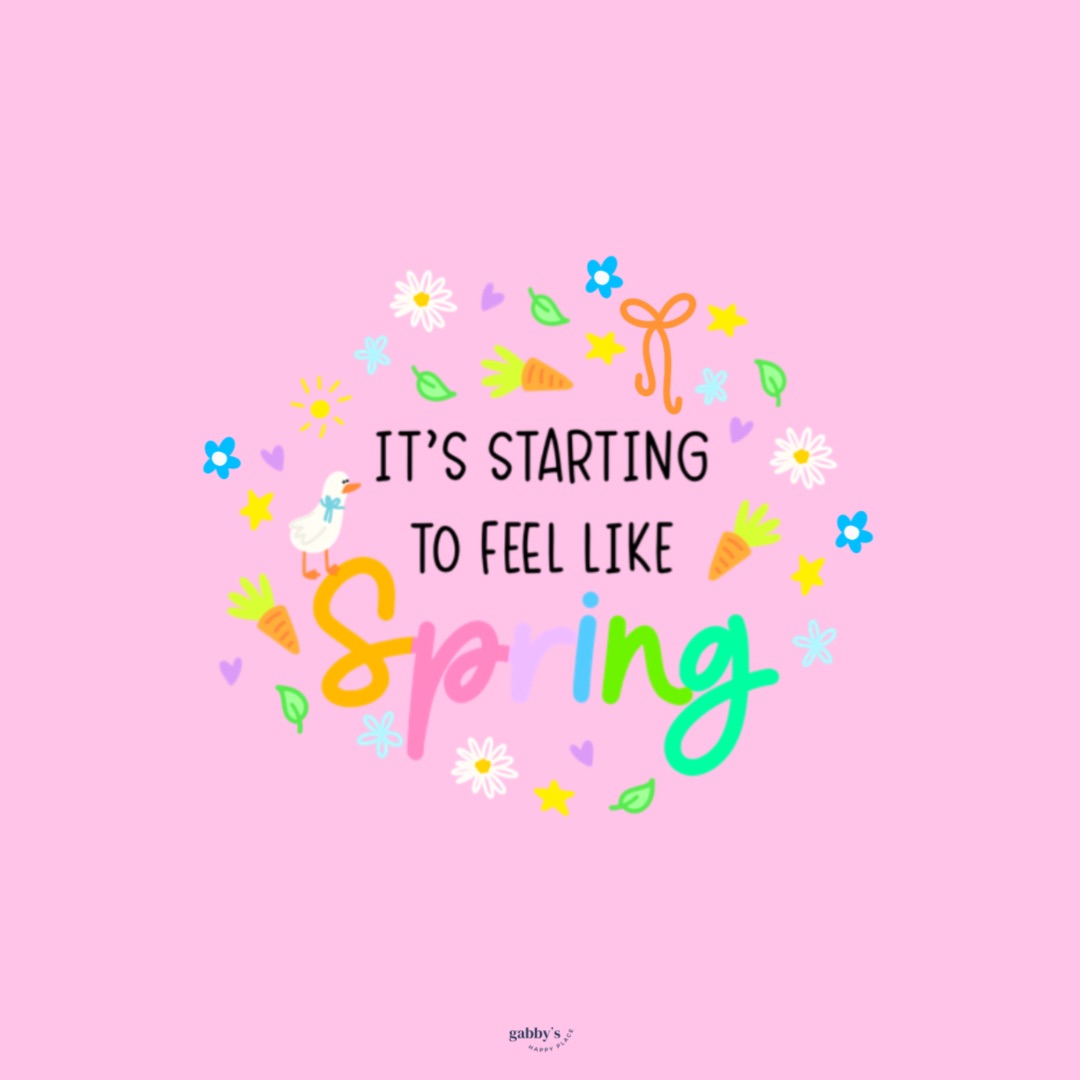
This week I’m bringing you 15+ different wallpapers for your phone, computer and smartwatch. These cute spring wallpapers are a nice way to give your devices a refresh after a long long winter. Personally, I love spring. I’m really excited to finally open the windows, get some fresh air (without freezing to death), and having picnics outside!
Talking about the outdoors, I want this to be a little reminder that with Spring starting we are seeing beautiful dandelions and flowers blooming. Please DON’T cut them. While everyone is running to Lowe’s and Home Depot to buy a lawnmower and spending so much money on their “perfect lawn”, take a minute to reflect on if you ACTUALLY want a lawn.
“Lawns cover 40 million acres, or 2%, of land in the US, making them the single largest irrigated crop we grow. Lawns are mowed, raked, fertilized, weeded, chemically treated, and watered?—sucking up time, money, and other resources. Lawns provide little benefit to wildlife, and are often harmful. Grass-only lawns lack floral resources and nesting sites for bees and are often treated with pesticides that harm bees and other invertebrates.” – Bee City USA (the source is here)
If you want to go a step further and HELP wildlife and make your home look beautiful, I have an idea for you: a Certified Wildlife Habitat®! You can even get a certification online and have a sign that your space is a CWH. The only things you need is add some native plants and start attracting wildlife like butterflies, ladybugs or native insects to your garden! Here you can find what plants and butterflies are native to your area.
Ok… with that being said (I really wanted to share that will all of you friends!), let’s get back to the wallpapers.
Here’s what you’ll get:
- 6 Phone Wallpapers
- 6 Computer Wallpapers
- 6 Smartwatch Wallpapers
I absolutely love having my laptop matching my phone—it just makes everything look so much nicer and neater, don’t you think? So, go ahead and download these wallpapers and give your devices a fresh spring makeover.
Oh, and while you’re here, don’t forget to check out my shop for more goodies! Drop a comment below sharing which one you love the most. I’m always looking for new content ideas, so let me know what you’d love to see next. You can find other wallpapers on my Wallpaper Page or click here. #WallpaperWednesday
Enjoy the wallpapers,
Gabby.

Table of Contents
If you’d like to stay connected, I share more content in other spaces online. You’re always welcome to join me there!


If you are looking to make friends that read too and you live in the Kent/Akron, Ohio area, we meet on the last Thursday of every month! Or join our digital book club on Fable!
Cute Spring Wallpapers
Phone Wallpapers
How to download and set up these phone wallpapers:
- Long-press on the images below or press the “download” button below.
- Select save image or download.
- Open your photo app and click on the wallpaper.
- Set as your phone wallpaper or lock screen.
- Enjoy your wallpaper!
If you need more help with the installation of these wallpapers make sure to check my guide “How to download and set up your new wallpaper on any device” here. Need extra help? If you have any questions or need assistance, feel free to check my FAQs page or reach out to me at gabbyshappyplace@gmail.com I’m here to help!


Check out my Etsy Shop
Cute Spring Wallpapers
Computer Wallpapers
How to download and set up these computer wallpapers:
Windows users:
- Find the wallpaper you want and save the image.
- Right-click on your desktop and select “Personalize.”
- Click on “Background” and then “Browse” to locate the saved wallpaper.
- Select the wallpaper and adjust settings if needed.
- Click “Choose picture” or “Save changes” to apply.
- Enjoy your wallpaper!
Mac users:
- Find the wallpaper you want and save the image.
- Open System Preferences from the Apple menu.
- Click on “Desktop & Screen Saver.”
- In the Desktop tab, click the “+” button to add the saved wallpaper.
- Select the wallpaper from your saved location.
- Adjust settings like picture fit and screen selection if needed.
- Enjoy your wallpaper!
If you need more help with the installation of these wallpapers make sure to check my guide “How to download and set up your new wallpaper on any device” here. Need extra help? If you have any questions or need assistance, feel free to check my FAQs page or reach out to me at gabbyshappyplace@gmail.com I’m here to help!


Don’t forget to check out my shop!
Cute Spring Wallpapers
Smartwatch Wallpapers
How to download and set up these smartwatch wallpapers:
- Find the wallpaper you want and save the image.
- Open the companion app for your smartwatch on your smartphone.
- Navigate to the section for customizing your watch face or wallpaper.
- Choose the option to add a new wallpaper or watch face.
- Select the saved image from your phone’s gallery or file manager.
- Adjust settings such as position and style if available.
- Save or apply the wallpaper to your smartwatch.
- Enjoy your customized smartwatch wallpaper!
If you need more help with the installation of these wallpapers make sure to check my guide “How to download and set up your new wallpaper on any device” here. Need extra help? If you have any questions or need assistance, feel free to check my FAQs page or reach out to me at gabbyshappyplace@gmail.com I’m here to help!


I hope you love these wallpapers! Let me know in the comments below which one is your favorite and what other content you would like to see next!

Enjoyed this post? Share your thoughts by casting your like here! Your feedback fuels more of the content you love!

Enter your email to know when I post new content, designs, and resources (It’s completely FREE) and get access to my Subscribers’ Vault with 20+ printables, wallpaper sets, and templates. Join our community and enjoy content created just for you!




Leave a comment here! I LOVE hearing about you!