
Hey there, digital dreamers!
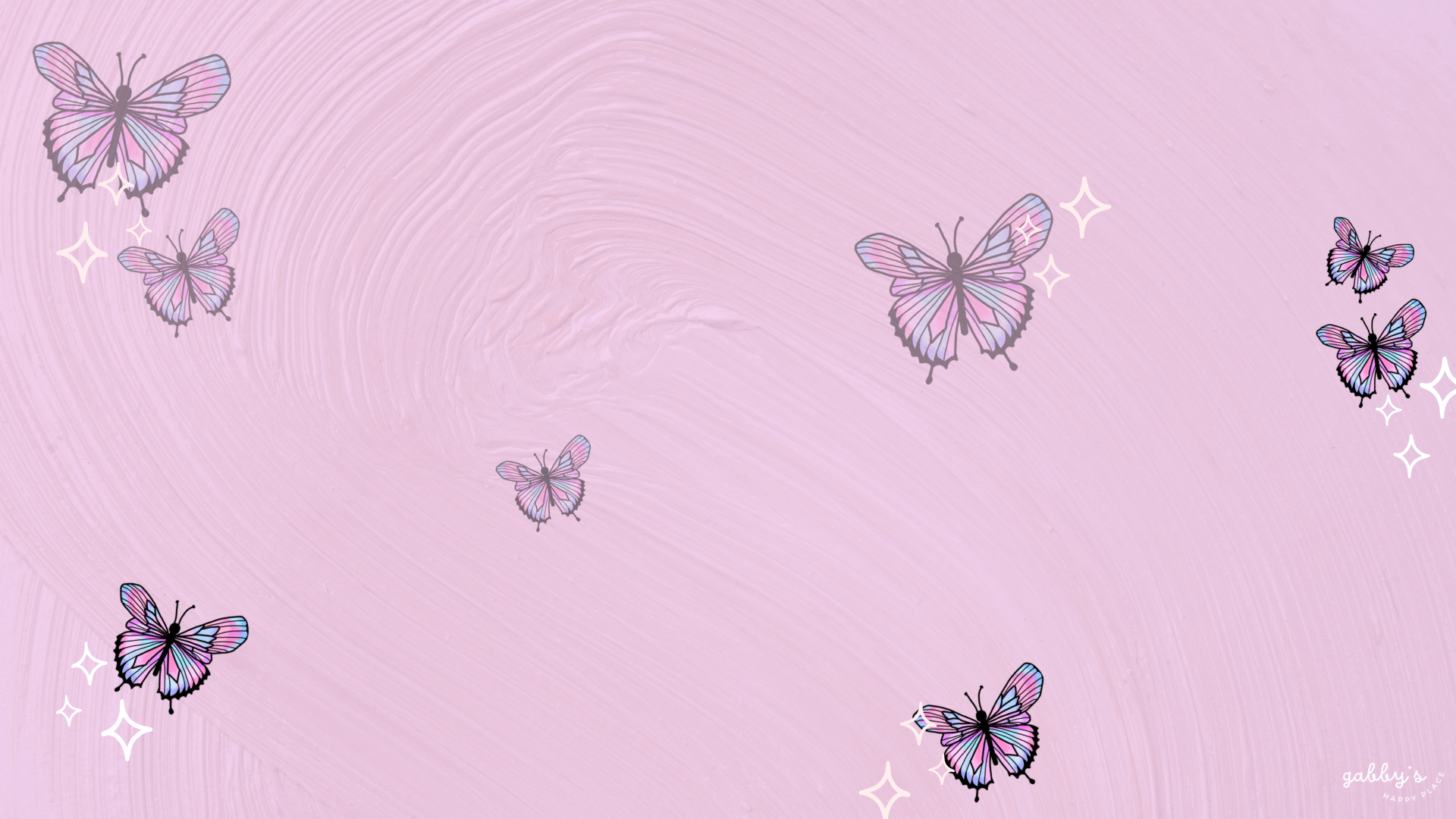
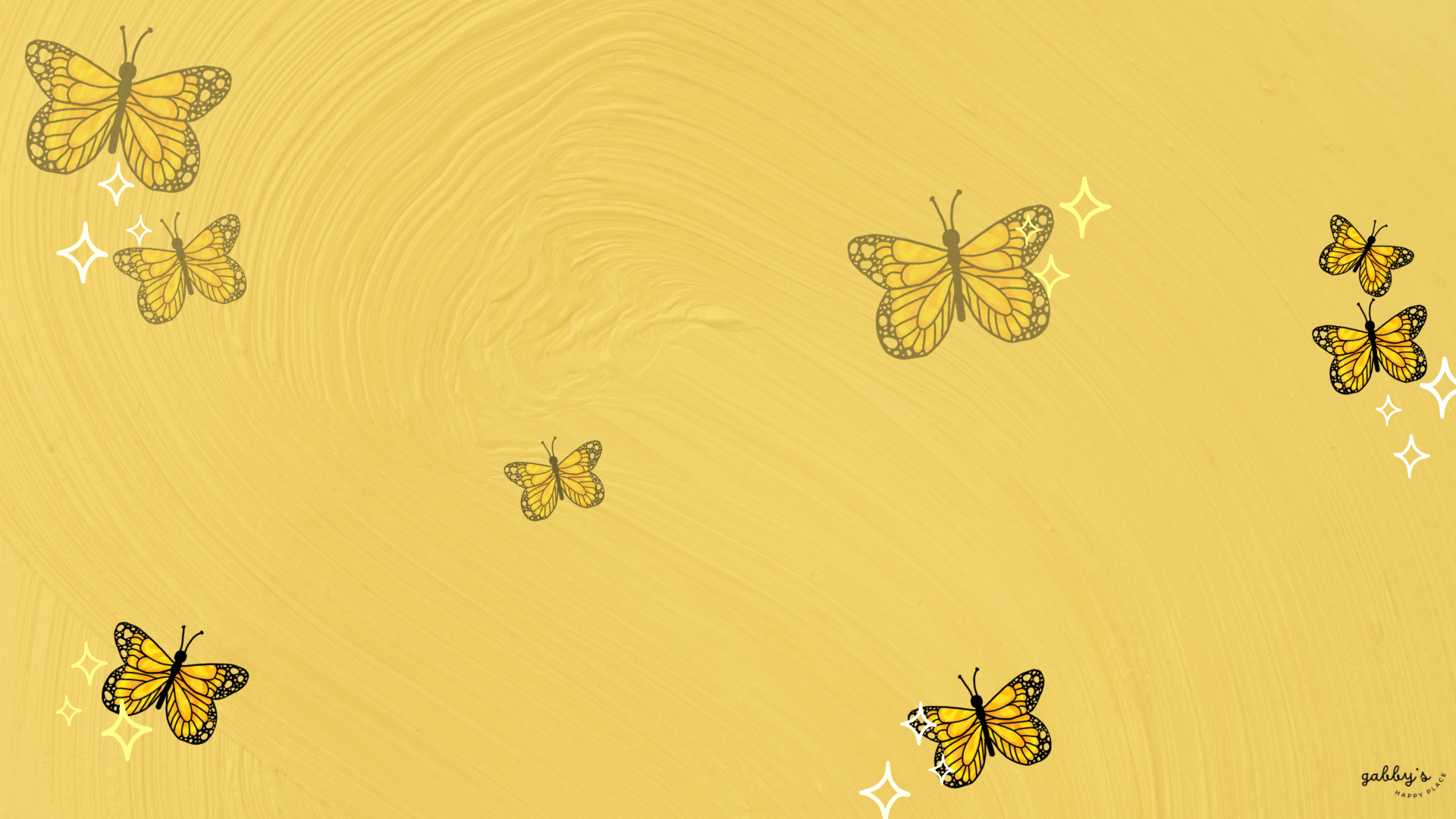
Ready to add a touch of magic to your desktop? Dive into our latest collection of Butterfly Desktop Wallpapers! Whether you’re vibing with graceful purple butterflies or feeling the flutter of orange and yellow monarchs, we’ve got you covered.
Imagine your screen transforming into a whimsical haven of natural beauty, where butterflies symbolize grace, transformation, and the promise of brighter days ahead. Get ready to infuse your digital workspace with the mesmerizing charm of these winged wonders! If you want matching phone butterfly wallpapers check out my post here. You can find other wallpapers on my Wallpaper Page or click here. #WallpaperWednesday
So, download your favorites, and don’t forget to check out my Etsy shop. Plus, I’m all ears for your suggestions on future wallpapers – what themes or colors would you like to see next? Oh, and before you go, make sure to hit that subscribe button for email notifications. That way, you’ll never miss out when I drop new freebies.
XOXO,
Gabby.

Capture the positivity! Pin your favorite wallpaper to your Pinterest board, ensuring you always have a delightful link back to this post whenever you need inspiration!
For more content, follow me on
Table of Contents

Check out my Etsy Shop
Butterfly Desktop Wallpapers
Computer Wallpapers
How to Download these computer wallpapers:
Windows users:
- Find the wallpaper you want and save the image.
- Right-click on your desktop and select “Personalize.”
- Click on “Background” and then “Browse” to locate the saved wallpaper.
- Select the wallpaper and adjust settings if needed.
- Click “Choose picture” or “Save changes” to apply.
- Enjoy your wallpaper!
Mac users:
- Find the wallpaper you want and save the image.
- Open System Preferences from the Apple menu.
- Click on “Desktop & Screen Saver.”
- In the Desktop tab, click the “+” button to add the saved wallpaper.
- Select the wallpaper from your saved location.
- Adjust settings like picture fit and screen selection if needed.
- Enjoy your wallpaper!
If you need more help with the installation of these wallpapers make sure to check my guide “How to download and set up your new wallpaper on any device” here.


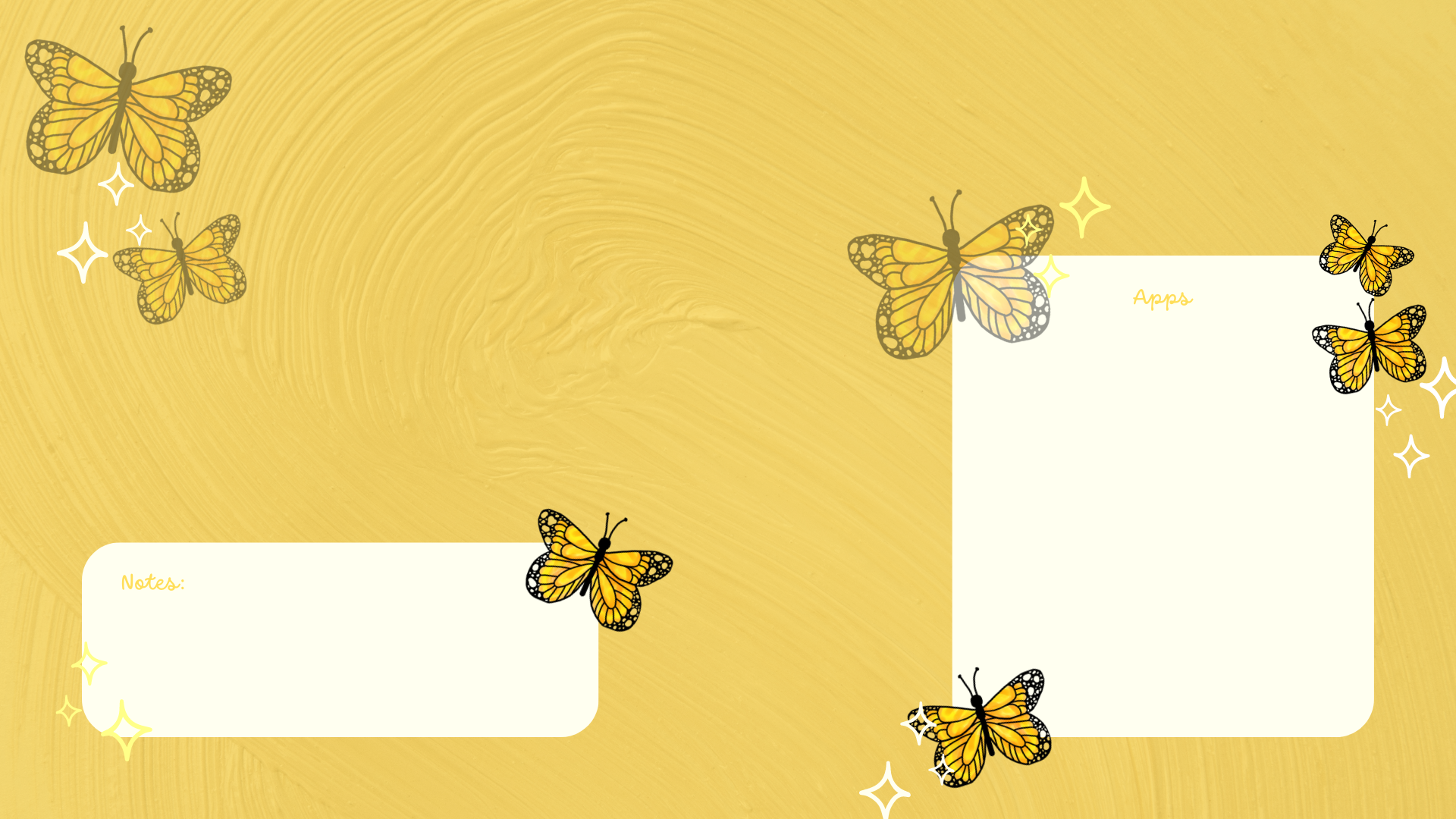
With space for apps and notes:
*As a Mac user I love adding sticky notes on my desktop with things I have to remember, buy or to write down to do lists. If you don’t know how to add them on your desktop, you can learn here.


I hope you love these wallpapers! Let me know in the comments below which one is your favorite and what other content would you like to see next!

Enjoyed this post? Share your thoughts by casting your like here! Your feedback fuels more of the content you love!
Don’t forget to check out my shop!







Leave a Reply to Butterfly Phone Wallpapers | Gabby's Happy PlaceCancel reply