Hello!
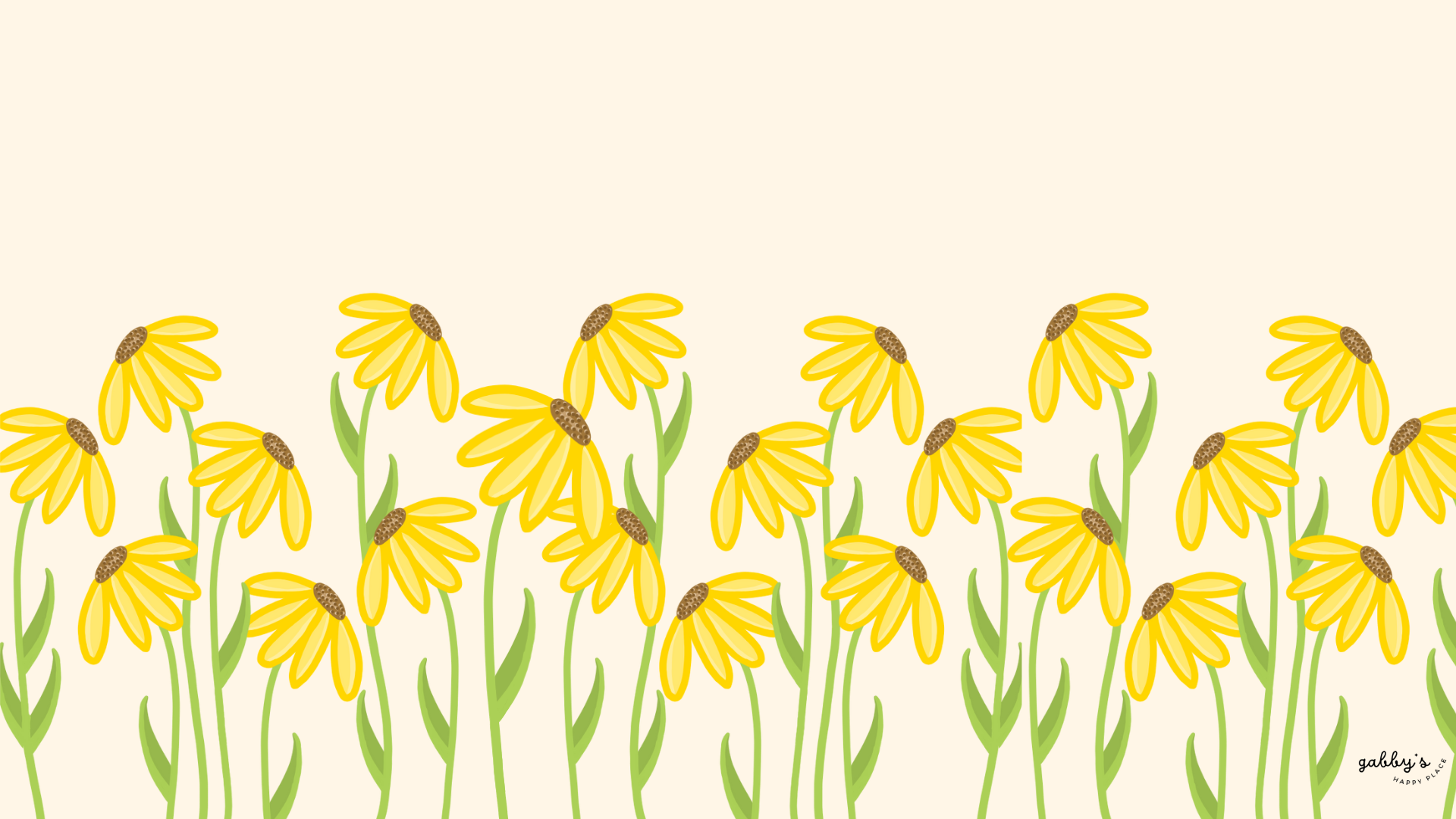
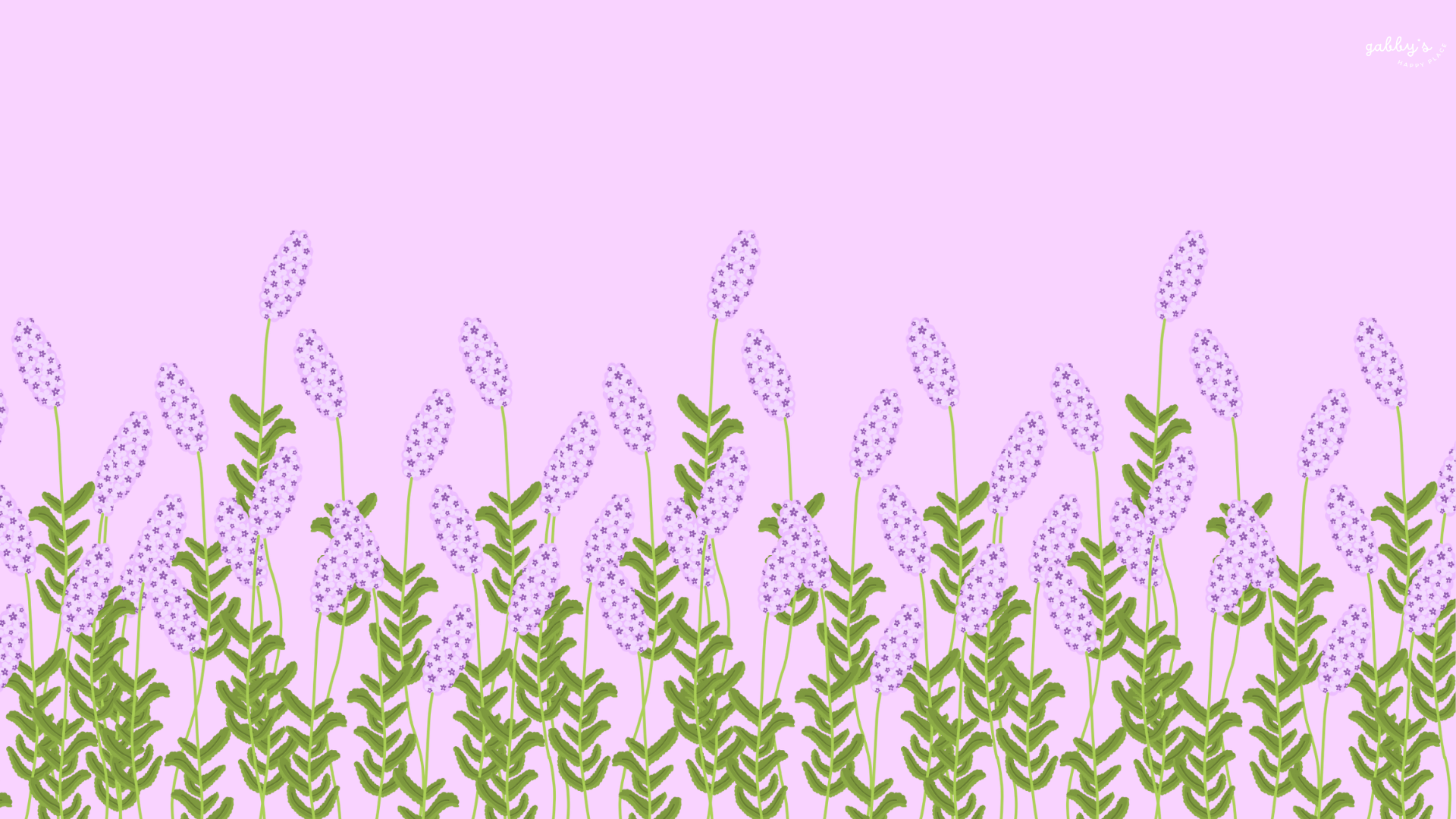
Are you looking to add a touch of nature’s beauty to your digital workspace? Well, you’re in luck because we’ve just launched our newest collection: Desktop Floral Wallpapers!
Imagine transforming your desktop into a blooming garden filled with the serene beauty of lavender and the vibrant cheerfulness of sunflowers. That’s the delightful world we invite you to explore with our charming wallpapers. These wallpapers aren’t just about adding a pop of color to your desktop; they’re about creating a serene and uplifting environment that inspires creativity and productivity. Whether you’re working on a project, studying for exams, or simply browsing the web, these floral designs will infuse your workspace with a sense of tranquility and joy.
In a world that can sometimes feel chaotic and overwhelming, let these wallpapers serve as a reminder to pause, breathe, and appreciate the simple beauty that surrounds us. So, why not brighten up your digital workspace with a touch of nature’s splendor? #WallpaperWednesday
And don’t forget to subscribe for email notifications to be the first to know when I post new freebies! By subscribing, you’ll also get access to the Subscribers’ Vault, filled with exclusive printables, wallpapers, and more templates. Oh, and check out the shop for more bookish content! You can find my other templates on my Template page or click here. #WallpaperWednesday
Warm regards,
Gabby.

Table of Contents

Desktop Wallpapers
How to Download these Computer Wallpapers
Windows users:
- Find the wallpaper you want and save the image.
- Right-click on your desktop and select “Personalize.”
- Click on “Background” and then “Browse” to locate the saved wallpaper.
- Select the wallpaper and adjust settings if needed.
- Click “Choose picture” or “Save changes” to apply.
- Enjoy your wallpaper!
Mac users:
- Find the wallpaper you want and save the image.
- Open System Preferences from the Apple menu.
- Click on “Desktop & Screen Saver.”
- In the Desktop tab, click the “+” button to add the saved wallpaper.
- Select the wallpaper from your saved location.
- Adjust settings like picture fit and screen selection if needed.
- Enjoy your wallpaper!
If you need more help with the installation of these wallpapers make sure to check my guide “How to download and set up your new wallpaper on any device” here.

Desktop Floral Wallpapers


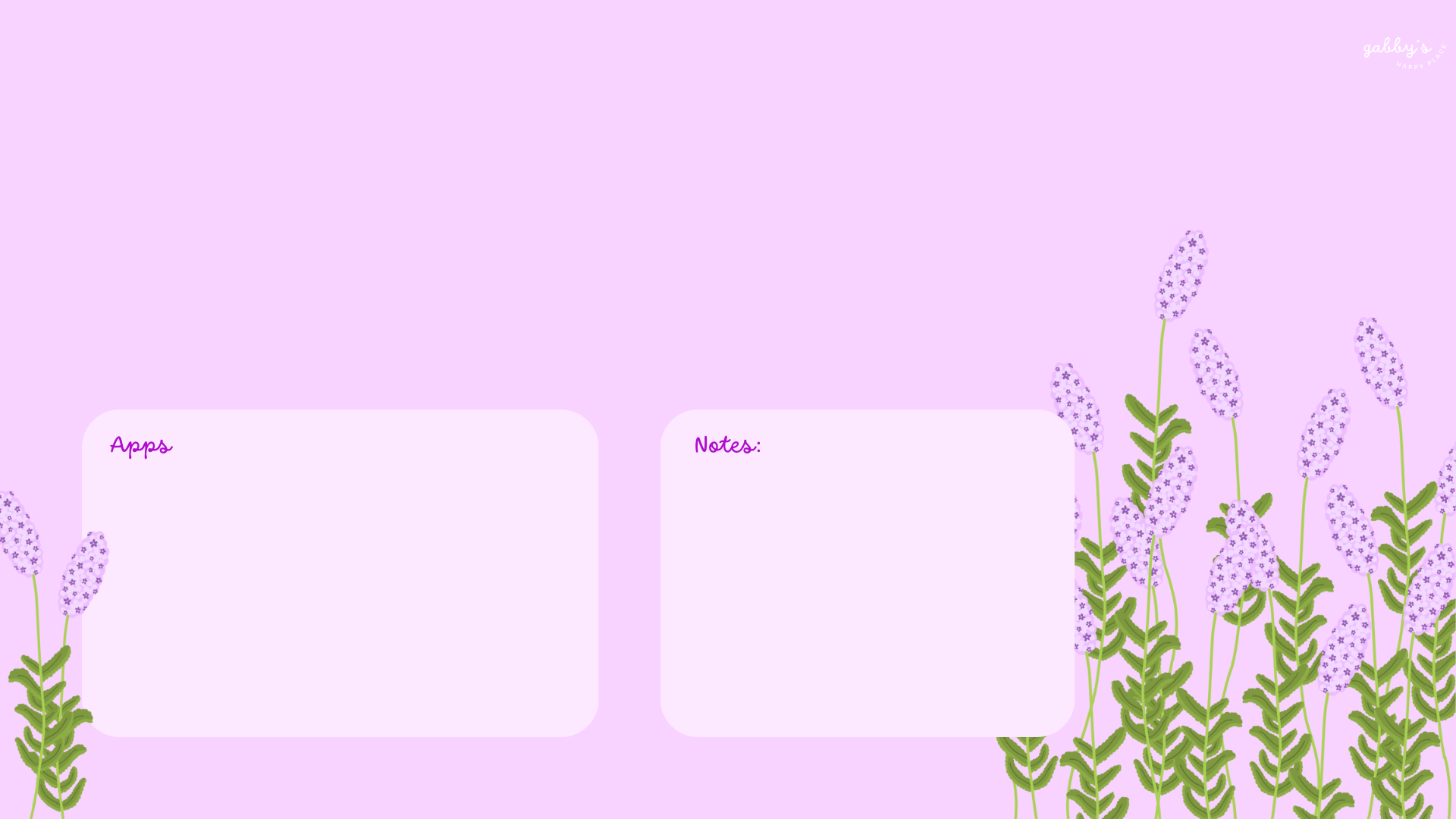
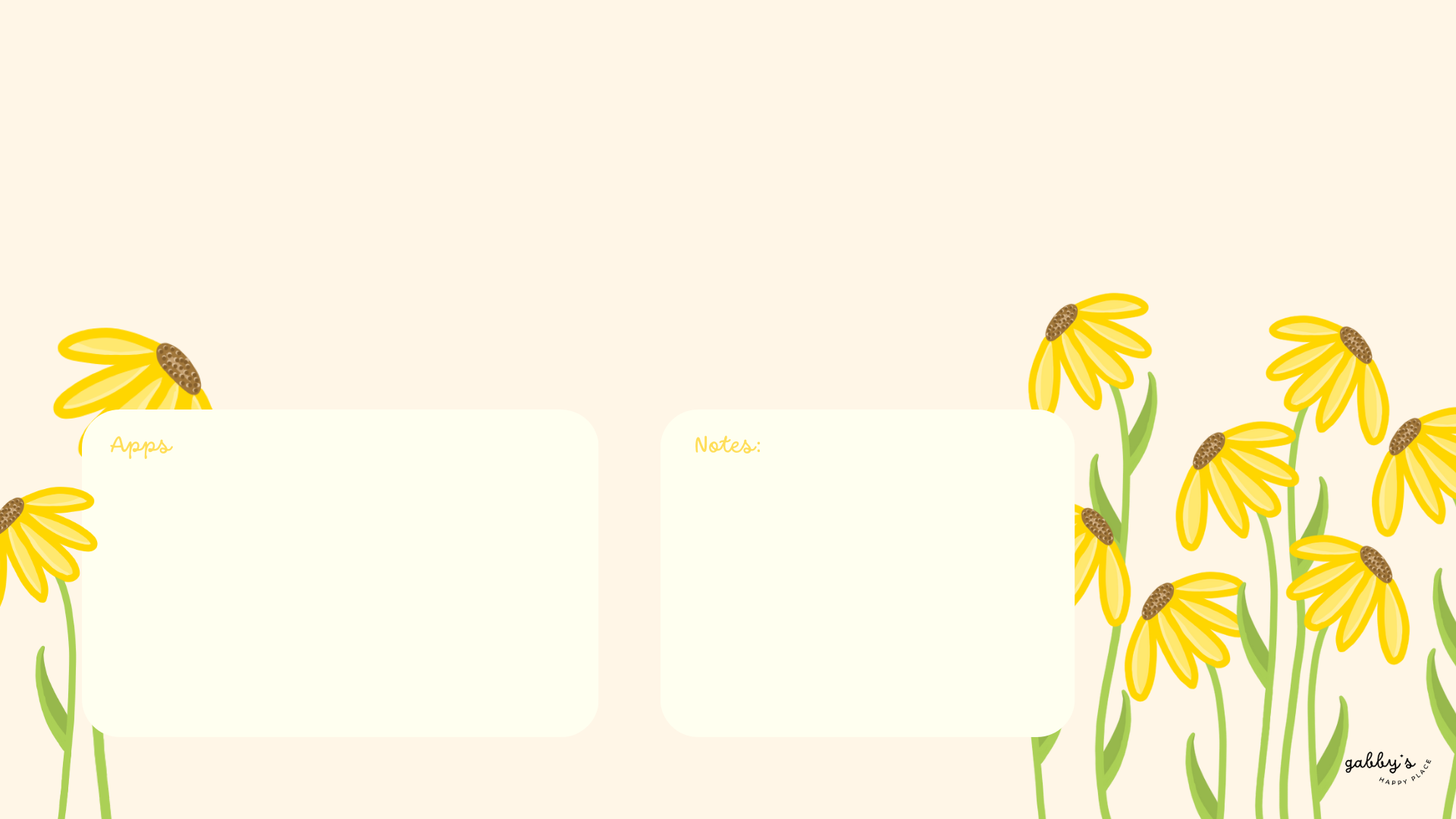
With space for apps and notes:
*As a Mac user I love adding sticky notes on my desktop with things I have to remember, buy or to write down to do lists. If you don’t know how to add them on your desktop, you can learn here.


I hope you love these wallpapers! Let me know in the comments below which one is your favorite and what other content would you like to see next!