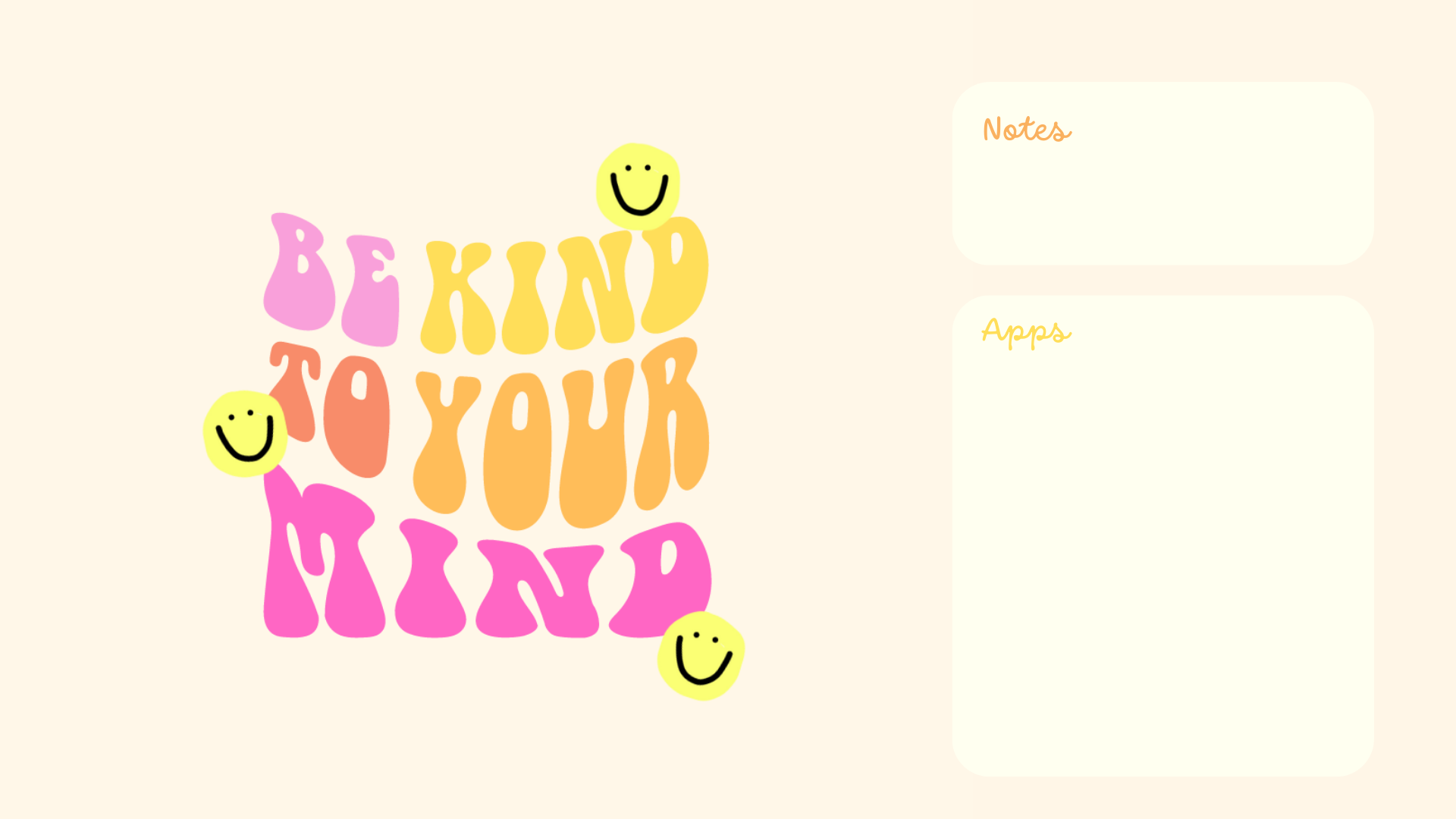
Get ready to infuse your digital workspace with a burst of positivity and charm! Introducing our latest collection of Positive Computer Wallpapers, where pink floral and yellow smiley patterns come together to brighten your screen and lift your spirits. Say goodbye to mundane desktop backgrounds and hello to a vibrant array of designs that will inspire and energize you every time you sit down at your computer.
Whether you’re looking to add a touch of cheer to your workday or simply want to surround yourself with uplifting visuals, these wallpapers are sure to bring a smile to your face and a boost to your productivity. Let’s turn your desktop into a haven of positivity and creativity – one wallpaper at a time! You can find other wallpapers on my Wallpaper Page or click here. #WallpaperWednesday
So, download your favorites, and don’t forget to check out my shop Plus, I’m all ears for your suggestions on future wallpapers – what themes or colors would you like to see next? Oh, and before you go, make sure to hit that subscribe button for email notifications. That way, you’ll never miss out when I drop new freebies.

Table of Contents

Positive Computer Wallpapers
Computer Wallpapers
How to Download these computer wallpapers:
Windows users:
- Find the wallpaper you want and save the image.
- Right-click on your desktop and select “Personalize.”
- Click on “Background” and then “Browse” to locate the saved wallpaper.
- Select the wallpaper and adjust settings if needed.
- Click “Choose picture” or “Save changes” to apply.
- Enjoy your wallpaper!
Mac users:
- Find the wallpaper you want and save the image.
- Open System Preferences from the Apple menu.
- Click on “Desktop & Screen Saver.”
- In the Desktop tab, click the “+” button to add the saved wallpaper.
- Select the wallpaper from your saved location.
- Adjust settings like picture fit and screen selection if needed.
- Enjoy your wallpaper!
If you need more help with the installation of these wallpapers make sure to check my guide “How to download and set up your new wallpaper on any device” here.


Positive Computer Wallpapers
With space for apps and notes:
*As a Mac user I love adding sticky notes on my desktop with things I have to remember, buy, or write down to-do lists. If you don’t know how to add them on your desktop, you can learn here.


I hope you love these wallpapers! Let me know in the comments below which one is your favorite and what other content would you like to see next!