
Hello Earth-Lovers!
As we ready up to celebrate Earth Day, let’s immerse ourselves in a world of eco-consciousness and appreciation for our beautiful planet. Whether you’re a passionate environmentalist or simply someone who enjoys a good Earth-inspired backdrop for your devices, you’re in for a treat!
Check out our new collection of Earth Day wallpapers that carry powerful messages of preservation and love for our planet. From the timeless reminder ‘Save Our Home’ to the indigenous homage ‘Pachamama,’ and ‘There is no Planet B’.
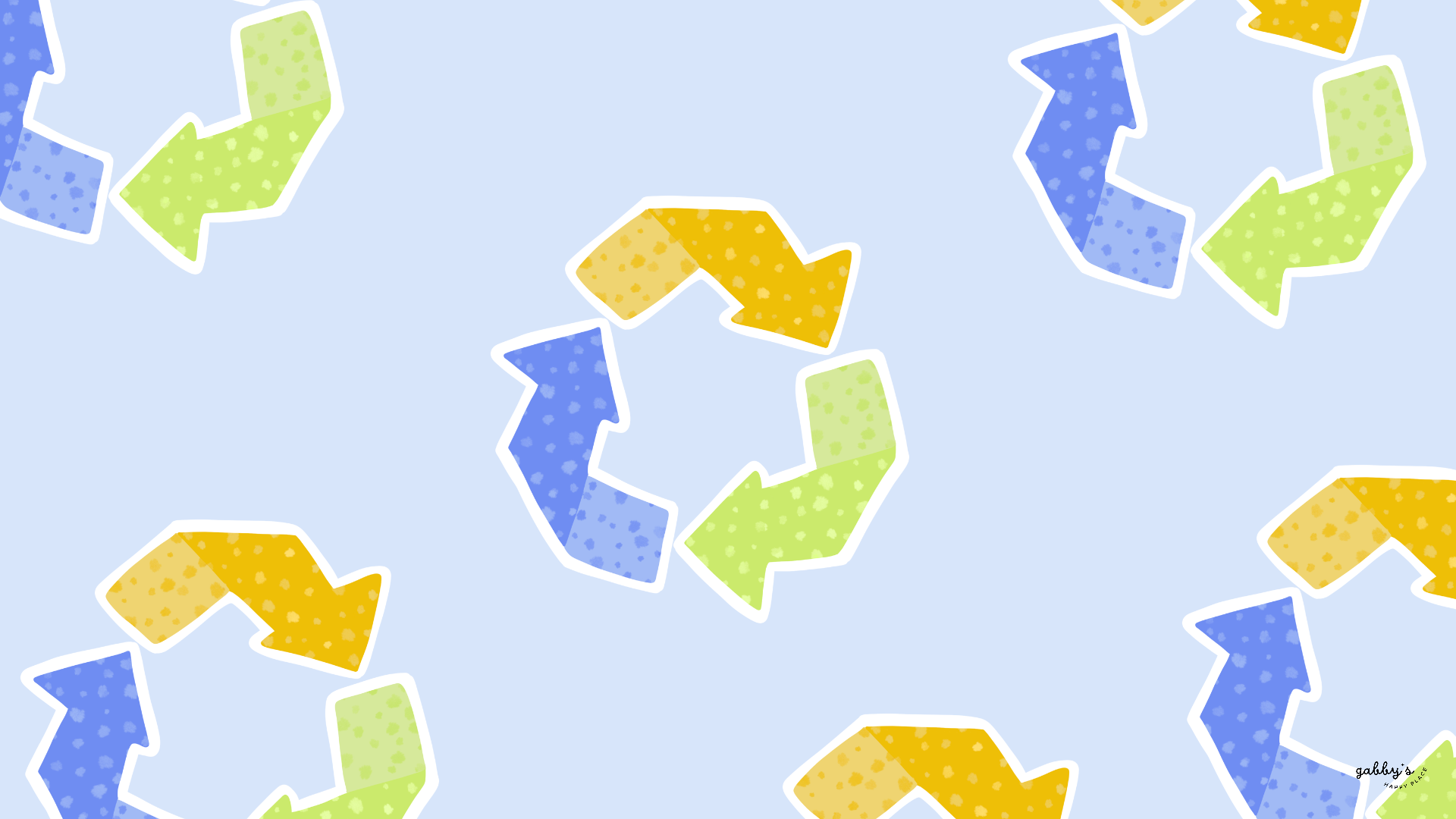
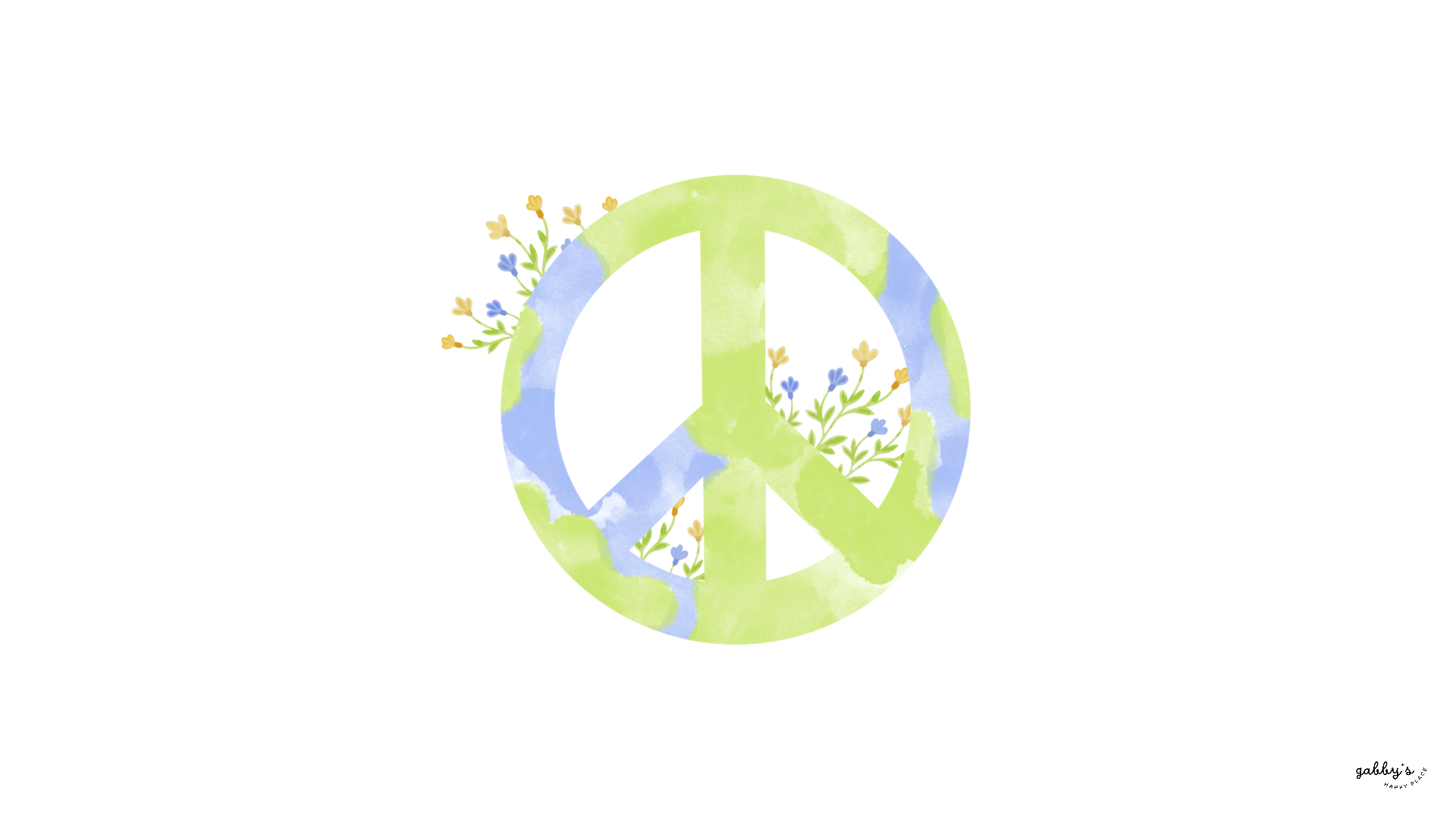
These wallpapers are sure to brighten your day while spreading awareness, featuring dreamy watercolor textures, whimsical illustrations of the Earth, and bursts of colorful flowers. And the best part? They’re available for your phone, computer, and even your smartwatch!
Don’t forget to subscribe to email notifications so you never miss out when I drop new freebies. Plus, as a subscriber, you get exclusive access to the Subscribers’ Vault where all the best goodies are stored! And make sure to check out my shop for more content! You can find other wallpapers on my Wallpaper Page or click here. #WallpaperWednesday
Happy Earth Day!
Gabby.

Table of Contents
Why is Earth Day so important?
Earth Day reminds us how important it is to take care of the planet we live in! Taking care of the Earth is key to preserving the environment, and biodiversity, and ensuring a sustainable future for generations to come. By prioritizing environmental conservation, we can mitigate climate change, reduce pollution, and protect natural habitats.
Here are three easy ways to make a positive impact on the planet every day:
- Reduce, Reuse, Recycle: Embrace the mantra of “reduce, reuse, recycle” by minimizing waste, reusing items whenever possible, and recycling materials like paper, plastic, glass, and metal. Opt for reusable shopping bags, water bottles, and containers to reduce single-use plastic consumption.
- Conserve Energy: Practice energy efficiency at home and at work by turning off lights when not in use, unplugging electronics when they’re not needed, and investing in energy-saving appliances. Switching to LED light bulbs and adjusting thermostats can also help lower energy consumption and reduce carbon emissions.
- Support Sustainable Practices: Choose eco-friendly products and support companies that prioritize sustainability and environmental stewardship. Look for certifications like Fair Trade, Organic, and Forest Stewardship Council (FSC) when making purchasing decisions. Additionally, consider reducing meat consumption and incorporating more plant-based foods into your diet to lessen the environmental impact of food production.
By adopting these simple habits into our daily lives, we can all play a part in protecting our planet and creating a more sustainable future for all living beings.

Capture the positivity! Pin your favorite wallpaper to your Pinterest board, ensuring you always have a delightful link back to this post whenever you need inspiration! For more content, follow me on
Earth Day Wallpapers
Phone Wallpapers
How to download and set up these phone wallpapers:
- Long-press on the images below or press the “download” button below.
- Select save image or download.
- Open your photo app and click on the wallpaper.
- Set as your phone wallpaper or lock screen.
- Enjoy your wallpaper!
If you need more help with the installation of these wallpapers make sure to check my guide “How to download and set up your new wallpaper on any device” here. Need extra help? If you have any questions or need assistance, feel free to check my FAQs page or reach out to me at gabbyshappyplace@gmail.com I’m here to help!


Check out my Etsy Shop
Earth Day Wallpapers
Computer Wallpapers
How to download and set up these computer wallpapers:
Windows users:
- Find the wallpaper you want and save the image.
- Right-click on your desktop and select “Personalize.”
- Click on “Background” and then “Browse” to locate the saved wallpaper.
- Select the wallpaper and adjust settings if needed.
- Click “Choose picture” or “Save changes” to apply.
- Enjoy your wallpaper!
Mac users:
- Find the wallpaper you want and save the image.
- Open System Preferences from the Apple menu.
- Click on “Desktop & Screen Saver.”
- In the Desktop tab, click the “+” button to add the saved wallpaper.
- Select the wallpaper from your saved location.
- Adjust settings like picture fit and screen selection if needed.
- Enjoy your wallpaper!
If you need more help with the installation of these wallpapers make sure to check my guide “How to download and set up your new wallpaper on any device” here. Need extra help? If you have any questions or need assistance, feel free to check my FAQs page or reach out to me at gabbyshappyplace@gmail.com I’m here to help!


Earth Day Wallpapers
Smartwatch Wallpapers
How to download and set up these smartwatch wallpapers:
- Find the wallpaper you want and save the image.
- Open the companion app for your smartwatch on your smartphone.
- Navigate to the section for customizing your watch face or wallpaper.
- Choose the option to add a new wallpaper or watch face.
- Select the saved image from your phone’s gallery or file manager.
- Adjust settings such as position and style if available.
- Save or apply the wallpaper to your smartwatch.
- Enjoy your customized smartwatch wallpaper!
If you need more help with the installation of these wallpapers make sure to check my guide “How to download and set up your new wallpaper on any device” here. Need extra help? If you have any questions or need assistance, feel free to check my FAQs page or reach out to me at gabbyshappyplace@gmail.com I’m here to help!


I hope you love these wallpapers! Let me know in the comments below which is your favorite and what other content you want to see next!

Enjoyed this post? Share your thoughts by casting your like here! Your feedback fuels more of the content you love!
Don’t forget to check out my shop!

Enter your email to know when I post new content, designs, and resources (It’s completely FREE) and get access to my Subscribers’ Vault with 20+ printables, wallpaper sets, and templates. Join our community and enjoy content created just for you!





Leave a comment here! I LOVE hearing about you!