Hey there autumn lover!
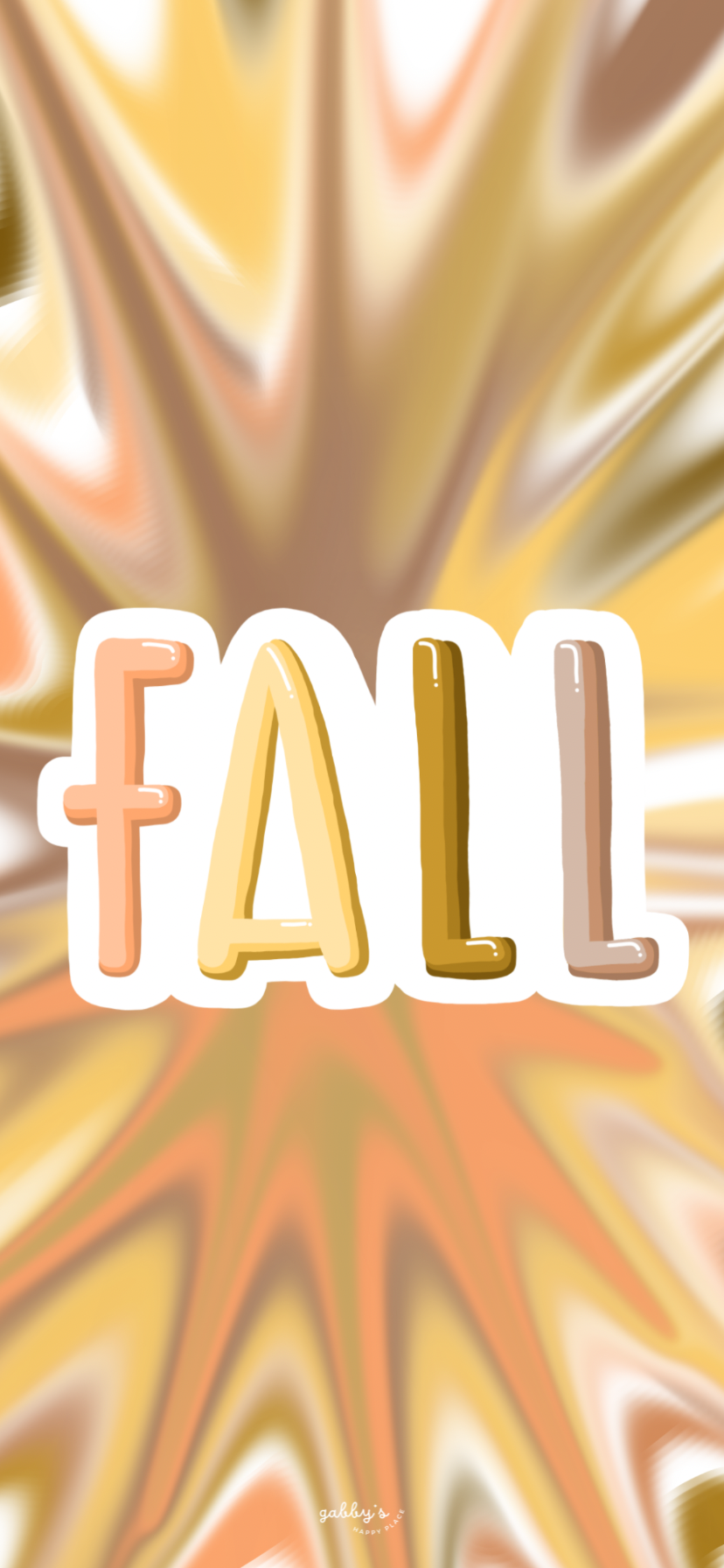
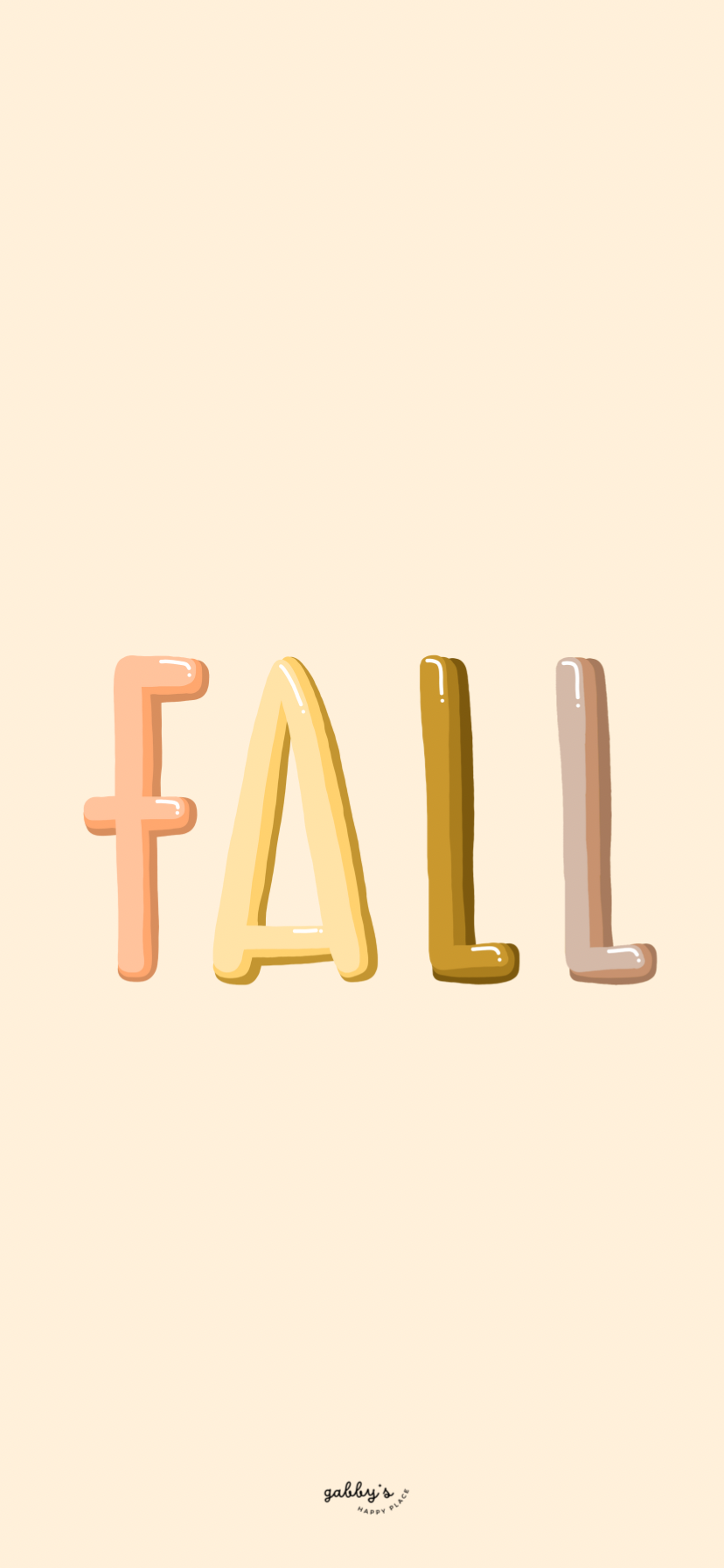
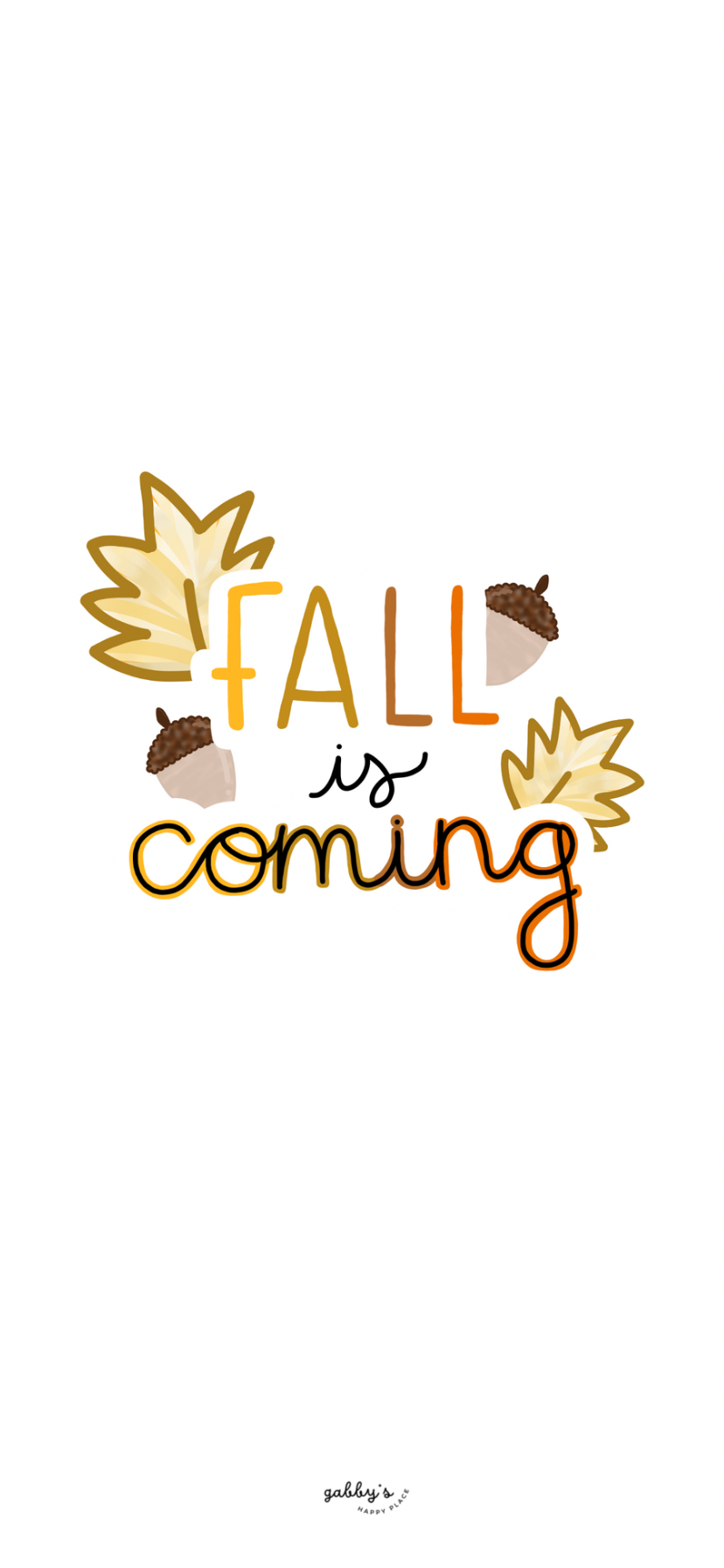
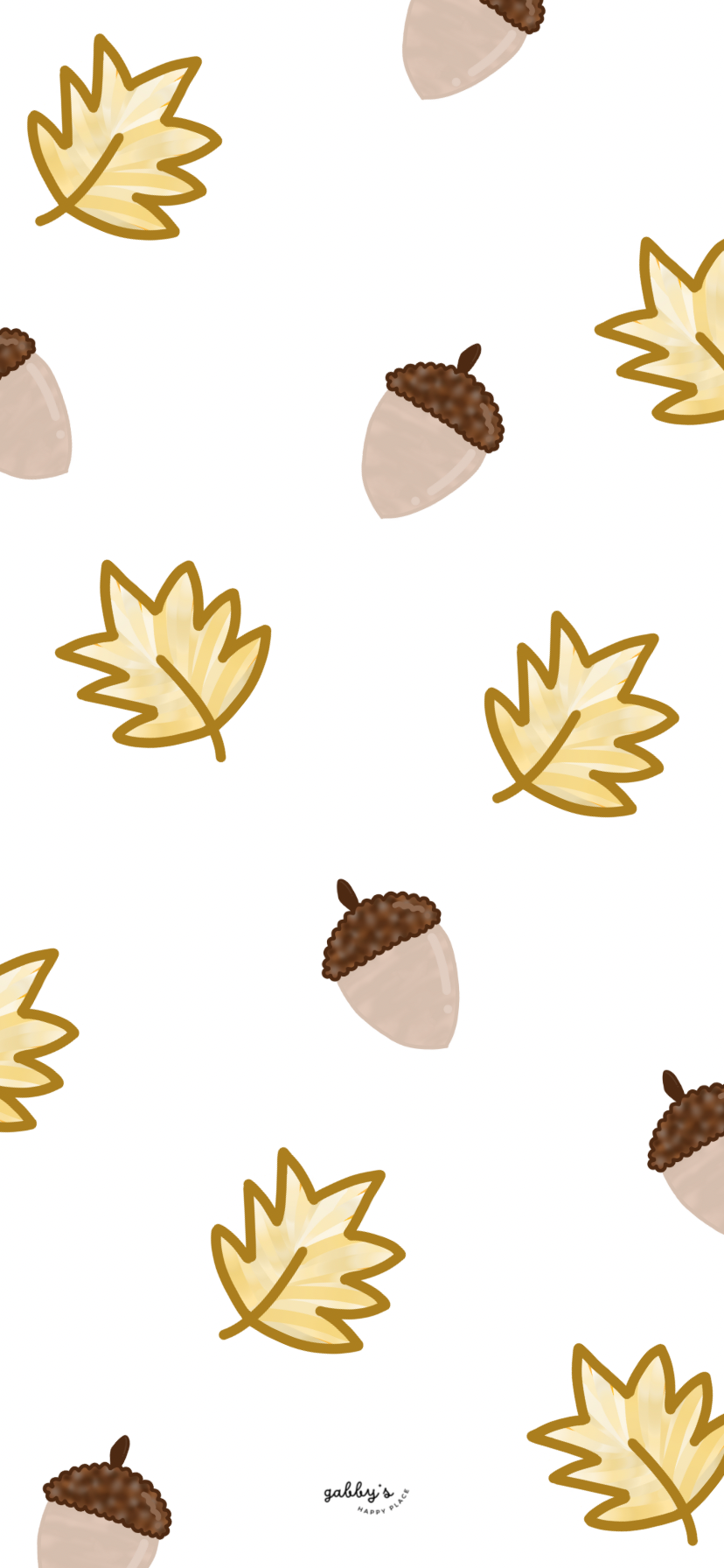
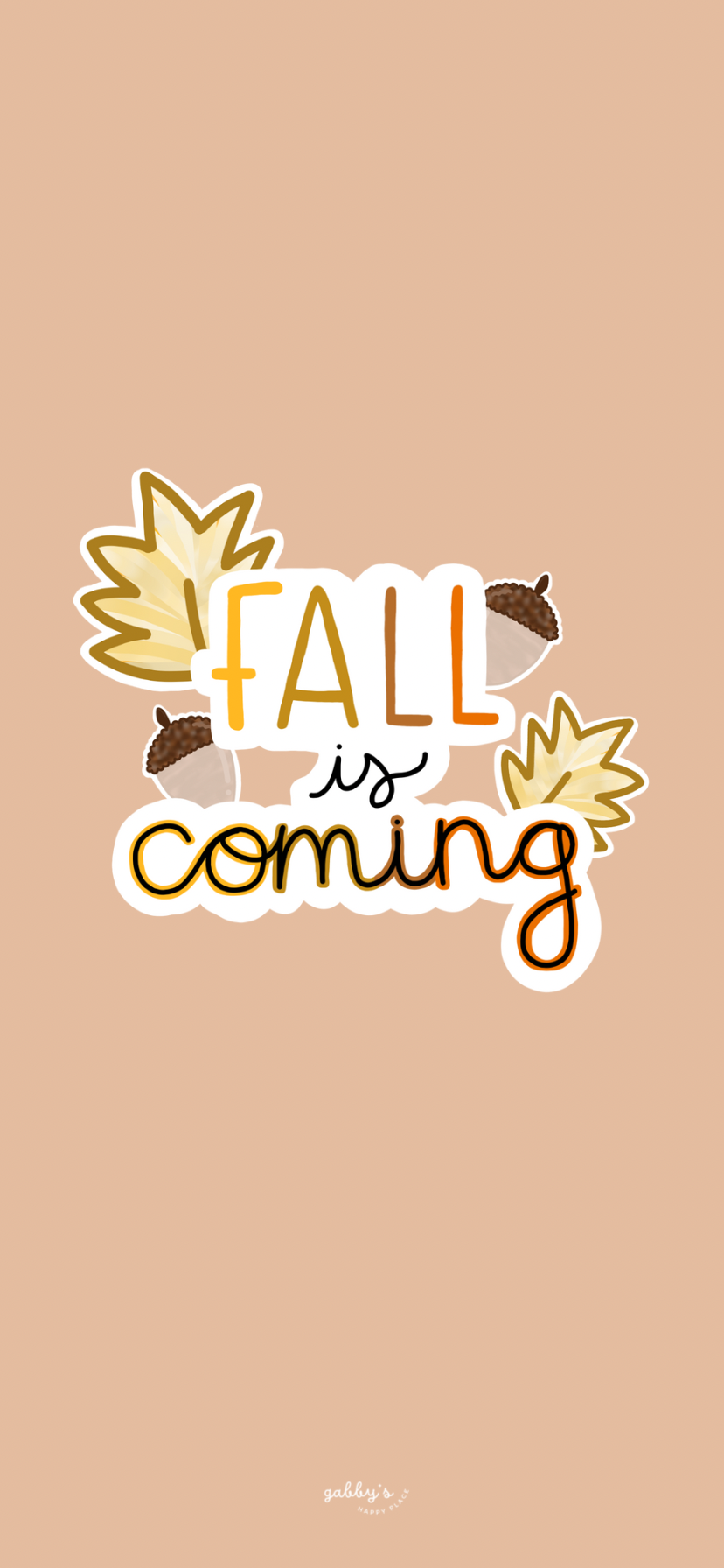
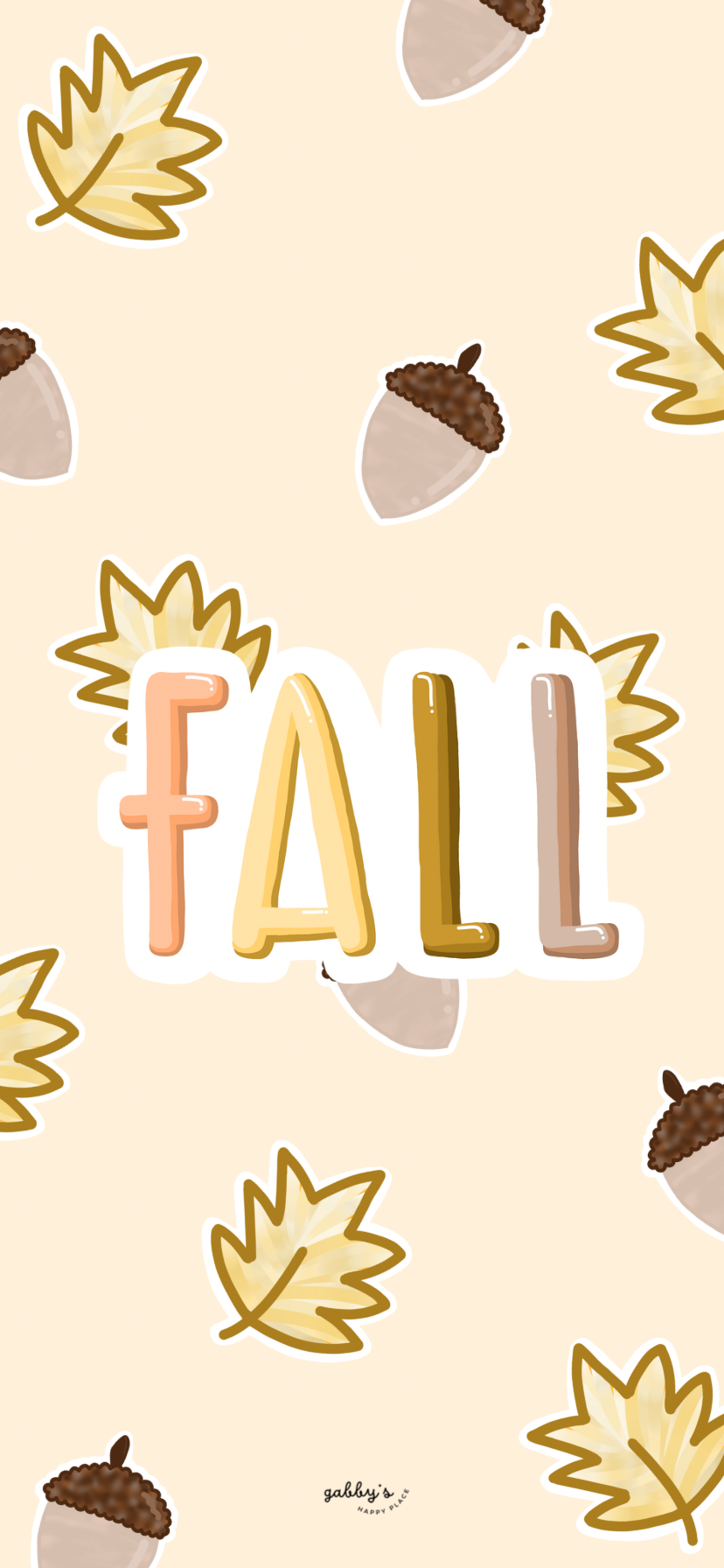
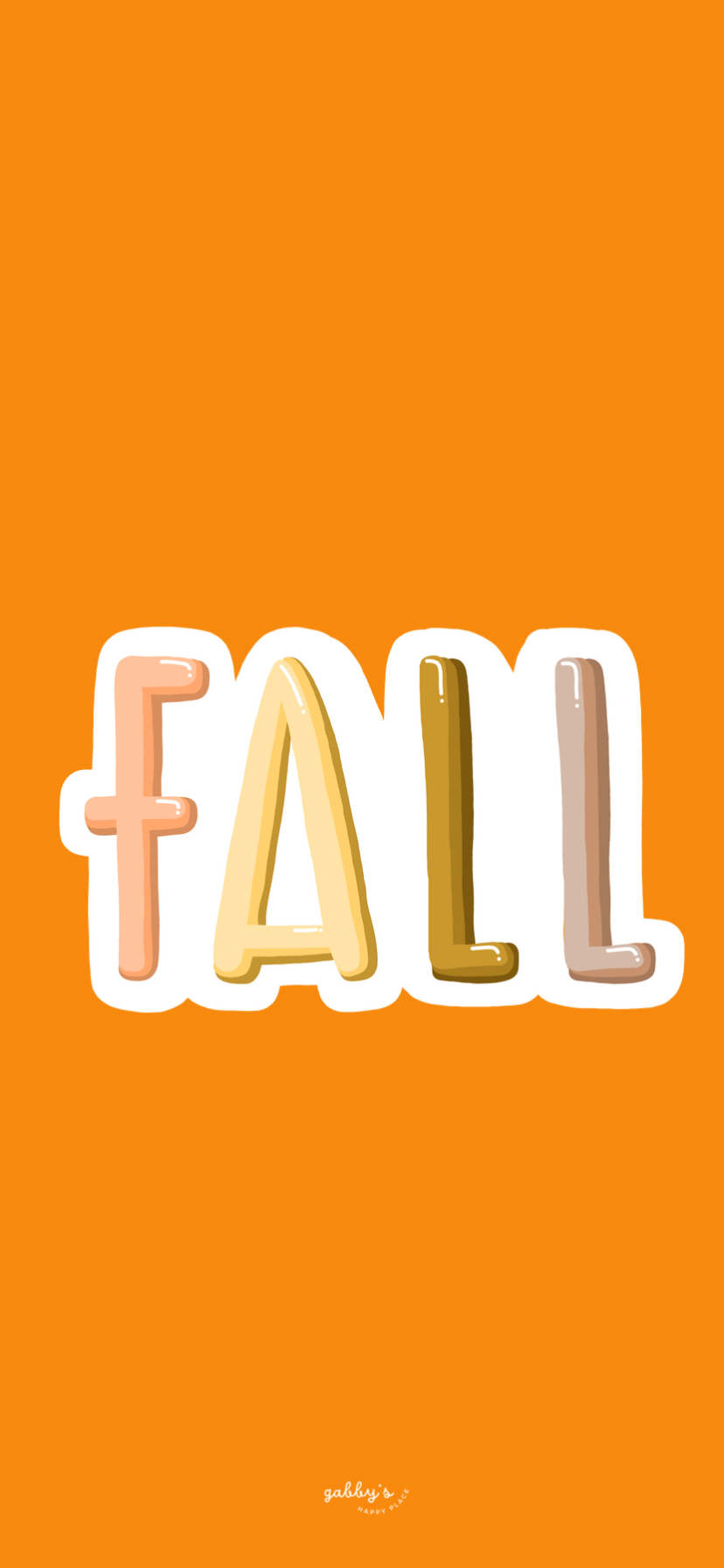
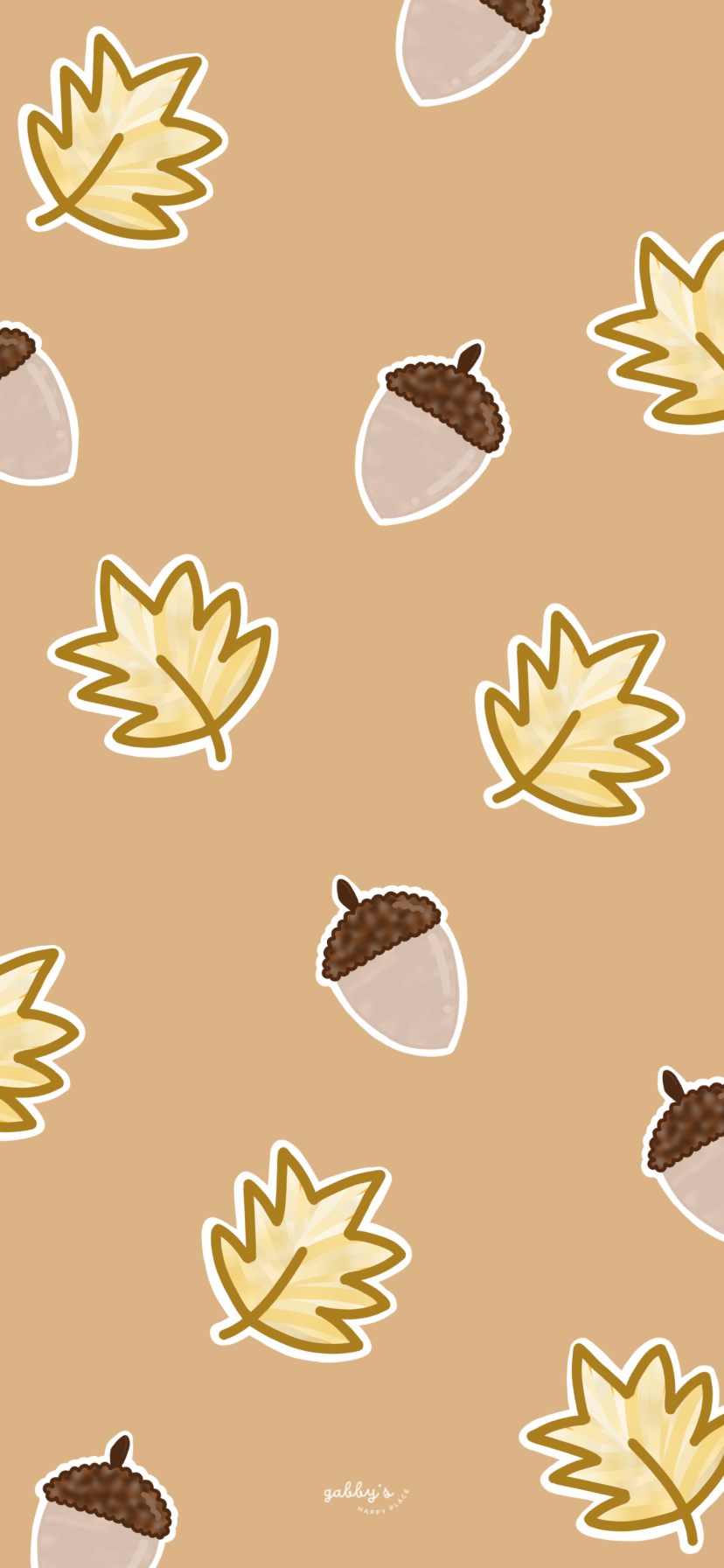
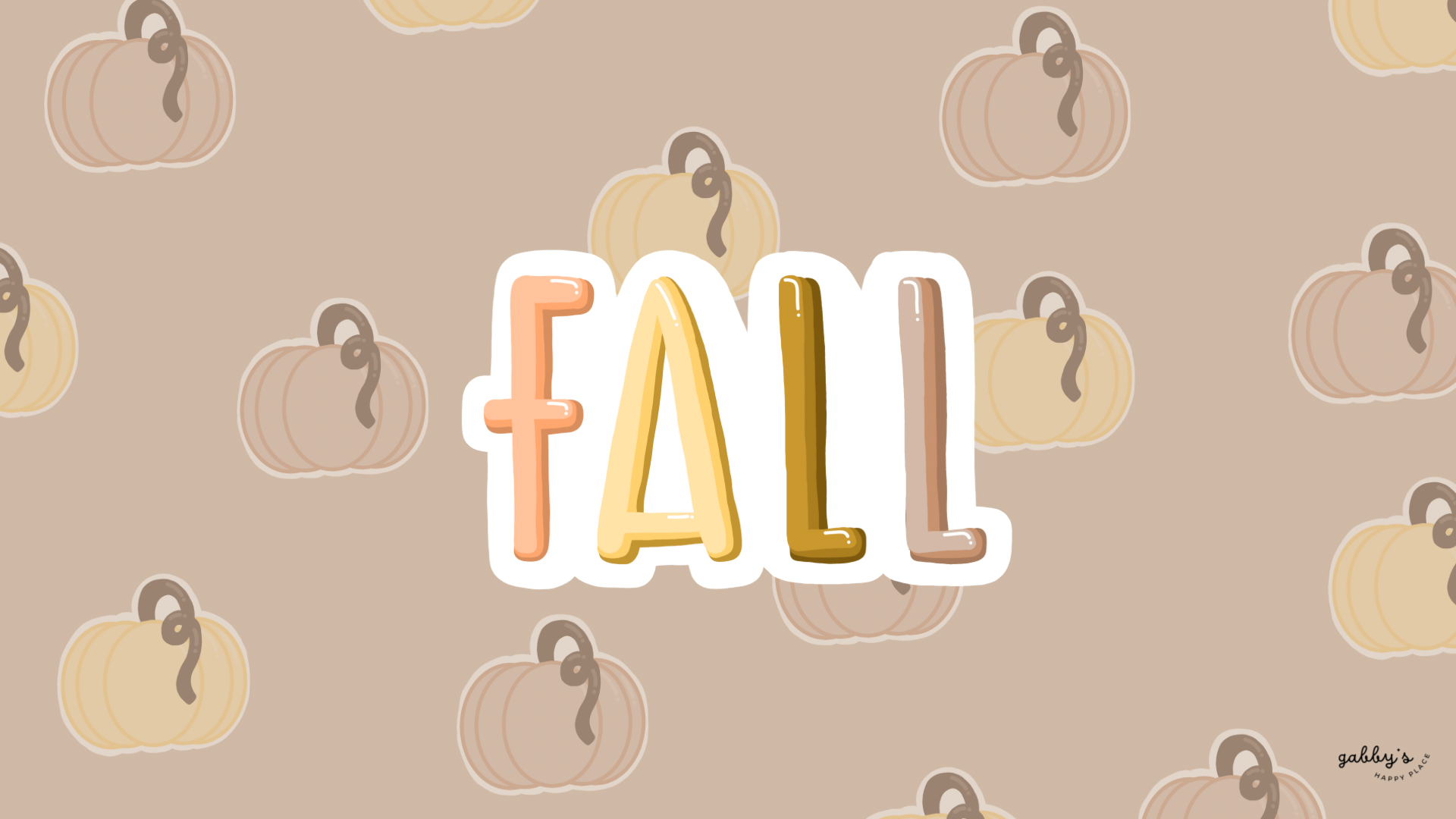
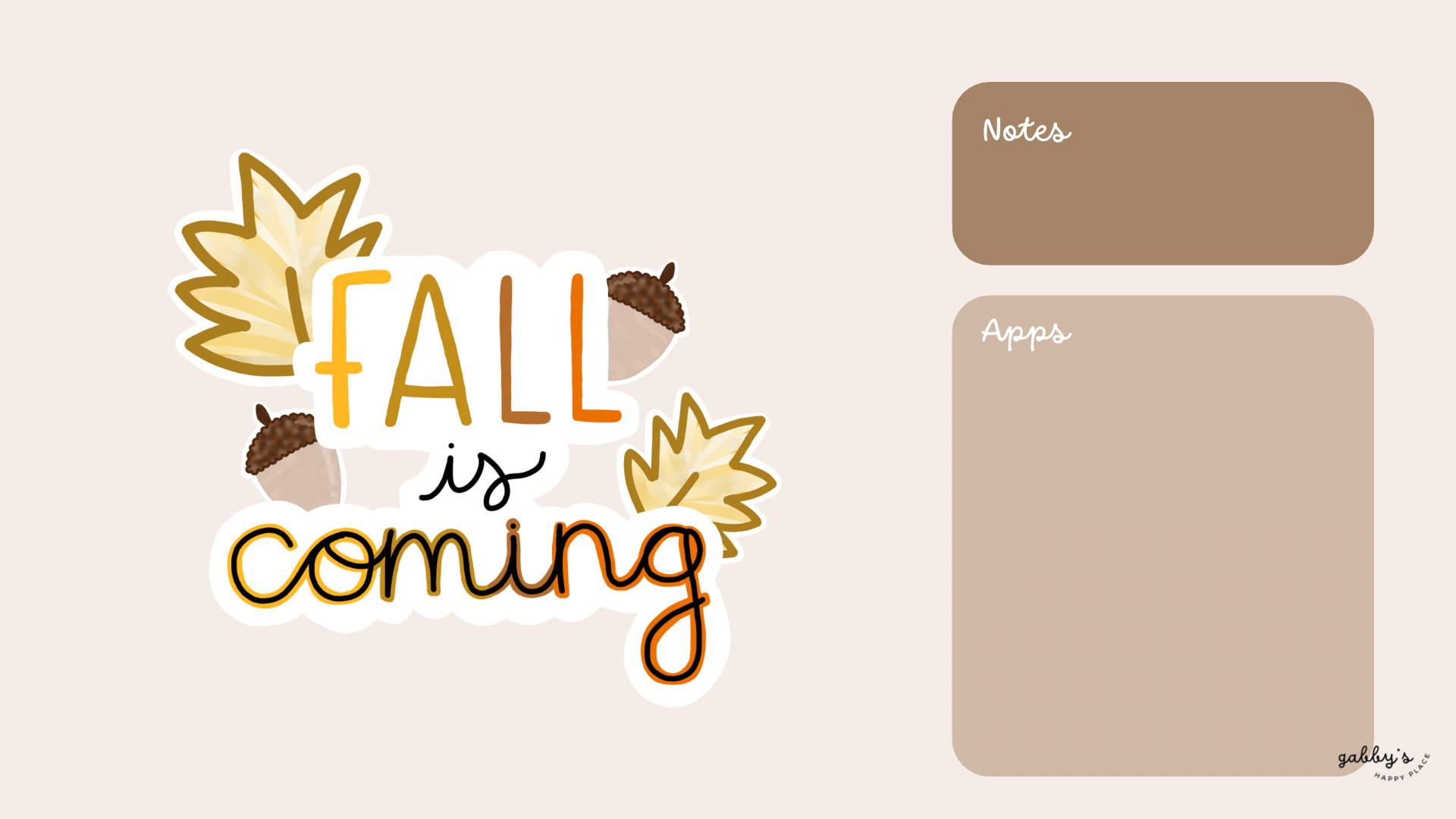
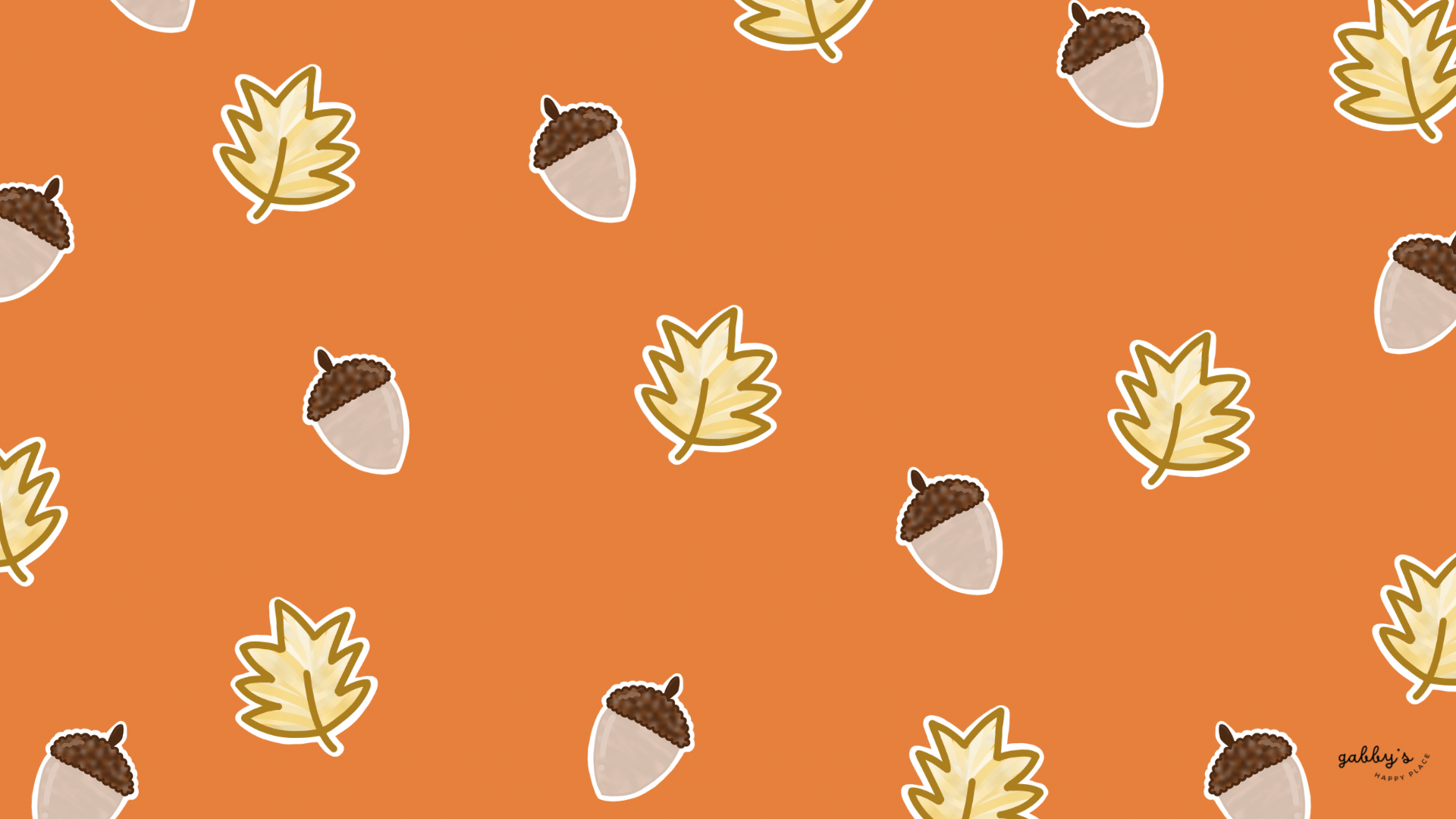
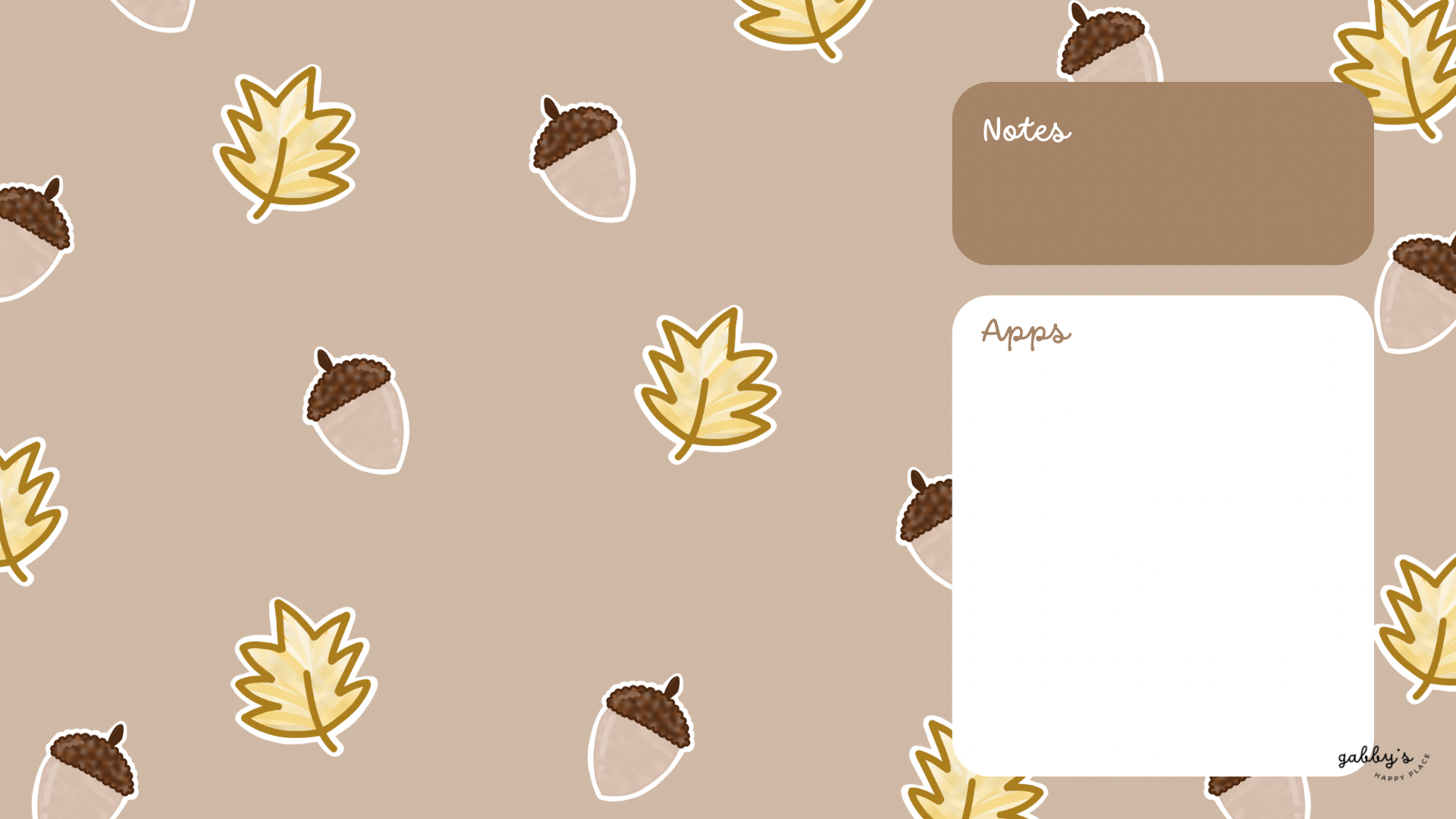
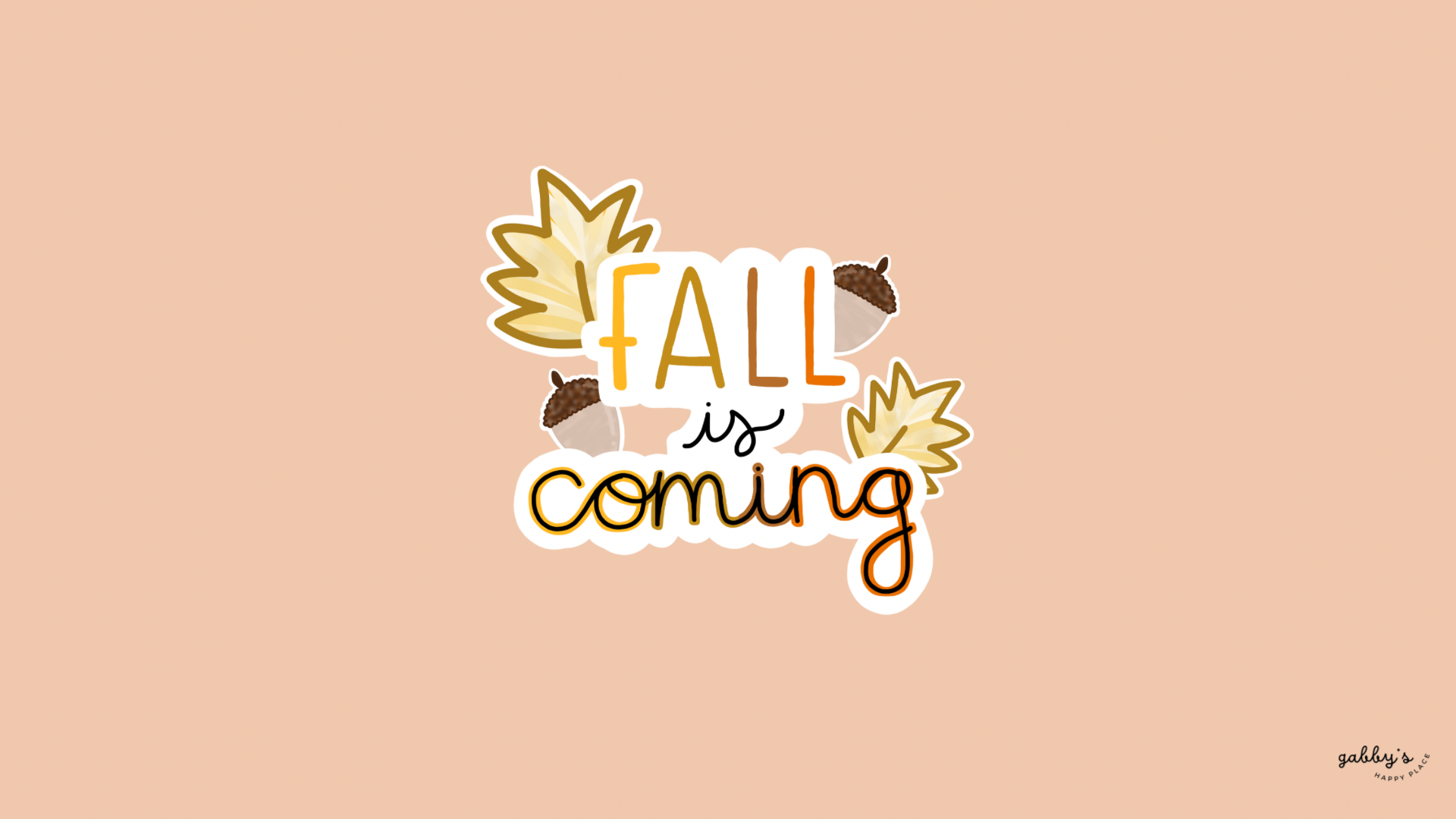
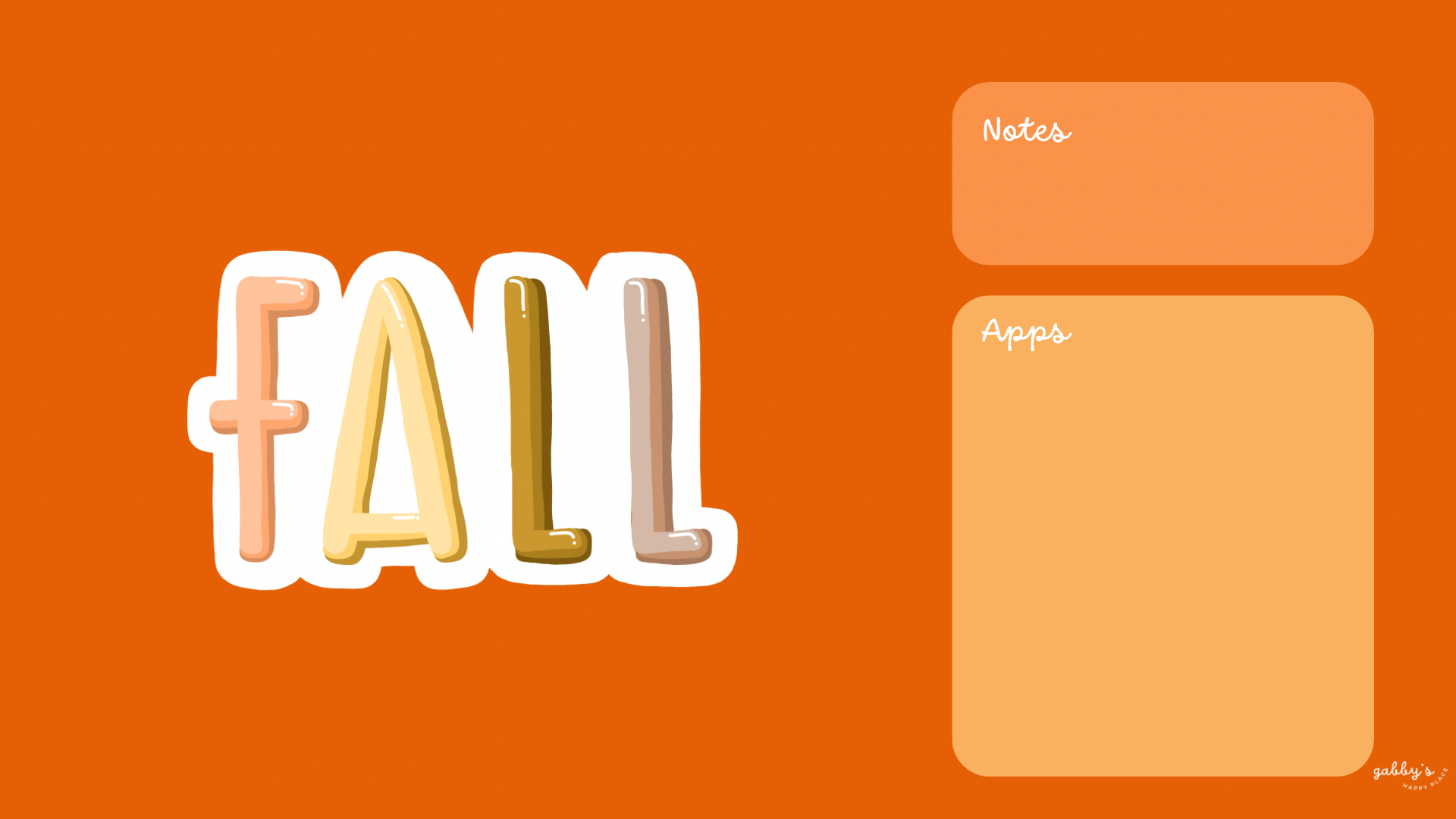
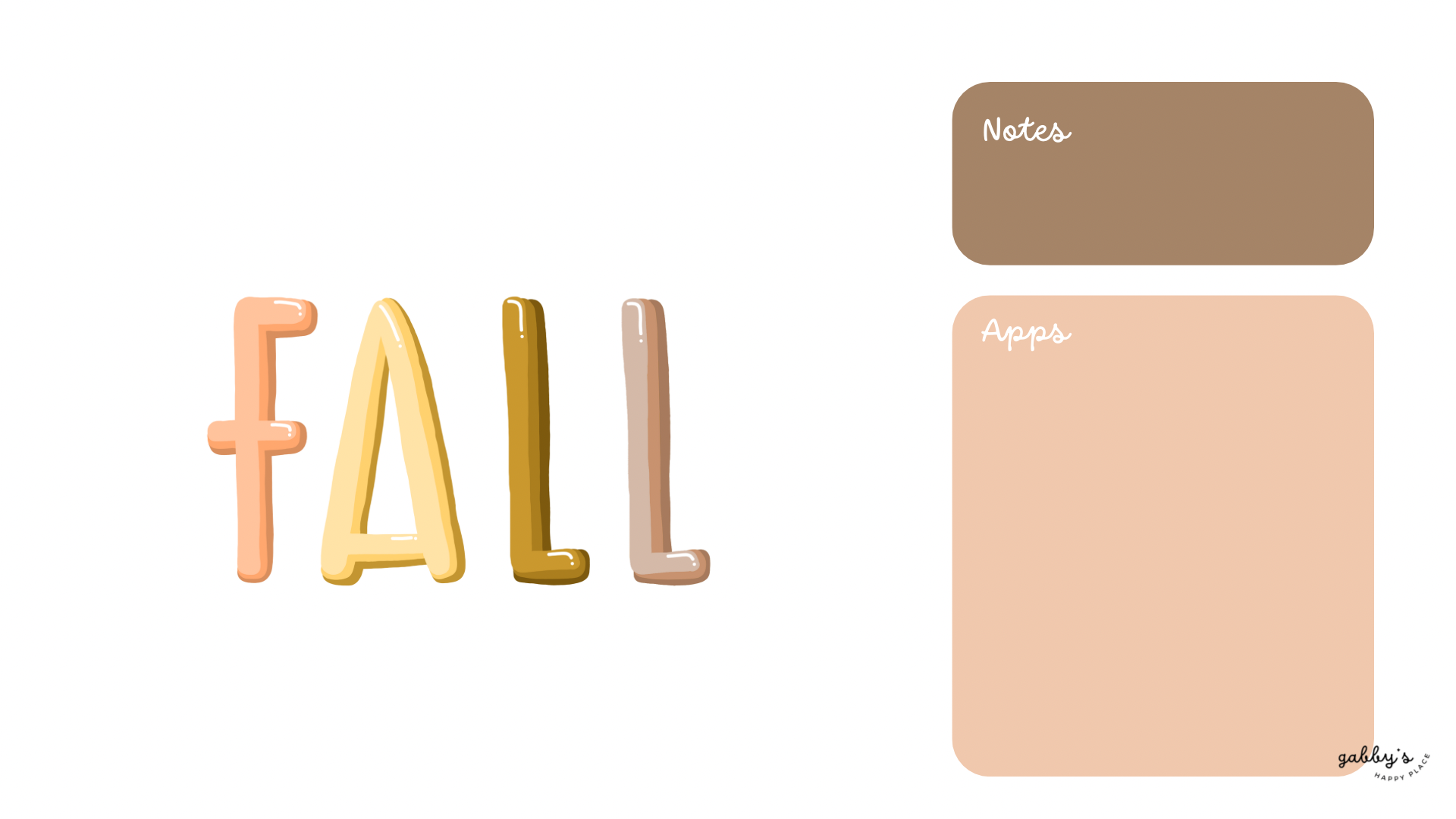
Get ready to cozy up your digital devices with the warm hues and rustic charm of fall with our collection of Fall Wallpapers! Whether you’re snuggling up with a pumpkin spice latte or taking a stroll through crunchy leaves, these wallpapers will bring the essence of autumn right to your screens.
From golden leaves to adorable pumpkins and acorns, we’ve curated a selection that captures the beauty of this magical season. So grab your favorite blanket, brew a cup of your favorite fall beverage, and transform your phone, computer, and watch into autumn wonderlands!
Don’t forget to subscribe to email notifications so you never miss out when I drop new freebies. Plus, as a subscriber, you get exclusive access to the Subscribers’ Vault where all the best goodies are stored! And make sure to check out my shop for more content! You can find other wallpapers on my Wallpaper Page or click here. #WallpaperWednesday
Happy fall,
Gabby.

Table of Contents
Why having matching wallpapers on all your devices is awesome?
Having matching wallpapers across all your devices is not only visually pleasing, but it also adds a fun and cohesive vibe to your digital world! Coordinating wallpapers bring a touch of personalization and style to each device while keeping everything looking neat and organized.
Plus, it’s super satisfying to have your phone, computer, and smartwatch all rocking the same cool wallpaper – talk about #squadgoals! Whether you’re a professional or just love to keep things looking fresh, matching wallpapers are a simple way to level up your digital game and make everything look on point!

Fall Wallpapers
Phone Wallpapers
How to download and set up these phone wallpapers:
- Long-press on the images below.
- Select save image or download.
- Open your photo app and click on the wallpaper.
- Set as your phone wallpaper or lockscreen.
- Enjoy your wallpaper!
If you need more help with the installation of these wallpapers make sure to check my guide “How to download and set up your new wallpaper on any device” here. Need extra help? If you have any questions or need assistance, feel free to check my FAQs page or reach out to me at gabbyshappyplace@gmail.com I’m here to help!


Computer Wallpapers
How to download and set up these desktop/laptop wallpapers:
Windows users:
- Find the wallpaper you want and save the image.
- Right-click on your desktop and select “Personalize.”
- Click on “Background” and then “Browse” to locate the saved wallpaper.
- Select the wallpaper and adjust settings if needed.
- Click “Choose picture” or “Save changes” to apply.
- Enjoy your wallpaper!
Mac users:
- Find the wallpaper you want and save the image.
- Open System Preferences from the Apple menu.
- Click on “Desktop & Screen Saver.”
- In the Desktop tab, click the “+” button to add the saved wallpaper.
- Select the wallpaper from your saved location.
- Adjust settings like picture fit and screen selection if needed.
- Enjoy your wallpaper!
If you need more help with the installation of these wallpapers make sure to check my guide “How to download and set up your new wallpaper on any device” here. Need extra help? If you have any questions or need assistance, feel free to check my FAQs page or reach out to me at gabbyshappyplace@gmail.com I’m here to help!


Fall Wallpapers
Smartwatch Wallpapers
How to download and set up these smartwatch wallpapers:
- Find the wallpaper you want and save the image.
- Open the companion app for your smartwatch on your smartphone.
- Navigate to the section for customizing your watch face or wallpaper.
- Choose the option to add a new wallpaper or watch face.
- Select the saved image from your phone’s gallery or file manager.
- Adjust settings such as position and style if available.
- Save or apply the wallpaper to your smartwatch.
- Enjoy your customized smartwatch wallpaper!
If you need more help with the installation of these wallpapers make sure to check my guide “How to download and set up your new wallpaper on any device” here. Need extra help? If you have any questions or need assistance, feel free to check my FAQs page or reach out to me at gabbyshappyplace@gmail.com I’m here to help!


I hope you love these wallpapers! Let me know in the comments below which is your favorite and what other content you want to see next!