
Hey there, awesome people!
Mother’s Day is just around the corner, and I couldn’t be more excited to share with you something super special to celebrate all the amazing moms out there! Whether you’re a mom, know a mom, or just want to get into the spirit of Mother’s Day, I’ve got you covered with a whole set of free Mother’s Day Wallpapers. Yes, you read that right—FREE!
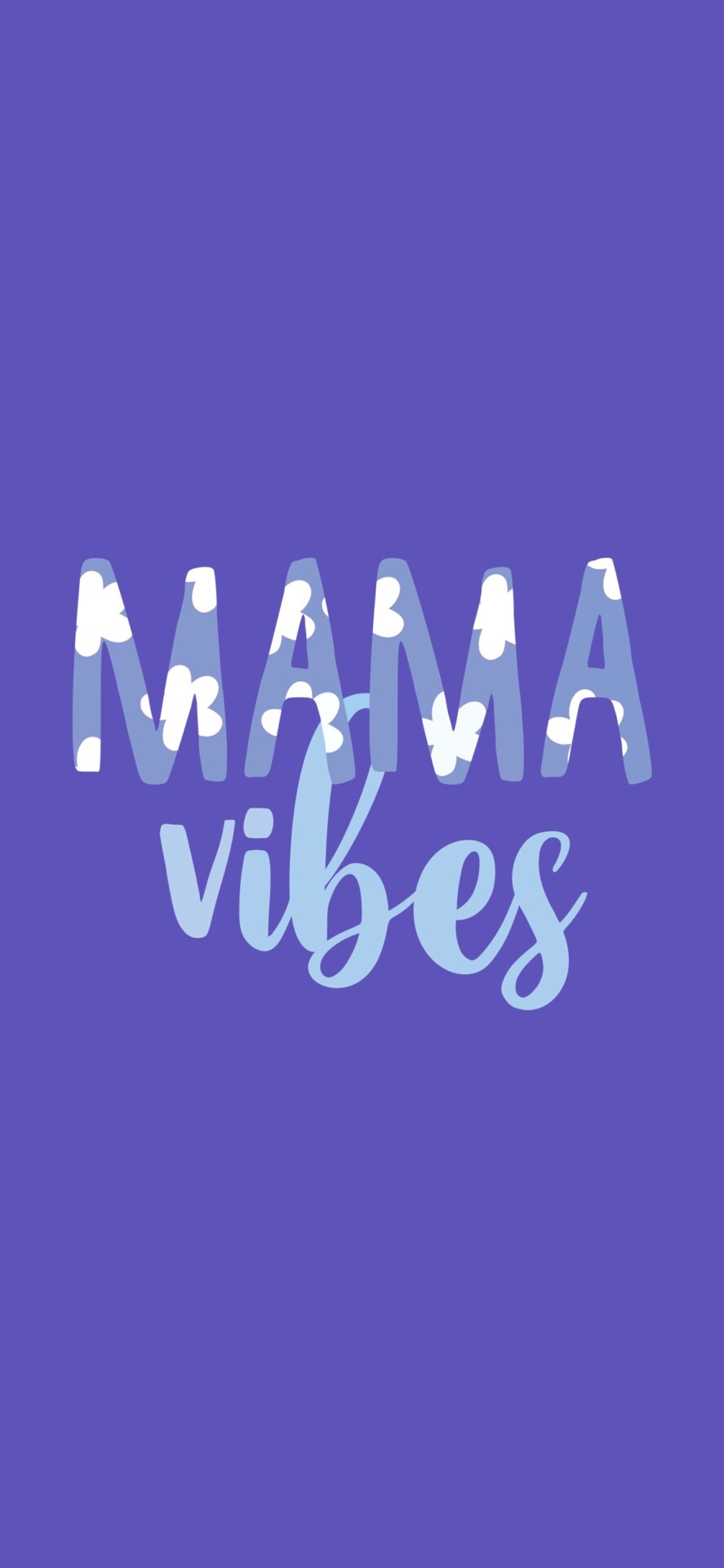
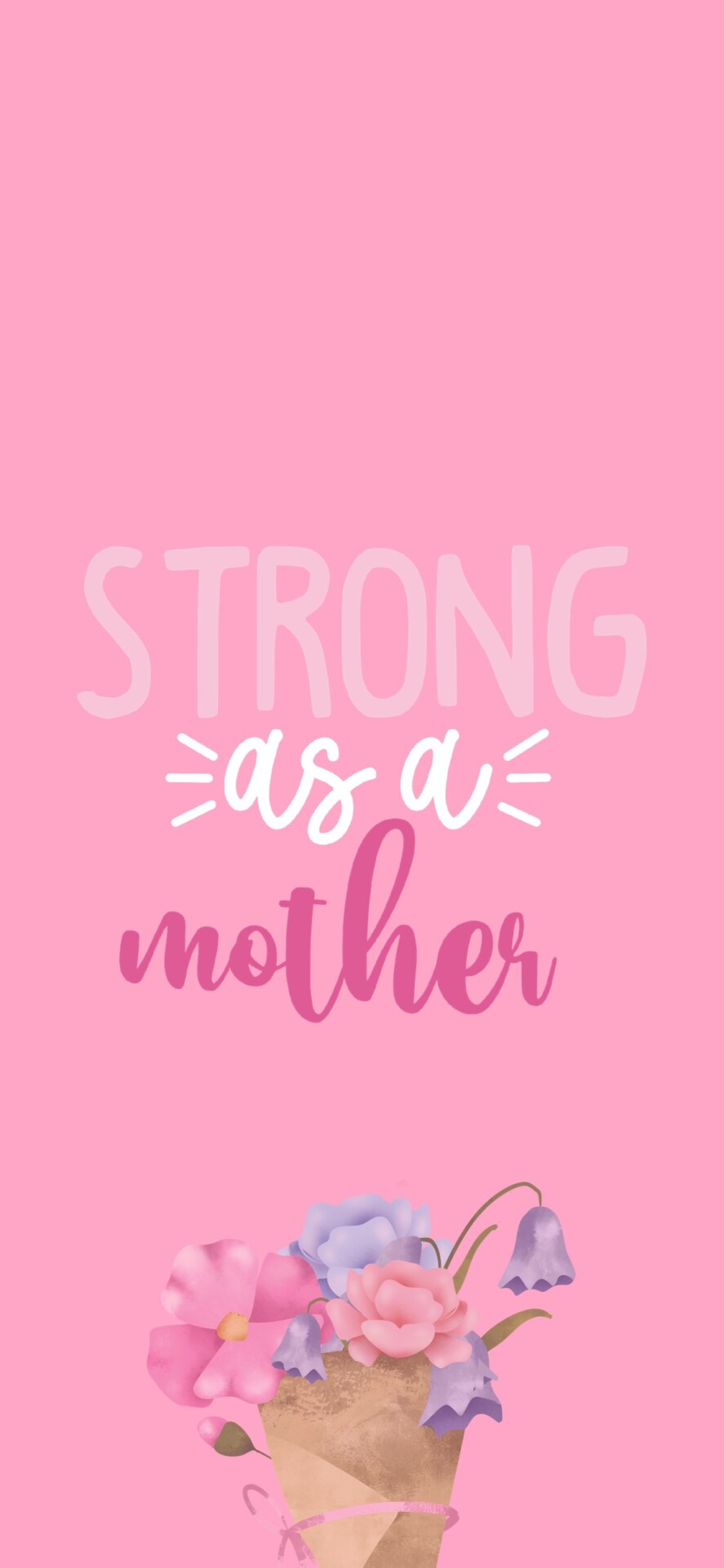
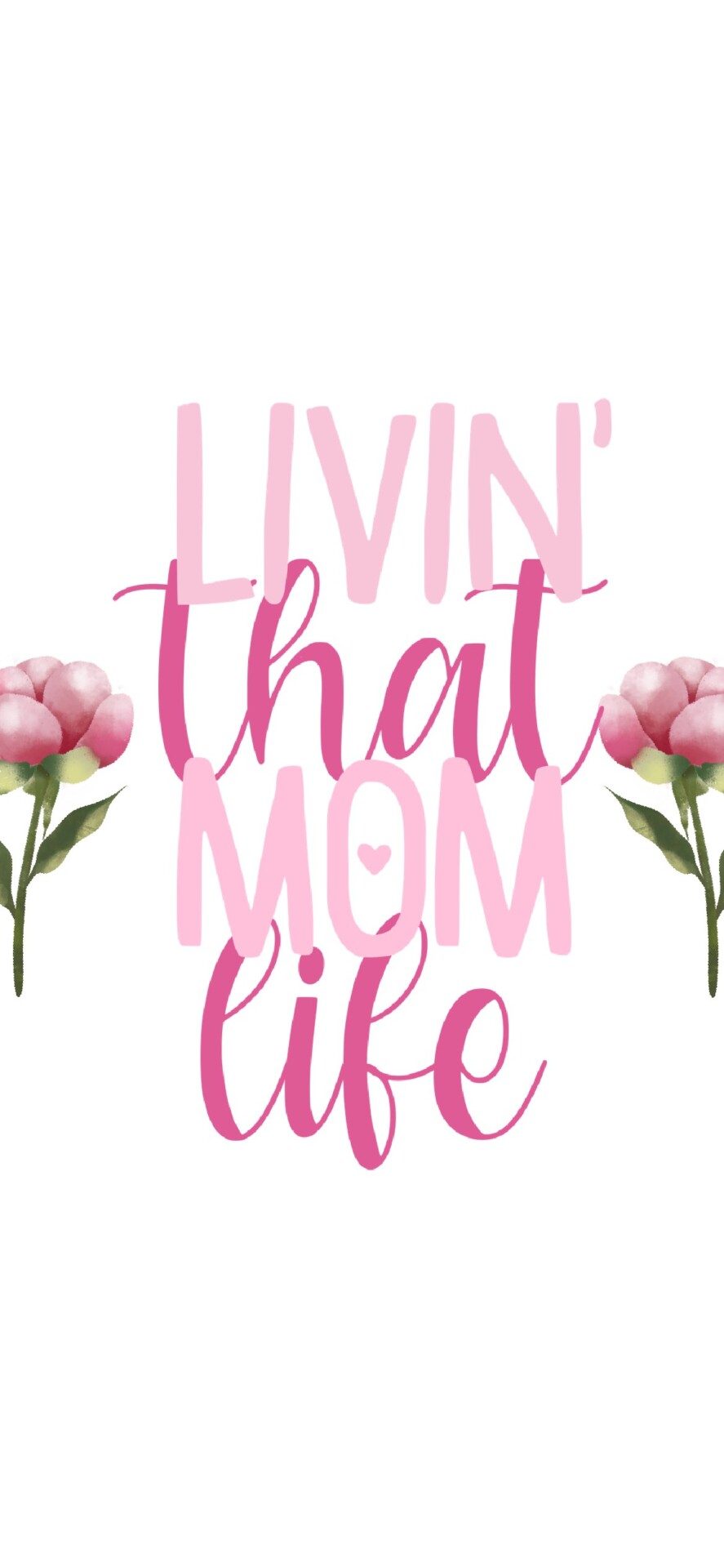
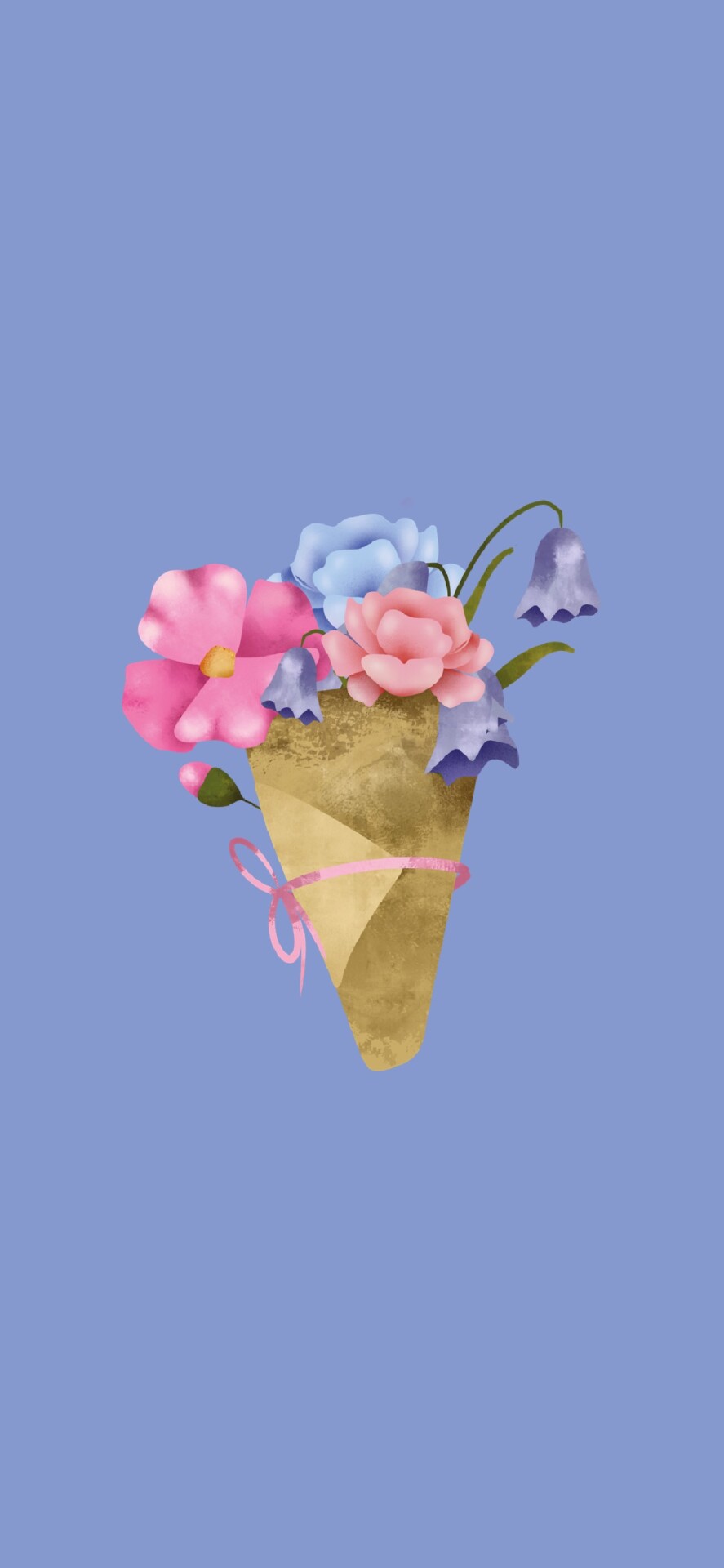
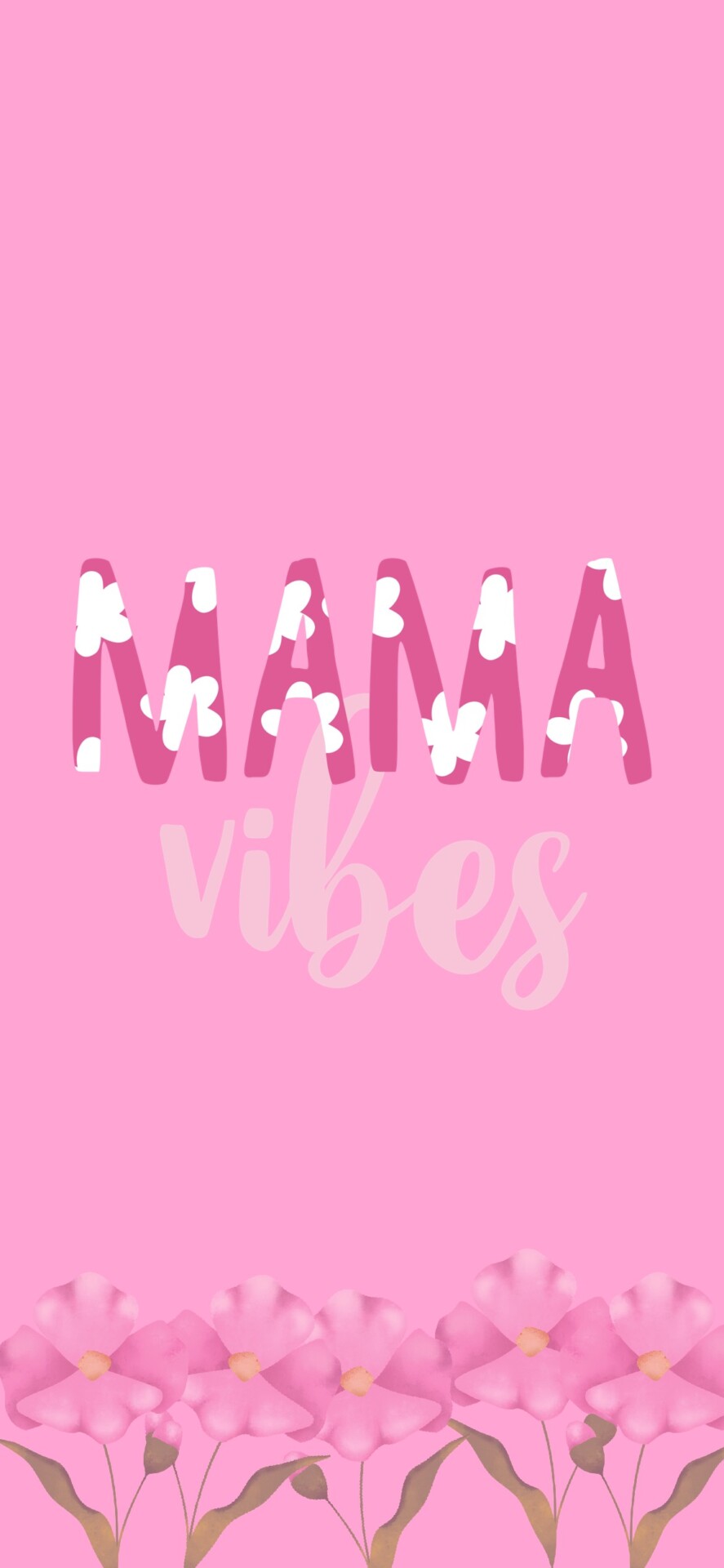
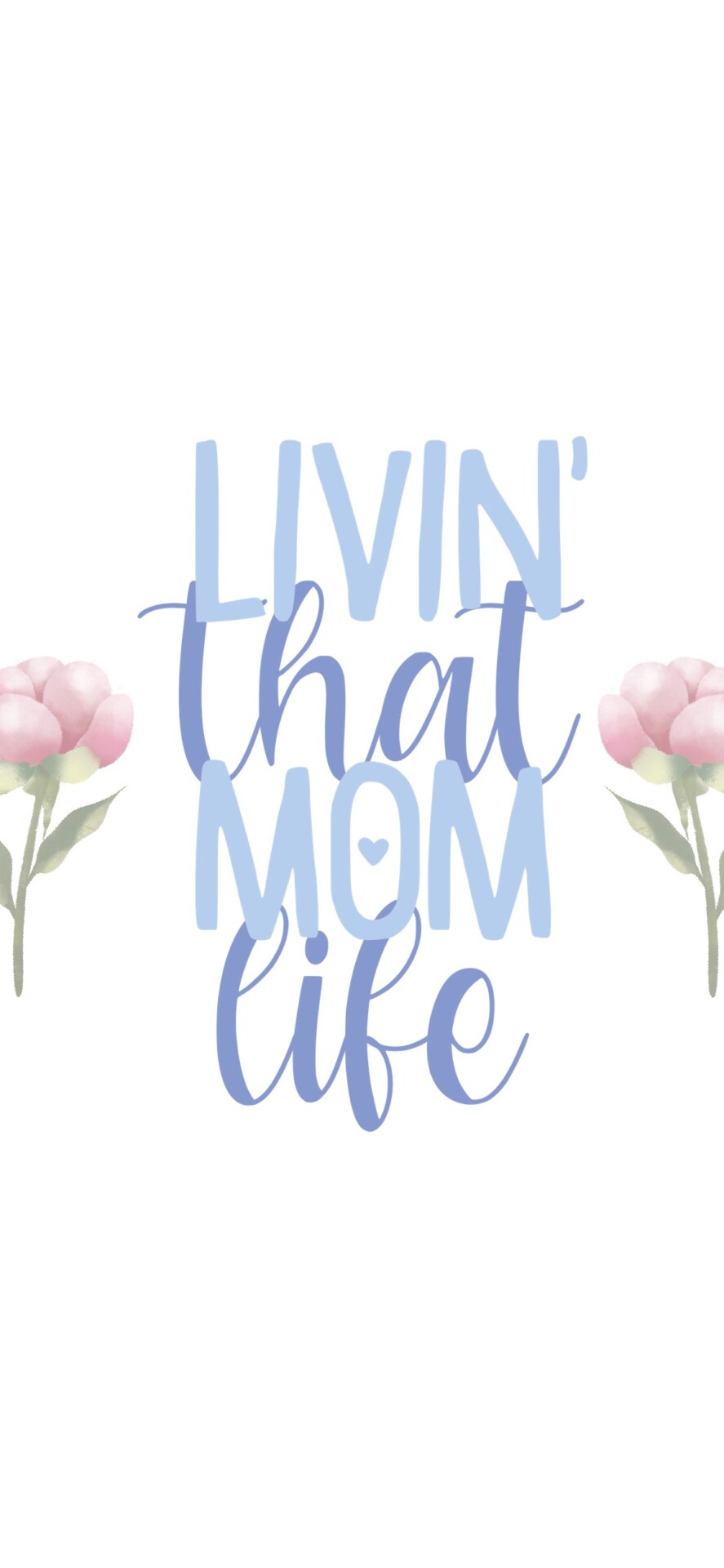
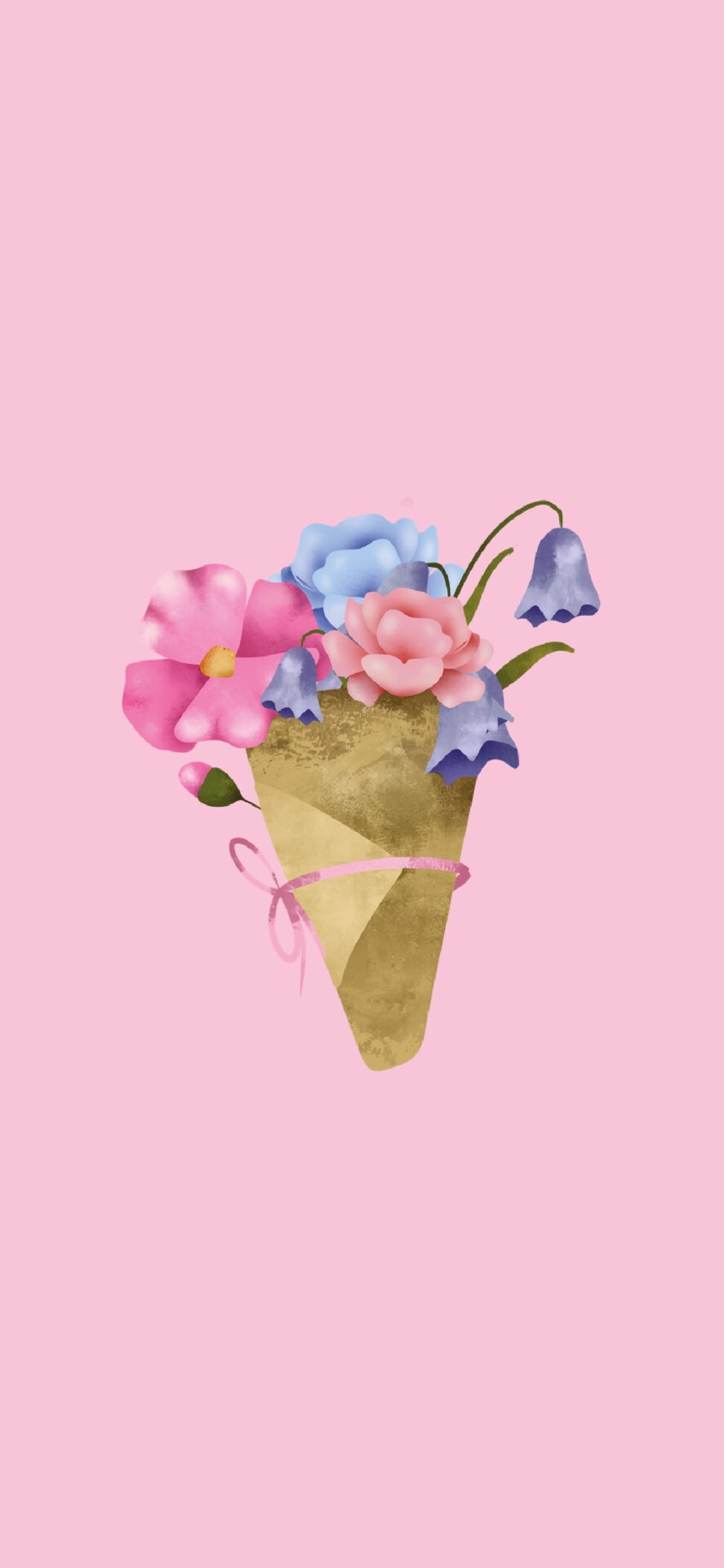
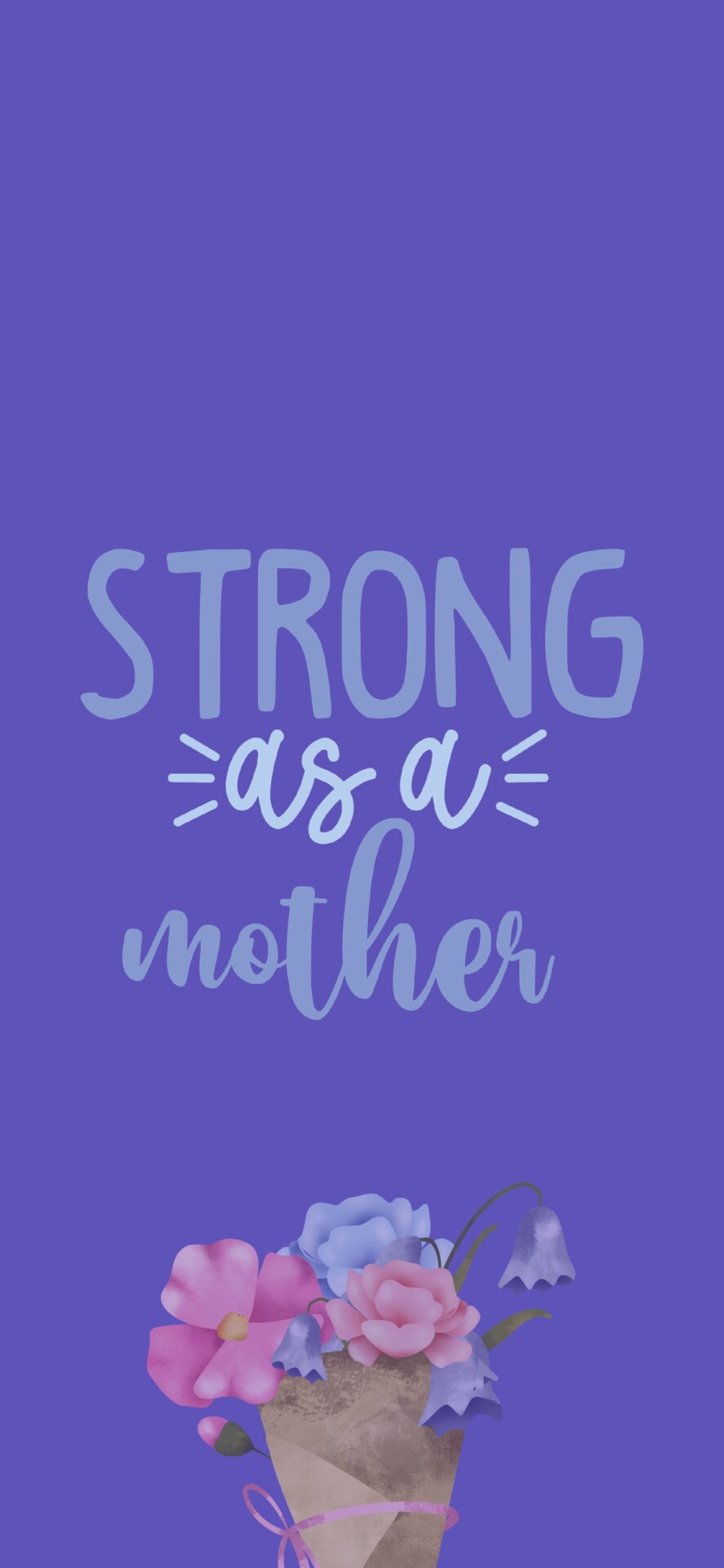
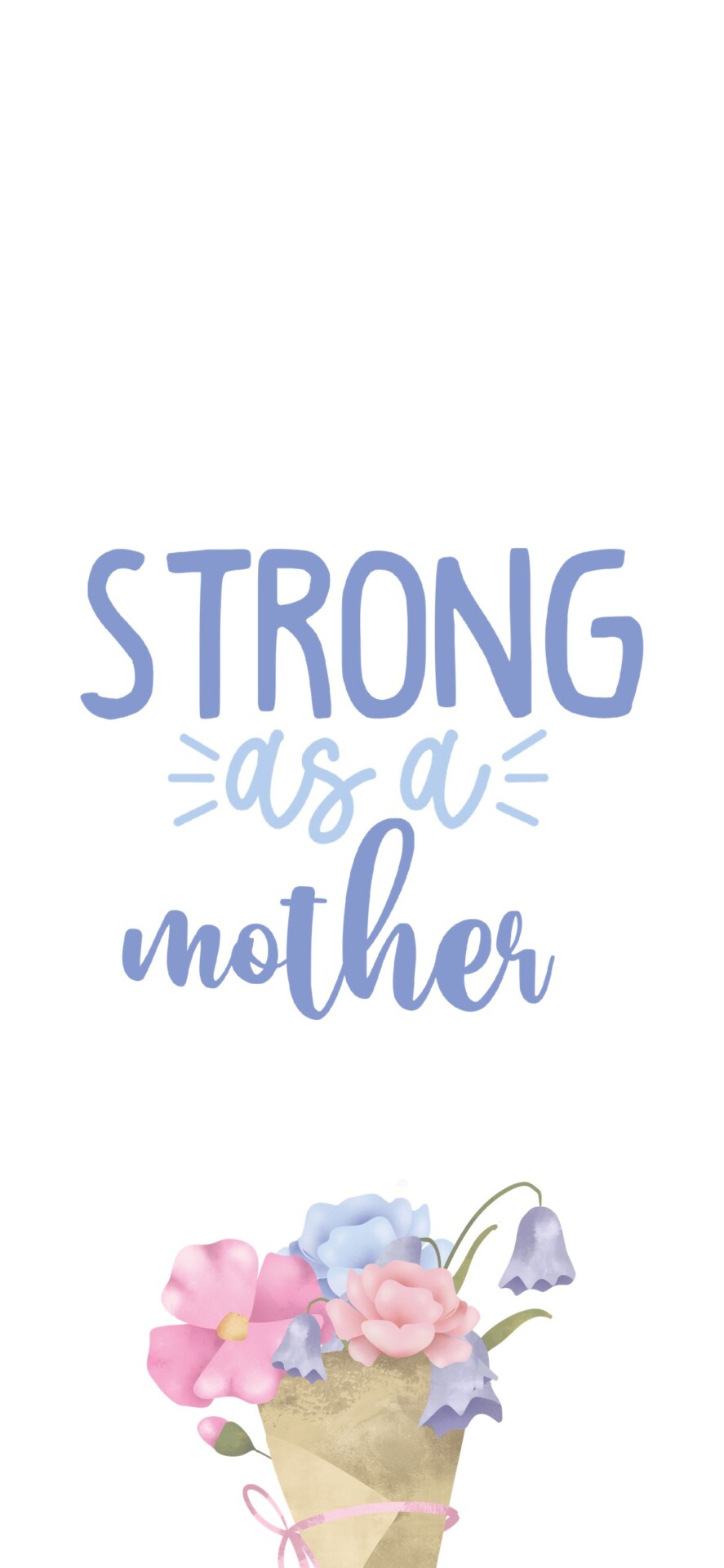
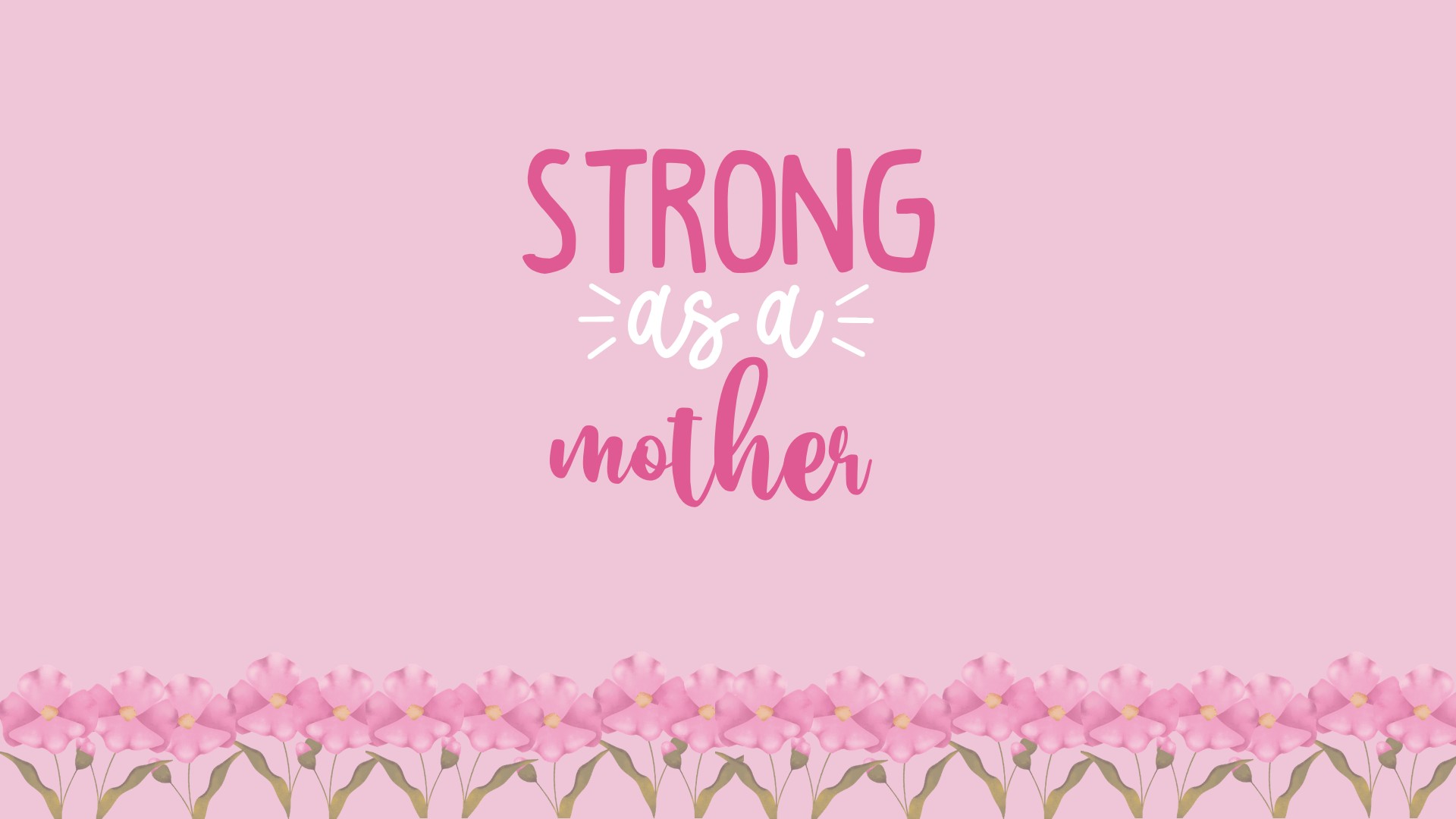
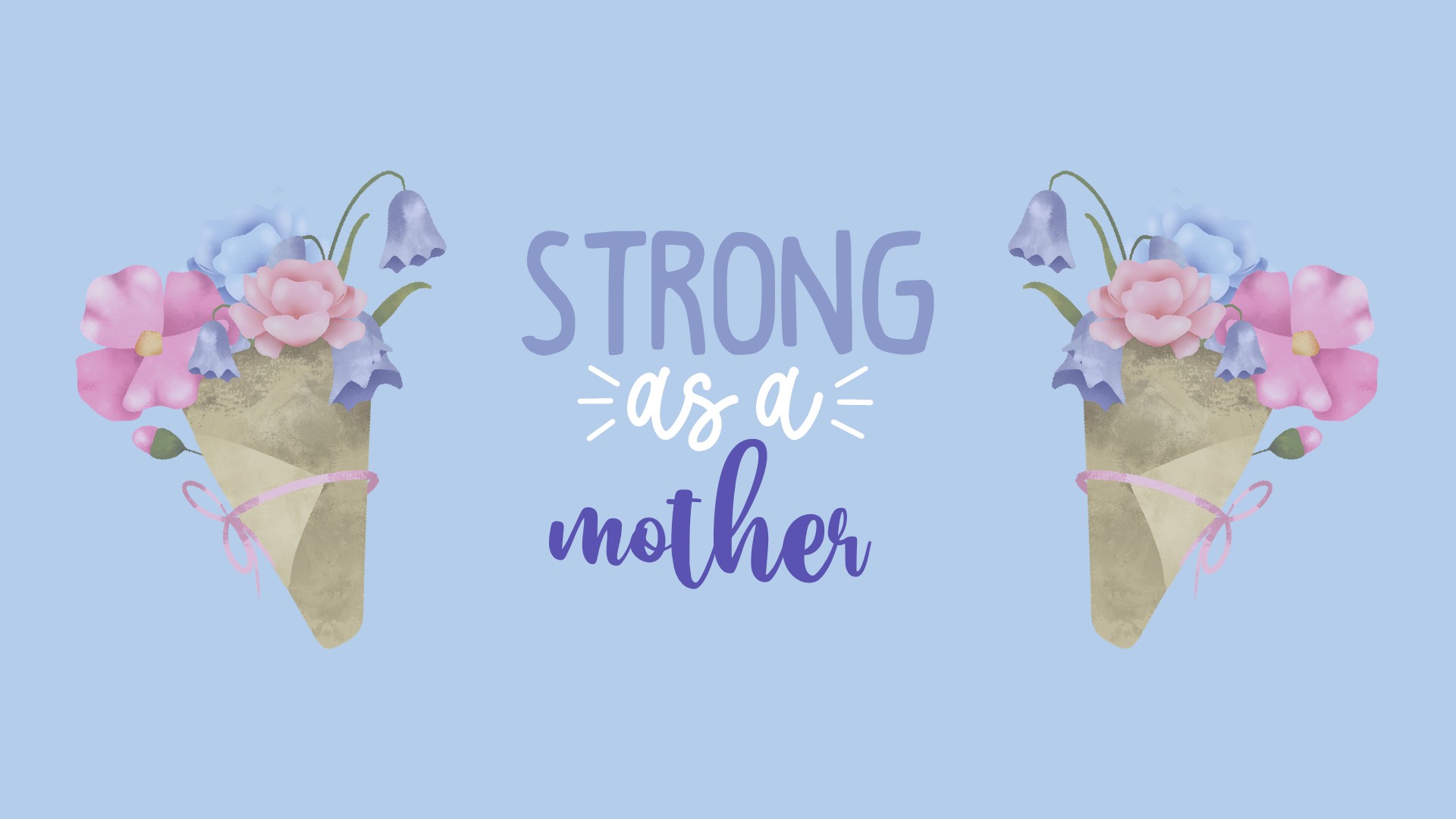
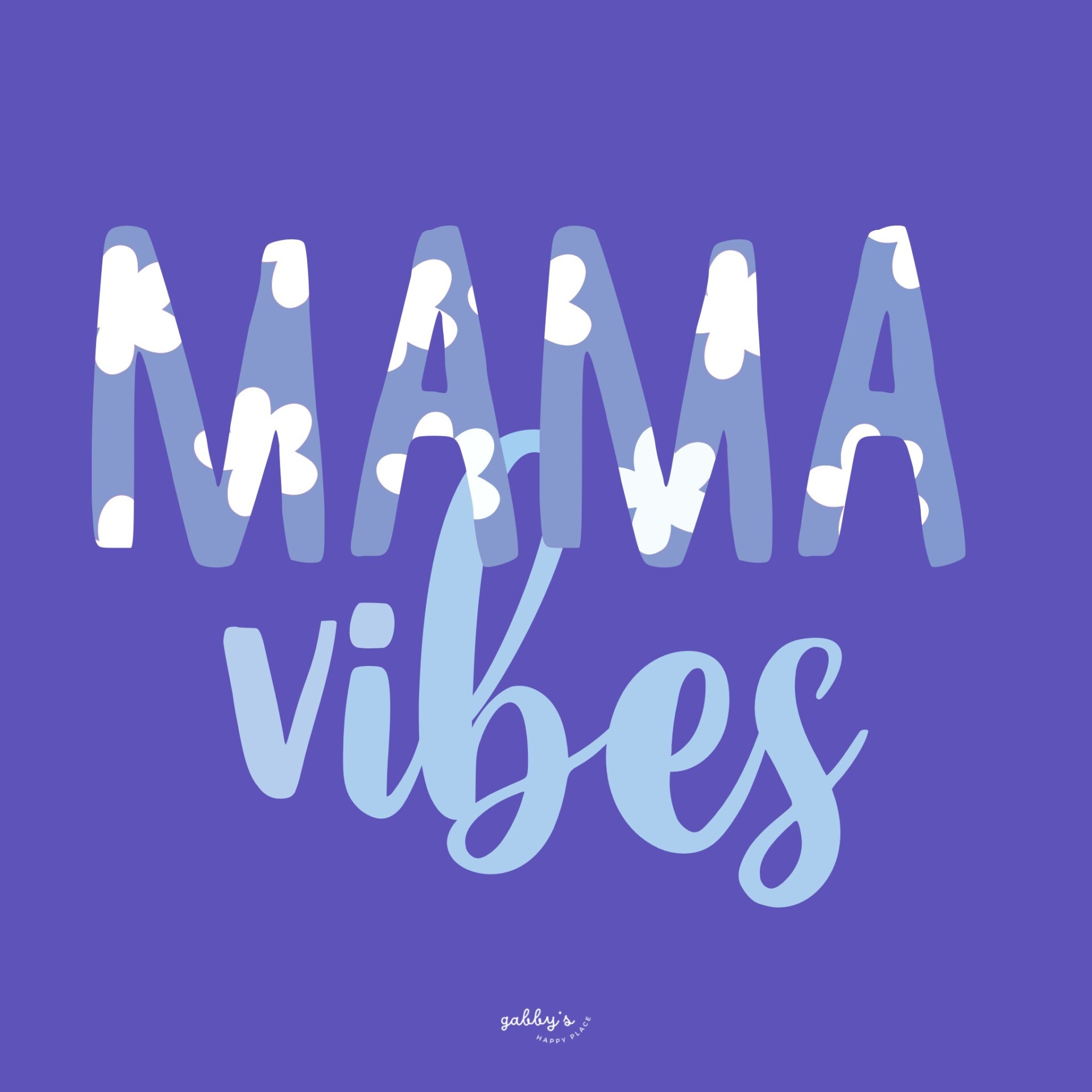
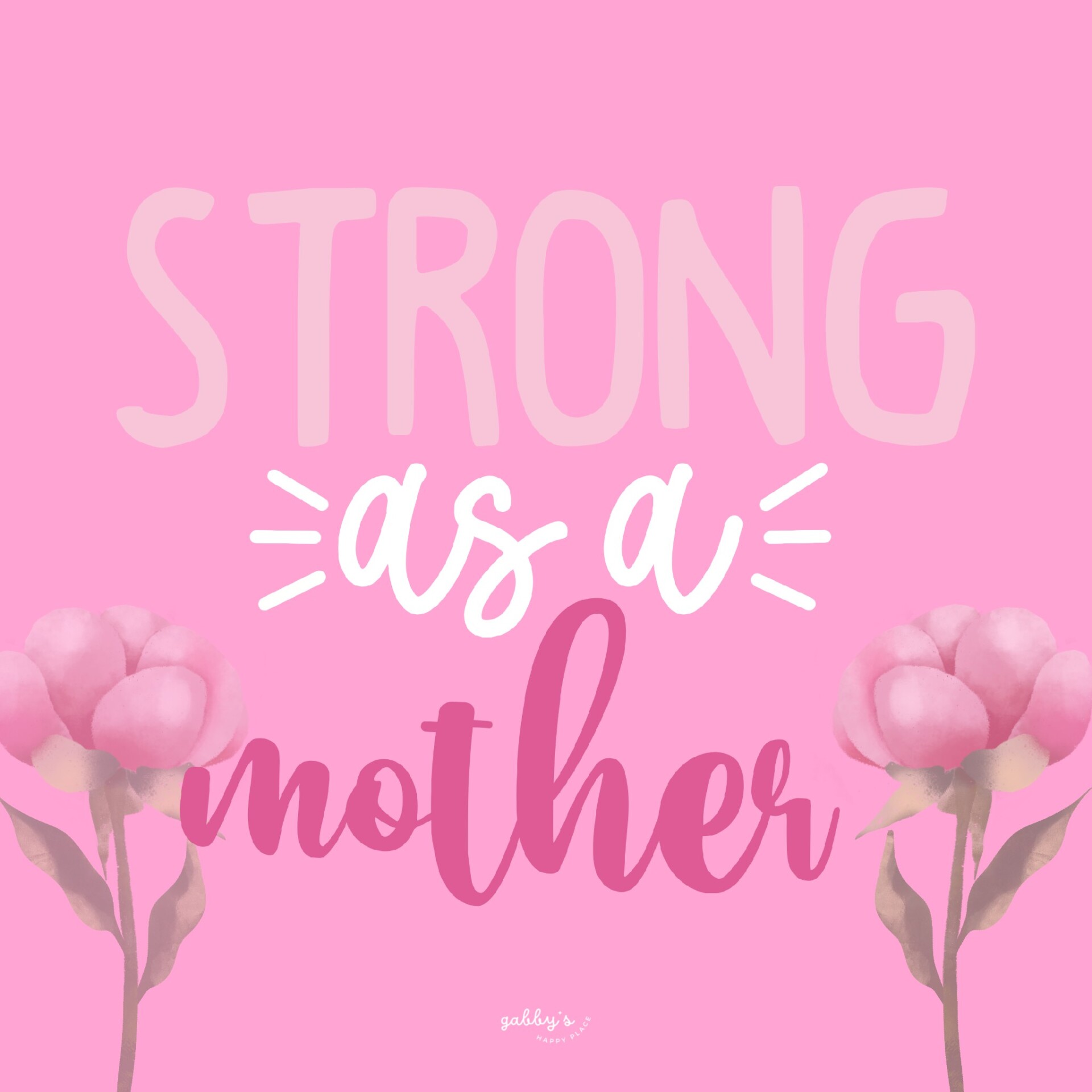
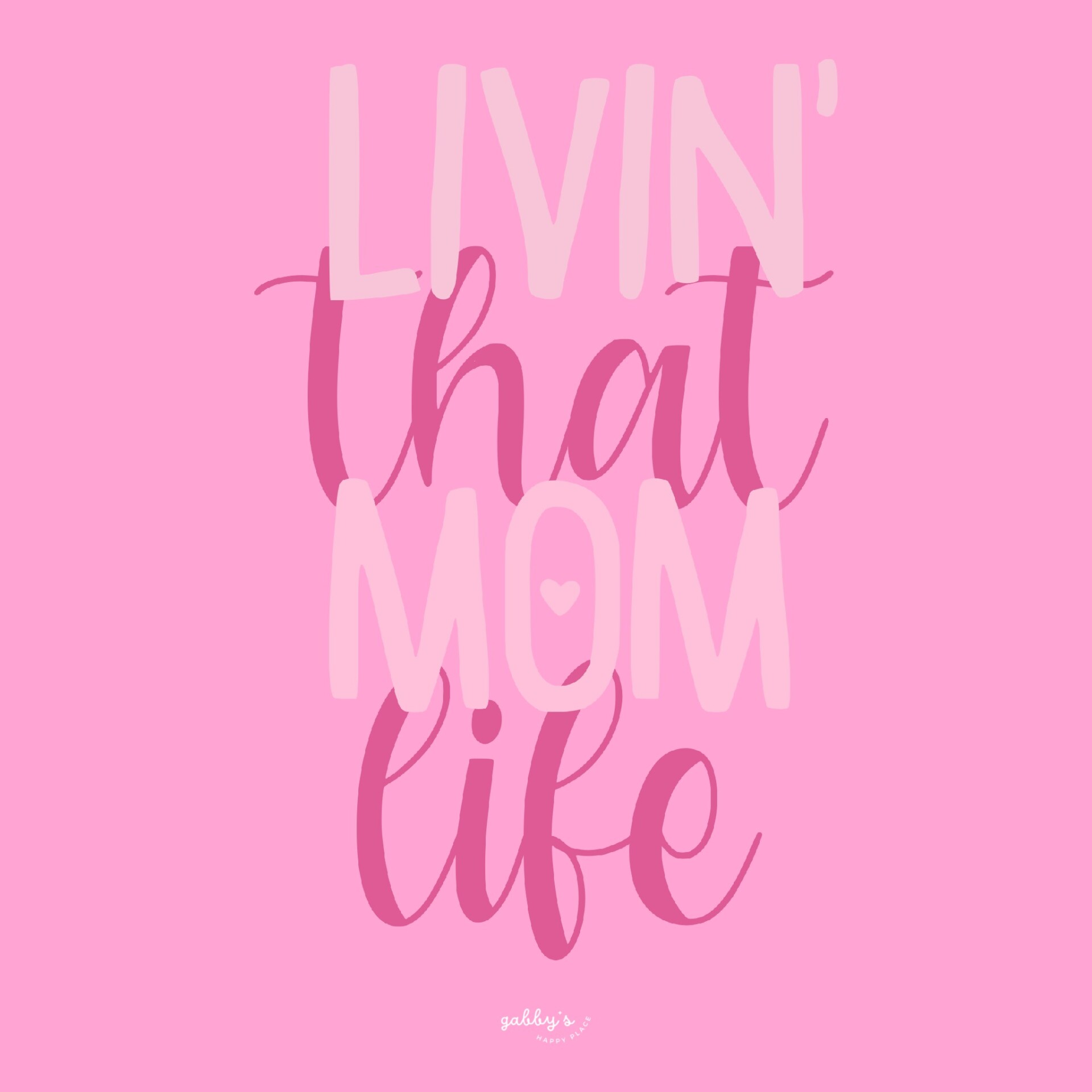
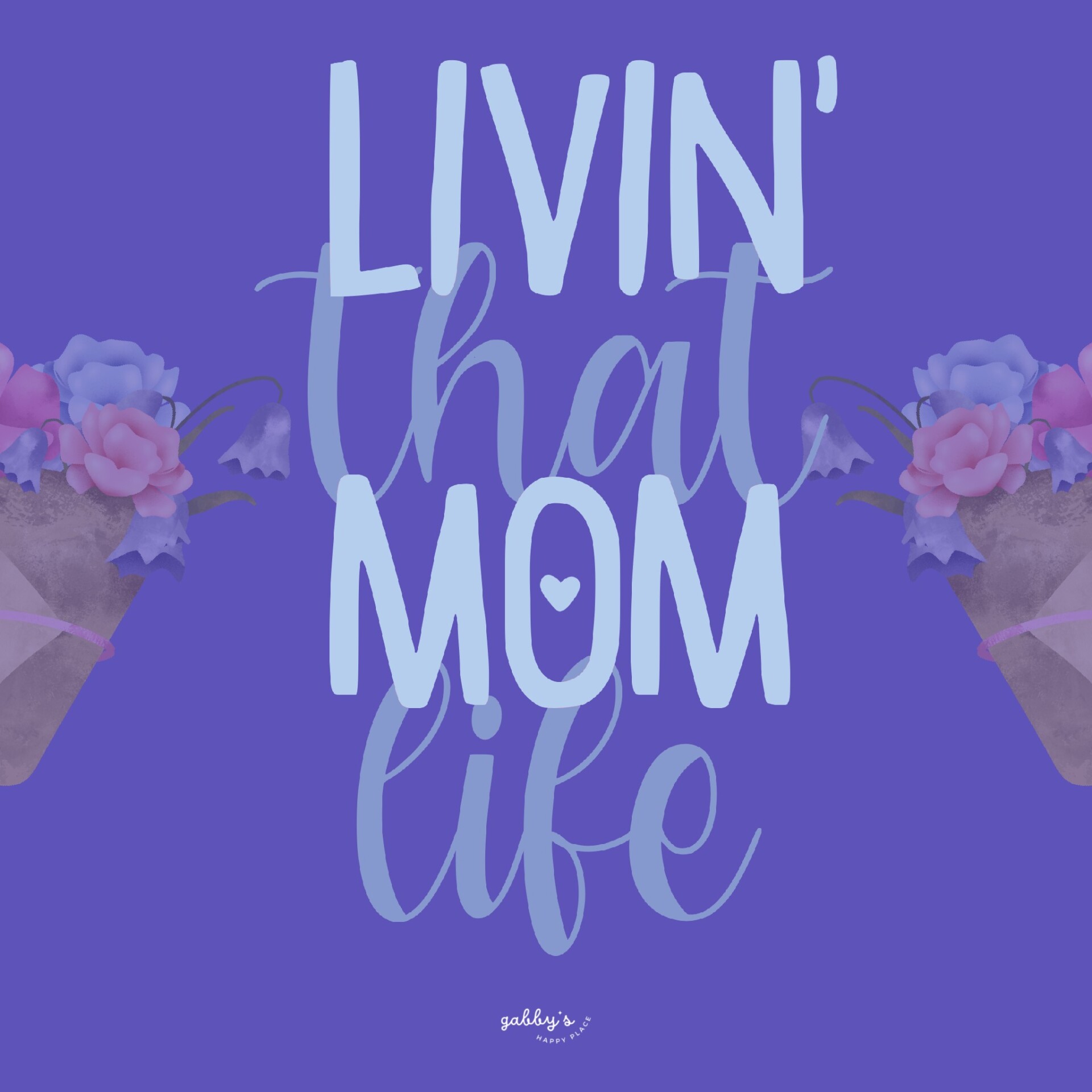
This collection has everything you need to jazz up your phone, computer, or smartwatch with some cute designs. We’re talking blue and pink color schemes, floral vibes, and heartfelt quotes like “strong as a mother,” “livin’ that mom life,” and “mama vibes.” Honestly, they’re adorable, and I’m pretty sure you’re going to love them. Here’s the deal: just hit the download link below to grab the set, and you’re all set to make your devices look fab. Plus, I want to know which wallpaper is your favorite, so drop a comment and let me know! It’s always fun to see which designs resonate with you.
So why did I put this together? Well, I really wanted to empower all the moms out there and give them something to make their screens a little more joyful. And what better time to do that than for Mother’s Day? It’s my way of saying thank you to all the moms who do so much for us.
Don’t forget to subscribe to email notifications so you never miss out when I drop new freebies. Plus, as a subscriber, you get exclusive access to the Subscribers’ Vault where all the best goodies are stored! And make sure to check out my shop for more content! You can find other wallpapers on my Wallpaper Page or click here. #WallpaperWednesday
Happy Mother’s Day,
Gabby.

Table of Contents
Why is having matching wallpapers on all your devices awesome?
Okay, so you know how it is when you unlock your phone, open your laptop, or glance at your smartwatch? Those few seconds are like your personal space, right? Now, imagine every time you do that, you see a set of wallpapers that match—like a theme across all your devices. It’s like getting your digital life in sync! So satisfying, right?
Matching wallpapers are just super cool because they give your tech a cohesive vibe. Whether you’re at work, in class, or just chilling at home, it feels like everything’s tied together. And let’s be real, it adds a touch of style without you having to do much. It’s like your own personal branding, and who doesn’t want that?
Oh, and here’s a fun fact: I have tons of other wallpaper sets in my shop. If you love the idea of having everything match, you’re going to want to check them out. And if you’re all about the freebies (who isn’t?), make sure you subscribe to my email list. Subscribers get exclusive access to my Vault, where you can download extra wallpapers and other goodies. So yeah, get on that!
Bottom line: matching wallpapers are the best way to bring some harmony to your digital life. Go for it!

Mother’s Day Wallpapers
Phone Wallpapers
How to download and set up these phone wallpapers:
- Long-press on the images below or press the “download” button below.
- Select save image or download.
- Open your photo app and click on the wallpaper.
- Set as your phone wallpaper or lock screen.
- Enjoy your wallpaper!
If you need more help with the installation of these wallpapers make sure to check my guide “How to download and set up your new wallpaper on any device” here. Need extra help? If you have any questions or need assistance, feel free to check my FAQs page or reach out to me at gabbyshappyplace@gmail.com I’m here to help!


Capture the positivity! Pin your favorite wallpaper to your Pinterest board, ensuring you always have a delightful link back to this post whenever you need inspiration! For more content, follow me on
Mother’s Day Wallpapers
Computer Wallpapers
How to download and set up these computer wallpapers:
Windows users:
- Find the wallpaper you want and save the image.
- Right-click on your desktop and select “Personalize.”
- Click on “Background” and then “Browse” to locate the saved wallpaper.
- Select the wallpaper and adjust settings if needed.
- Click “Choose picture” or “Save changes” to apply.
- Enjoy your wallpaper!
Mac users:
- Find the wallpaper you want and save the image.
- Open System Preferences from the Apple menu.
- Click on “Desktop & Screen Saver.”
- In the Desktop tab, click the “+” button to add the saved wallpaper.
- Select the wallpaper from your saved location.
- Adjust settings like picture fit and screen selection if needed.
- Enjoy your wallpaper!
If you need more help with the installation of these wallpapers make sure to check my guide “How to download and set up your new wallpaper on any device” here. Need extra help? If you have any questions or need assistance, feel free to check my FAQs page or reach out to me at gabbyshappyplace@gmail.com I’m here to help!


Check out my Etsy Shop
Mother’s Day Wallpapers
Smartwatch Wallpapers
How to download and set up these smartwatch wallpapers:
- Find the wallpaper you want and save the image.
- Open the companion app for your smartwatch on your smartphone.
- Navigate to the section for customizing your watch face or wallpaper.
- Choose the option to add a new wallpaper or watch face.
- Select the saved image from your phone’s gallery or file manager.
- Adjust settings such as position and style if available.
- Save or apply the wallpaper to your smartwatch.
- Enjoy your customized smartwatch wallpaper!
If you need more help with the installation of these wallpapers make sure to check my guide “How to download and set up your new wallpaper on any device” here. Need extra help? If you have any questions or need assistance, feel free to check my FAQs page or reach out to me at gabbyshappyplace@gmail.com I’m here to help!


I hope you love these wallpapers! Let me know in the comments below which is your favorite and what other content you want to see next!

Enjoyed this post? Share your thoughts by casting your like here! Your feedback fuels more of the content you love!
Don’t forget to check out my shop!

Enter your email to know when I post new content, designs, and resources (It’s completely FREE) and get access to my Subscribers’ Vault with 20+ printables, wallpaper sets, and templates. Join our community and enjoy content created just for you!





Leave a comment here! I LOVE hearing about you!