Hey!
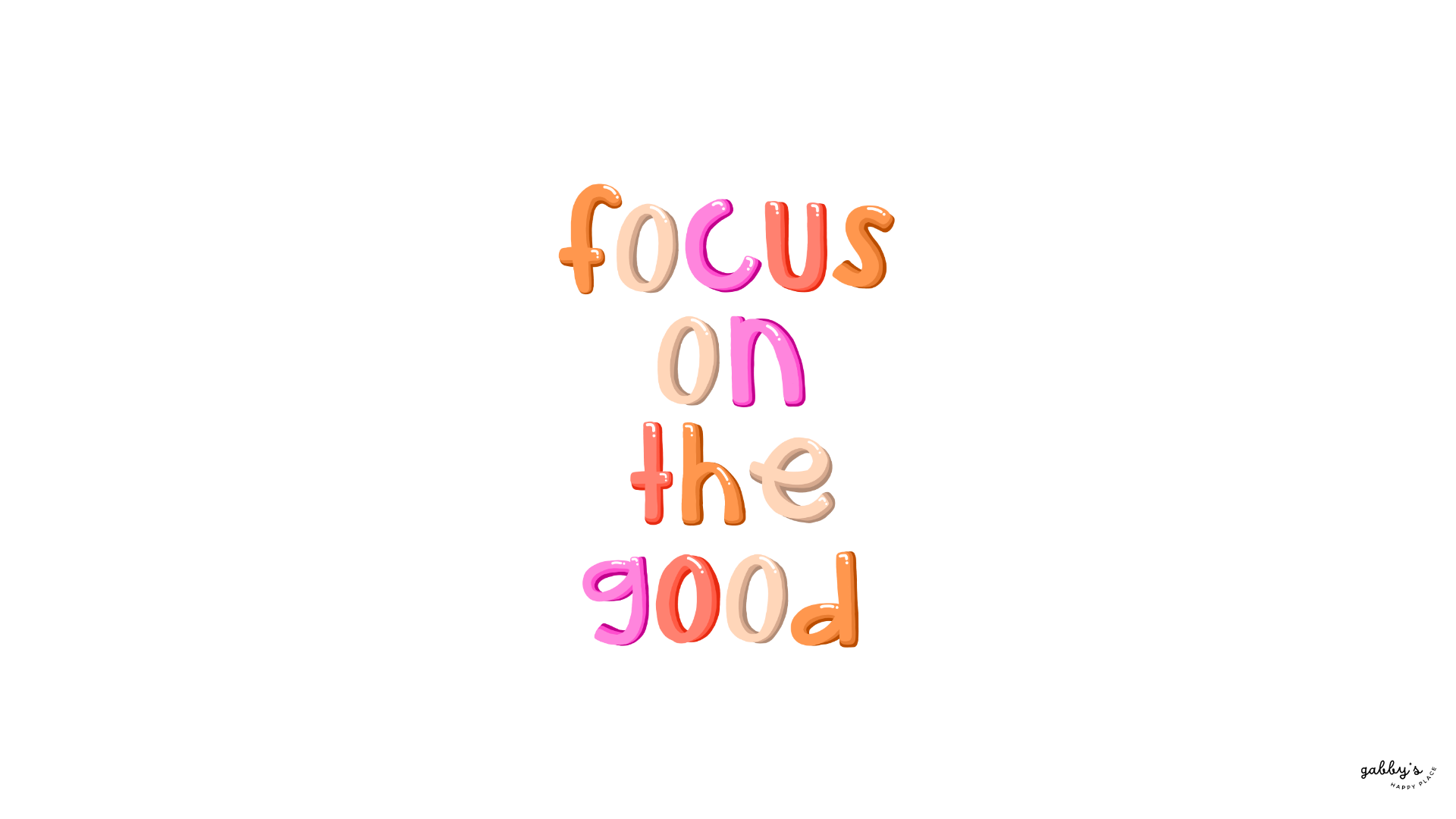
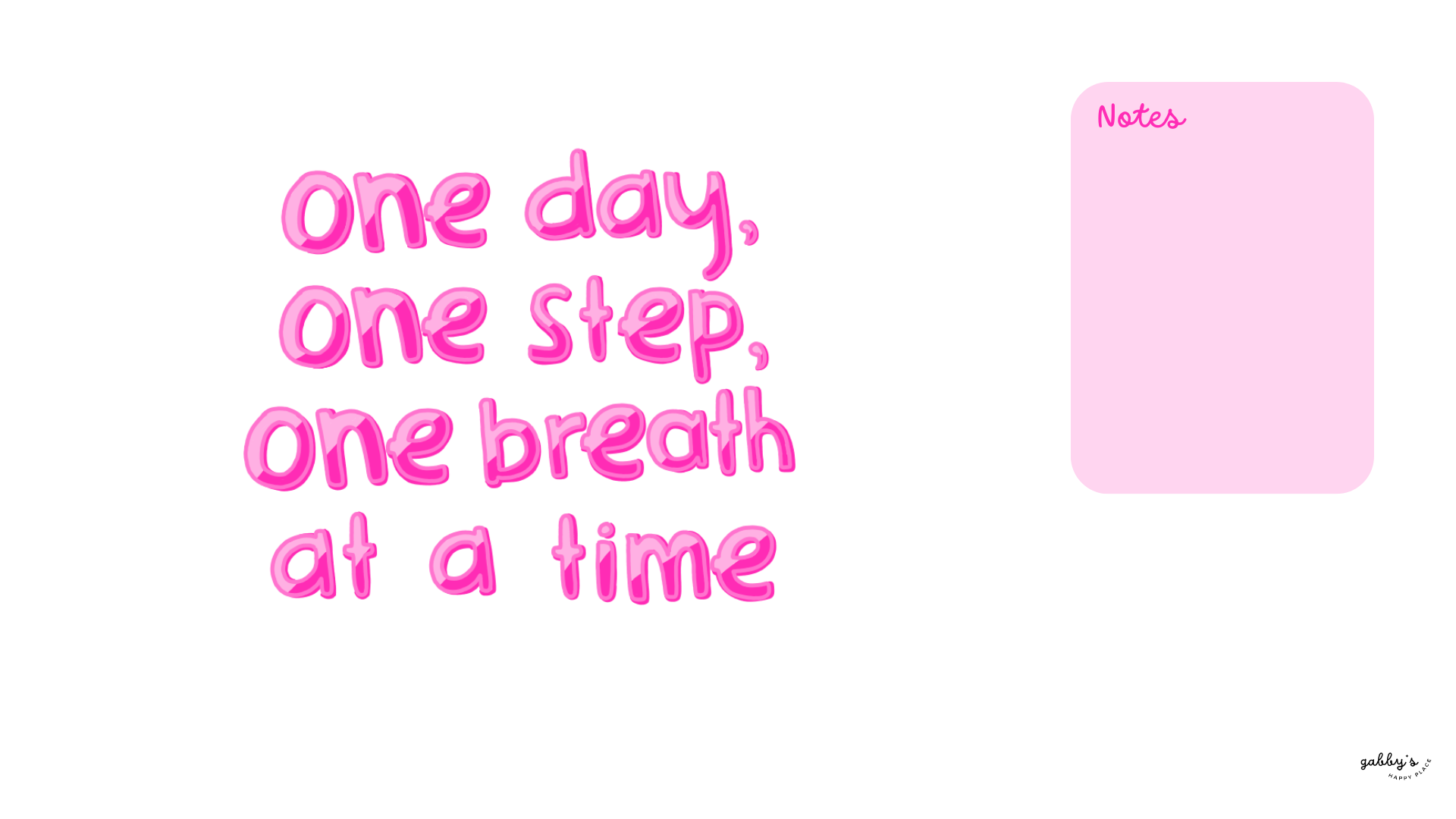
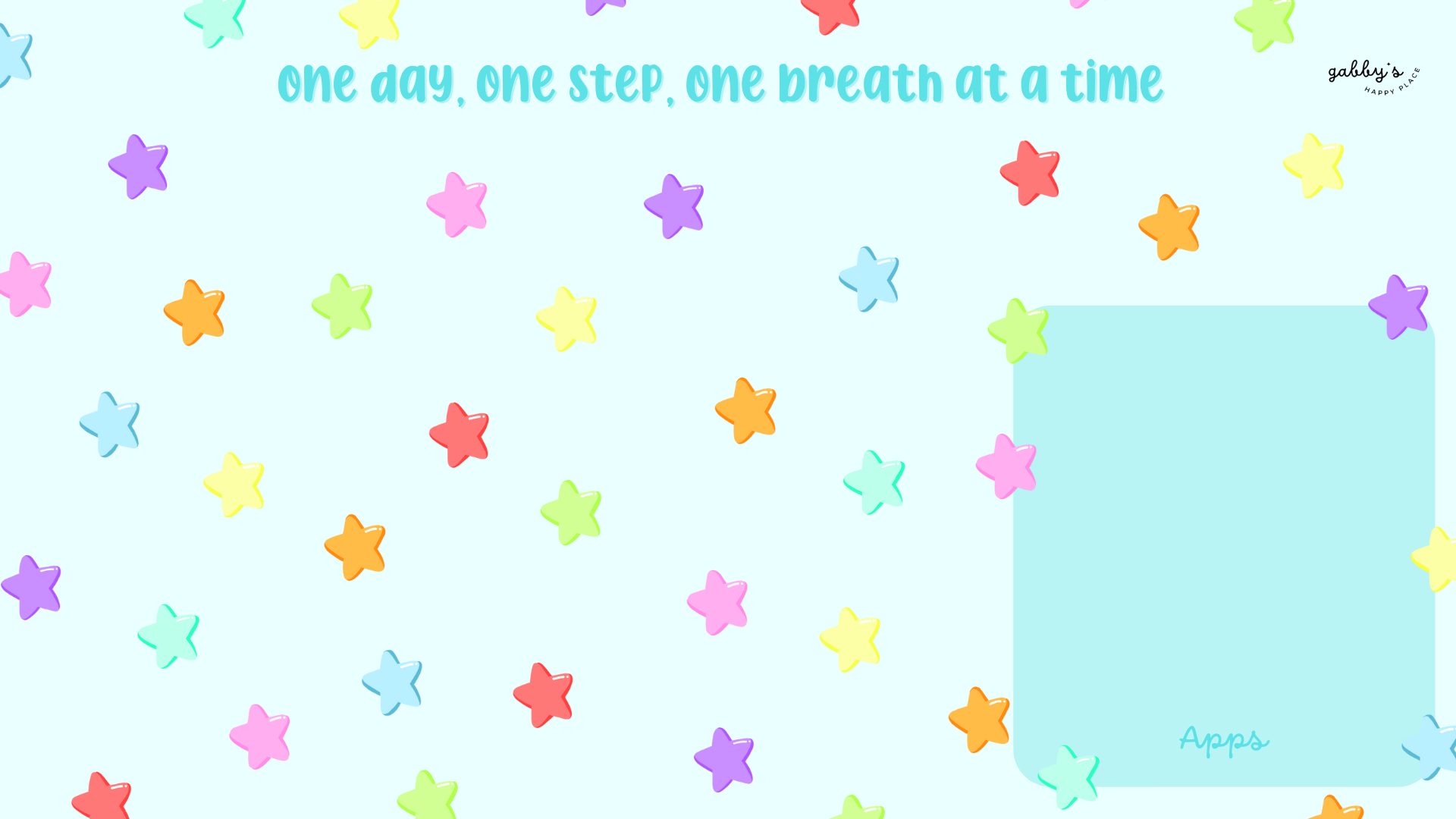
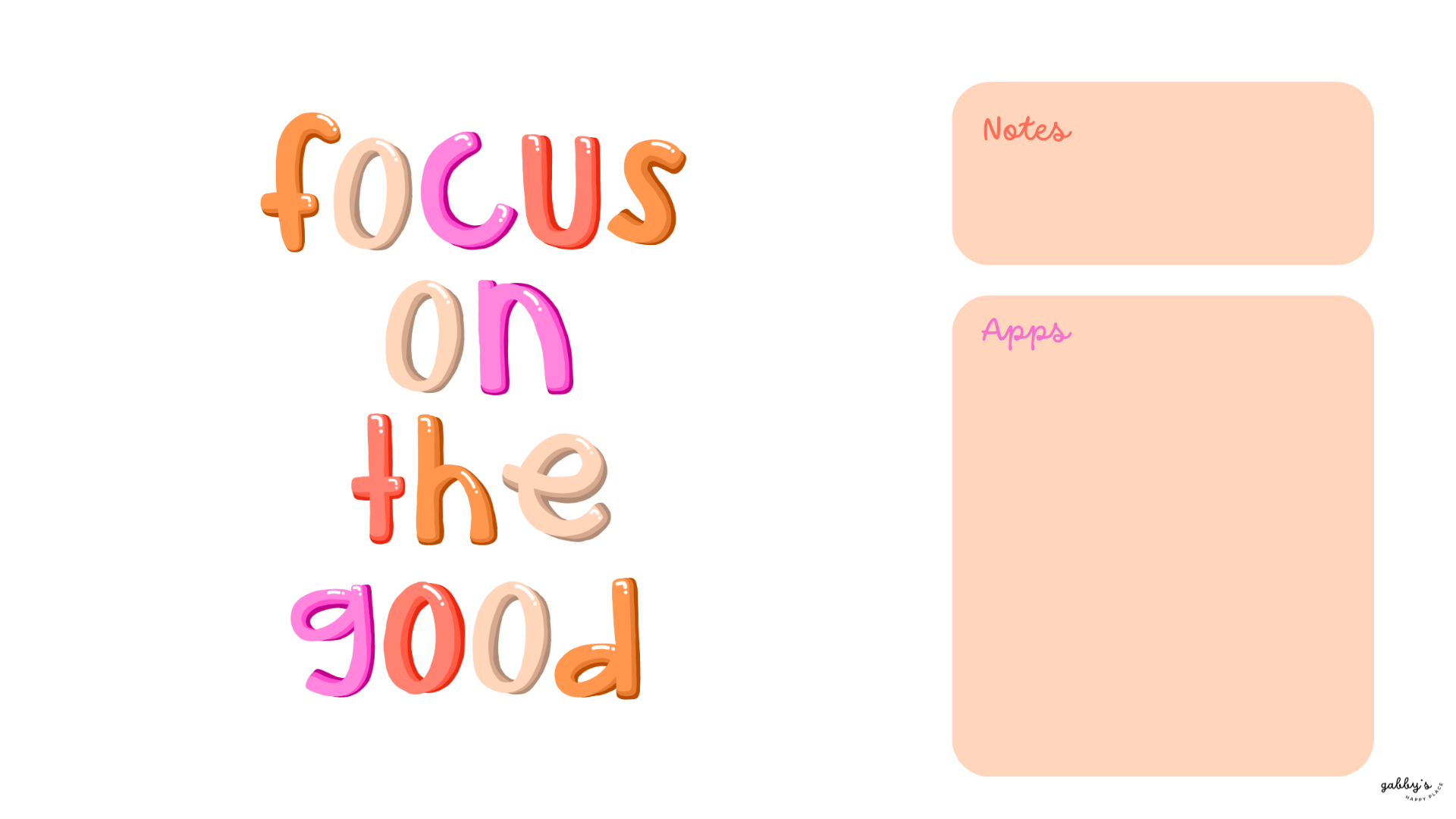
Are you ready to elevate your digital space with a sprinkle of motivation? Introducing our newest collection of Positive Computer Wallpapers! Picture this: a whimsical wallpaper with shimmering stars, accompanied by uplifting quotes that ignite your inner fire and propel you toward your dreams.
If you are seeking a daily dose of inspiration, these wallpapers are here to fuel your journey with positivity and purpose. So, let’s transform your desktop into a galaxy of motivation, where every click sparks creativity and every glance ignites determination!
Don’t forget to subscribe to email notifications so you never miss out when I drop new freebies. Plus, as a subscriber, you get exclusive access to the Subscribers’ Vault where all the best goodies are stored! And make sure to check out my shop for more content! You can find other wallpapers on my Wallpaper Page or click here. #WallpaperWednesday
have an amazing day,
Gabby.

Table of Contents
Positive Computer Wallpapers
How to Download these Computer Wallpapers
Windows users:
- Find the wallpaper you want and save the image.
- Right-click on your desktop and select “Personalize.”
- Click on “Background” and then “Browse” to locate the saved wallpaper.
- Select the wallpaper and adjust settings if needed.
- Click “Choose picture” or “Save changes” to apply.
- Enjoy your wallpaper!
Mac users:
- Find the wallpaper you want and save the image.
- Open System Preferences from the Apple menu.
- Click on “Desktop & Screen Saver.”
- In the Desktop tab, click the “+” button to add the saved wallpaper.
- Select the wallpaper from your saved location.
- Adjust settings like picture fit and screen selection if needed.
- Enjoy your wallpaper!
If you need more help with the installation of these wallpapers make sure to check my guide “How to download and set up your new wallpaper on any device” here. Need extra help? If you have any questions or need assistance, feel free to check my FAQs page or reach out to me at gabbyshappyplace@gmail.com I’m here to help!

Positive Computer Wallpapers


With space for apps and notes:
*As a Mac user I love adding sticky notes on my desktop with things I have to remember, buy or to write down to do lists. If you don’t know how to add them on your desktop, you can learn here.


I hope you love these wallpapers! Let me know in the comments below which one is your favorite and what other content would you like to see next!